

Travel Day Planner: Copy These 8 Fields Before You Go
Copy an app agnostic, day by day travel planner template with eight fields, then organize bookings, timing, backups, and trip details for easier planning.

On this page

A travel day planner is a simple day-by-day layout that holds your bookings, timing, and backup options in one place. The quickest approach is to copy a plain template, then use an itinerary manager that imports your bookings and works offline. Below you will find the template, pacing rules, and an offline checklist.
TL;DR:
- Use a map planner plus a one page template for weekend road trips; choose shared spreadsheets or itinerary managers for multi city or group travel.
- Limit each day to two fixed anchors, group activities by neighborhood, and treat arrival and departure days as half days; keep one afternoon open.
- Prioritize booking import, offline access, calendar export, sharing, and neighborhood maps; solo travelers need quick phone edits, while families need shared documents and receipts.
- Save booking files, identity documents, maps, and emergency contacts locally on your phone and a second device, then test every file in airplane mode.
- Treat AI itineraries as drafts: check opening hours and travel times yourself, because feasible schedules depend on both rather than suggestions alone.
Table of Contents
- Which travel day planner method fits your trip?
- A copy-ready day-by-day travel planner template
- How do you split a trip into days without overpacking?
- Which features should a travel day planner have?
- How do you prepare an offline travel folder?
- Can an AI itinerary manager speed up your planning?
- FAQ
- Sources
Which travel day planner method fits your trip?
You have four practical routes, and most travelers combine two of them:
- Printable templates: Work with no signal and no battery, but they are hard to share and slow to update when plans change.
- Google Sheets or Docs: Easy to share with a group and simple to print, though offline use takes setup and the data entry is manual.
- Mapping and route planners: Strong on drive times and neighborhood clustering, weaker at holding confirmation numbers and notes.
- AI itinerary apps: Build a starting skeleton from your preferences and can import bookings, which saves typing. Google’s own Canvas AI Mode for travel planning is designed to produce an initial itinerary that you refine and export, a useful reminder that AI output is a draft, not a final plan.
For a weekend road trip, a mapping planner plus a one-page template is usually enough. Multi-city vacations and group trips benefit from a shared spreadsheet or an itinerary manager, since several people need the same details. If you travel low-tech, print the template and keep a second copy on your phone.
Research supports mixing methods. Google research on LLM-based trip planning found that pairing AI suggestions with optimization that accounts for opening hours and travel times produces more feasible plans. In plain terms, let a tool propose, then check the timing yourself.
A copy-ready day-by-day travel planner template
Paste this skeleton into any doc, spreadsheet, or app. Each day gets the same fields:
- Date and day label: Arrival, departure, or normal day.
- Anchors: Booked items with times and confirmation references.
- Time windows: Morning, midday, afternoon, evening blocks.
- Neighborhood grouping: The one or two areas you will stay in.
- Transport plan: How you get between anchors, with expected durations.
- Backups: One indoor or low-cost option per day.
- Notes and receipts: Tips, costs, and where you saved proof of payment.
- Important addresses: Hotel, parking, pickup points, in a format you can copy into maps.
Here is how it looks filled in.
Road-trip day
- Anchor: Hotel check-out; timed canyon tour.
- Driving: Allow time for the morning drive, with a stop planned for gas before the mountain stretch.
- Window: Plan lunch in the next town, not on the highway.
- Backup: A visitor center near the tour if the road runs late.
City day
- Anchors: Museum entry; dinner reservation.
- Plan: Walk the old town between them, with a flexible lunch window.
- Backup: A second museum a few blocks away if rain starts.
Customize freely. Add columns for cost, reservation reference, or “who is booking this” when you travel with others. If your confirmation emails are scattered, our guide on how to organize travel confirmation emails shows how to collect them before you fill in the template.
How do you split a trip into days without overpacking?
Start with the frame: dates, main destinations, party size, and budget. Then lock the fixed items first. A step-by-step itinerary framework from Next View Tours recommends booking flights, accommodation, and timed tours before anything flexible, then grouping activities geographically and capping what each day asks of you.
Apply these rules as you divide the days:
- Cluster by neighborhood. Pick one area per half day so you are not crossing town twice.
- Cap anchors at two per day. Everything else is a flexible block you can drop without guilt.
- Treat arrival and departure days as half days. Bags, transit, and check-in eat more time than expected.
- Put buffer where pressure builds. Leave slack before departures, around check-in and check-out, and on long transfers rather than spreading it evenly.
- Leave one open afternoon. It absorbs delays and gives you room for a good surprise.
Pro Tip: Write the least important item of each day in a separate “if time allows” line, so cutting it feels like a plan, not a failure.
Which features should a travel day planner have?
Judge any app, template, or map tool by what it saves you on the road.
Must-haves
- Booking or email import, so you are not retyping confirmation numbers
- Offline access to the full itinerary
- Calendar export
- Easy sharing and collaboration
- Simple day splitting with a neighborhood map view
Helpful extras
- Automatic day dividers for multi-stop road trips
- Drive-time estimates between stops
- Expense tracking
- PDF export and a print-friendly layout
What matters most by traveler
- Solo travelers: Offline access and quick edits on a phone.
- Families: Sharing, clear timing, and a place for documents and receipts.
- Road-trip drivers: Drive-time estimates, fuel and rest stops, and maps that work without signal. For a privacy-first angle, this partner guide on offline AI for travelers covers tools that run without the cloud.
If a tool fails the offline test, treat it as a convenience, not your only copy.
How do you prepare an offline travel folder?

Build one folder on your phone, with a mirror on a second device. Keep files out of your inbox, since email needs signal to open attachments. Sixbytes’ offline travel-file checklist recommends clear file names, marking key files for offline access, and keeping local copies on more than one device.
Suggested subfolders and steps:
- Flights, Hotels, Transport: One PDF or screenshot per booking, named by date and place.
- Insurance and Identity: Digital copies of passports, visas, and policy details.
- Itinerary and Maps: Your day-by-day plan plus offline maps for every destination. Download maps before departure.
- Receipts and Emergency: Proof of payment and local emergency numbers.
- Favorites album: High-resolution screenshots of QR codes and reservation numbers.
- Final check: Switch every device to airplane mode and open each file. Fix what fails now, not at the gate.
- After the trip: Delete temporary files and old copies of IDs.
Offline checklists reduce stress, not just risk: PhotoAtlas notes that downloaded maps, saved reservations, and a simple timetable let travelers disconnect while staying prepared.
Can an AI itinerary manager speed up your planning?
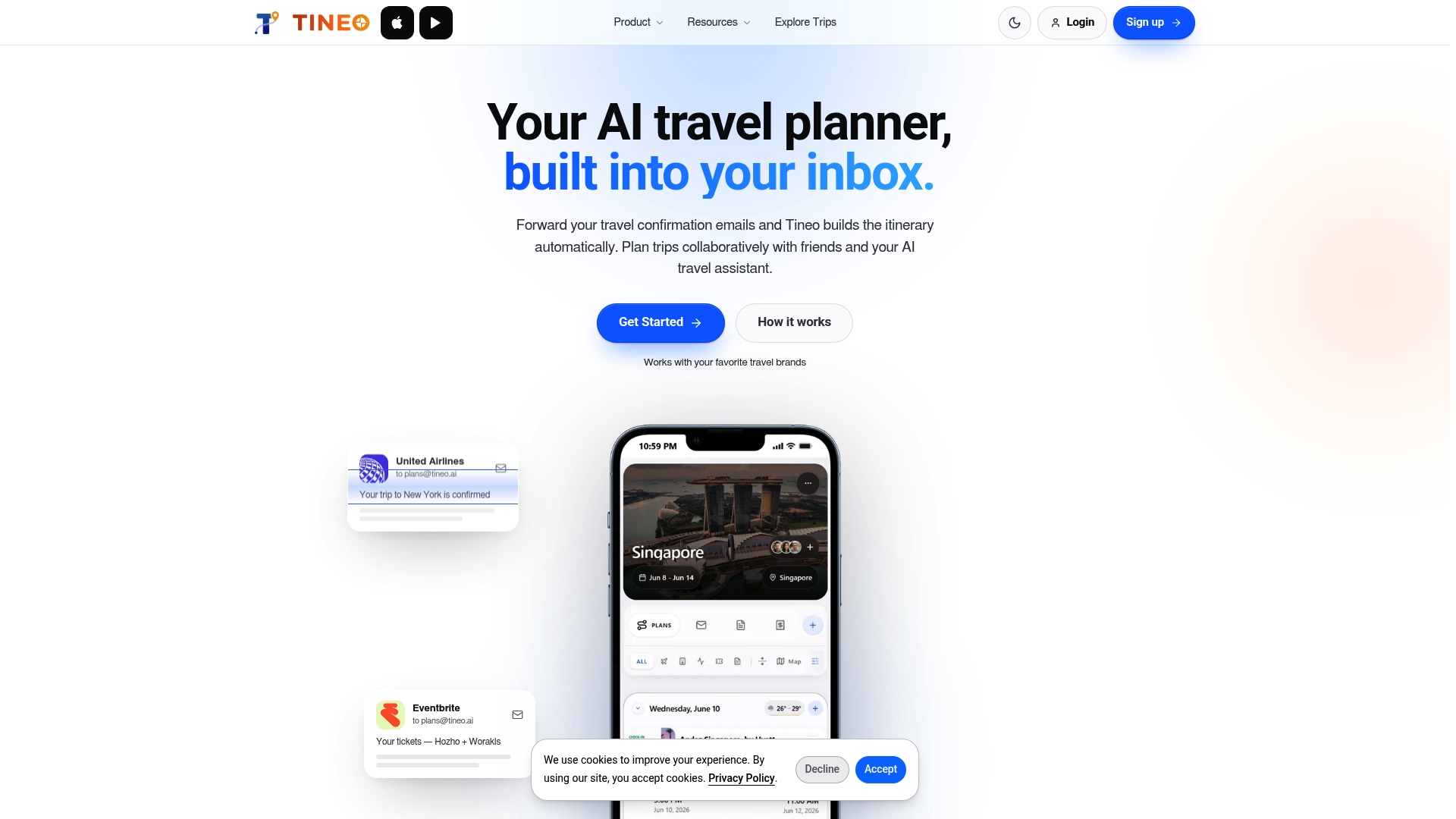
Yes, mostly by cutting manual entry. An itinerary manager can help bring booking details together in one place. Check the current product information to confirm which features are available for your trip. Our post on turning many bookings into one shared trip shows the workflow. Tineo does not book travel; it organizes what you have already booked. See how Tineo works and start with the free plan.
FAQ
What’s a good trip planner app?
Look for booking import, offline access, calendar export, and easy sharing. An itinerary manager that collects your confirmations into one timeline suits most vacations and road trips. Test it in airplane mode before you rely on it.
How much does a trip planner cost?
Many trip planners offer a free tier, with paid plans adding premium features. Our Tineo Free plan costs $0 per month, and Tineo Ultra is $4.99 per month or $39.99 per year, as listed on our pricing page.
How do you plan a trip day by day?
Lock your dates and booked anchors first, then group activities by neighborhood. Keep two anchors per day at most, add buffer before transitions, and note one backup option for each day.
Can AI plan my itinerary for me?
AI can draft a starting skeleton, but you should review it for timing and fit. Google’s work on Gemini trip planning describes systems that use Maps, Flights, and email data to build and update a trip timeline.
Sources
- Optimizing LLM-based trip planning
- How to use Canvas in AI Mode for travel planning on Google Search
- How to Prepare Offline Travel Files Before a Trip | Sixbytes
- Step by Step Travel Itinerary: Build Smarter Trips, Next View Tours
Recommended
Keep reading
best multi city planner
Daily Travel Itinerary: 3 Copy Ready Templates and App Import
Three copy ready daily itinerary templates, step by step planning rules, and an app import workflow. Add pacing, meal breaks, buffers, and simple backups.
combine travel bookings
How to Combine Travel Bookings Into One Itinerary
Learn what combining travel bookings really means: when airlines and hotels can link or merge reservations, the risks, and how to put it all in one itinerary.

Travel Apps
Travel Apps That Shut Down: Dates, Data and Replacements
A sourced tracker of trip planner and itinerary apps that shut down since 2017: announcement and closing dates, what happened to user data, and official advice.