

Best TripIt Alternatives 2026: 7 Compared
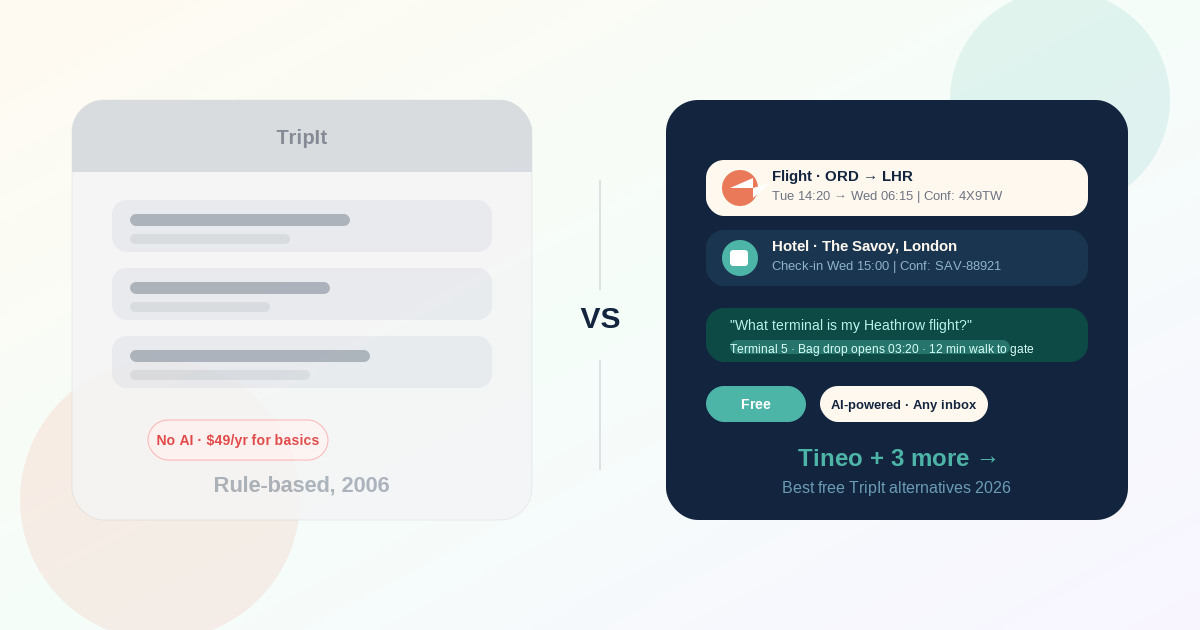
Best free TripIt alternative: Tineo. Wanderlog suits map planning, Tripsy suits Apple devices, Stippl suits routes and shared costs, and Google Calendar, Perk and Navan cover narrower jobs.

On this page
The right TripIt alternative depends on what you want to change. Consider Tineo for confirmation-based organization with AI assistance, Wanderlog for planning around a map, Tripsy for an Apple-centered itinerary, Stippl for routes and shared spending, and Google Calendar for simpler schedule visibility. If the buyer is a company that needs booking policies and expense workflows, evaluate Perk or Navan instead. The documented differences are compared below.
Best free TripIt alternative: Tineo. Its pricing page lists email import, offline access and document storage in the $0 plan, while TripIt Free stores 3 documents per trip. Stippl lists email forwarding under its paid Pro plan, and Wanderlog’s free and Pro split was not stated on the pages we could read. Sources: Tineo pricing, TripIt pricing, Stippl Pro, all read on November 13, 2026.
Stay with TripIt if it already handles your travel well. Switching is worthwhile when a replacement solves a recurring problem without giving up something you depend on.
How this guide was prepared: Tineo publishes this comparison and is one of the alternatives. We checked official product, pricing and help pages on November 13, 2026. Recommendations are conditional on the workflows those sources describe. We did not test migration completeness, parser accuracy, offline access or alert speed. No app is ranked best overall; the free pick above compares only what each free plan documents.
Match the alternative to your reason for leaving
Scroll sideways to read every column.
| Your reason for considering a switch | Candidate | Documented reason to consider it | What to verify |
|---|---|---|---|
| You want planning help alongside imported bookings | Tineo | Confirmation organization and an AI assistant. Product overview | Your actual reservations and required features in your account |
| You spend more time arranging places than tracking flights | Wanderlog | Map-based planning and reservation import. Features | The plan required for your import and offline workflow |
| Your routine centers on Apple devices | Tripsy | Apple apps and a documented TripIt import path. Features, import guide | Imported detail and companion access |
| Your trips are multi-stop routes with shared costs | Stippl | Route planning, expense tracking and cost splitting. Stippl | Whether you need the Pro features, such as email forwarding |
| You mostly need dates next to your other appointments | Google Calendar | Supported reservation events from Gmail. Google help | Account settings and whether the right events appear |
| Your company needs policies and booking controls | Perk | Business travel, approval and spend workflows. Perk | Regional availability and the services in the company agreement |
| Your company needs travel and expense administration | Navan | Booking, spend controls and expense tools. Navan | Company requirements, integrations and traveler support |
These choices span different categories. A personal itinerary is a record of a trip; a company travel platform can also govern how that trip is purchased and paid for.
First check whether the problem requires a new app
TripIt supports forwarded confirmations and optional Inbox Sync. Its help documentation lists supported mail services and explains that connected import is not immediate. An inbox authorization or scanning issue is a different problem from wanting a different planning experience. TripIt, Inbox Sync.
If one reservation fails, check the original message and the import error before changing systems. TripIt documents limitations involving message formats, unsupported suppliers and attachments. Those are useful diagnostics for the affected confirmation, not proof that another app will handle it correctly. Submission troubleshooting.
Also list the travel-day functions you currently use. TripIt Pro documents flight alerts, alternate-flight search, airport maps, a fare tracker and a seat tracker, and is listed at $49 per year with a free 30-day trial. A replacement should be checked against those specific needs if they matter to you. TripIt Pro, read on November 13, 2026.
Tineo: explore a different workflow for your existing bookings
Tineo organizes booking confirmations into itineraries with collaboration and AI assistance. It is a relevant alternative when you like starting from reservations but want to plan around them in the same product. The free plan is $0 and includes email import, offline access and document storage; Tineo Ultra is $4.99 per month or $39.99 per year. Tineo, pricing.
Try one upcoming trip before transferring a large history. Review the flight and accommodation dates, then ask for help with an actual gap in the schedule. Judge both the trip record and the usefulness of the proposed plan. This guide does not establish that Tineo will import your bookings more accurately than TripIt.
For the mechanics, read our email-to-itinerary guide. Keep the original confirmations available while you evaluate the result.
Wanderlog: consider switching when planning is your main job
Wanderlog combines itinerary and map planning with live collaborative editing, budgeting and cost splitting. Its homepage also says you can connect or forward your emails to add flight and hotel reservations, so the choice is not simply manual entry versus import. It lists offline access as a feature. The Wanderlog Pro price, and which features need Pro, were not stated in the page text we could read on November 13, 2026, so check the plan screen before relying on one. Wanderlog.
This is a useful shortlist when your recurring frustration is arranging places into sensible days. For the narrower two-product decision, use Wanderlog vs TripIt.
In a trial, move an activity to another day and check how comfortably you can review the surrounding plan. Keep your confirmed transport and accommodation visible as constraints while doing so.
Tripsy: evaluate the import path and the device fit together
Tripsy documents a TripIt Sync workflow: authorize access, fetch travel details, then review imported trips. That provides a specific migration route to investigate; it is not evidence that every field and document will transfer in your account. Tripsy’s TripIt import guide.
Tripsy also supports reservation-email forwarding and is offered on iPhone, iPad, Mac and Apple Watch. Tripsy features. On November 13, 2026 its Pro page showed one year of Tripsy Pro at $19, marked 50% off $39, and a lifetime purchase at $149; a Tripsy help article last updated in October 2025 lists $59.99 per year instead, so confirm the price shown at checkout. Tripsy Pro. Its Android page says there is no native Android app yet and offers a waitlist, and itineraries can be viewed in a browser while creating and editing happen in the app. Distinguish a companion viewing an itinerary from jointly editing it. Android availability, web availability.
Choose it only after checking the roles your companions need. A trip that one person maintains has different requirements from a trip everyone edits.
Stippl: consider it when the route and the budget are the trip
Stippl describes AI-built day-by-day itineraries, a route map with distances and travel times, packing lists, and expense tracking with cost splitting. It is available on the App Store, Google Play and the web, and its site says the app is free forever. Stippl.
Check the plan before you count on importing bookings: Stippl lists forwarding email reservations into trips and calendar sync under Stippl Pro, shown at €4.99 per month on November 13, 2026. Stippl Pro. It is a planning and budgeting tool first; flight-day alerts like TripIt Pro’s were not stated on the pages we read.
Google Calendar: a narrower alternative for schedule visibility
Google Calendar can create supported travel and reservation events from Gmail. Its help page says those events can include a source-email link and update when a reservation changes. Settings and account restrictions apply. Google’s events-from-Gmail guide.
This may be enough if your real requirement is seeing travel alongside meetings. Before relying on it for a shared trip, check visibility: Google says Gmail-generated events are private by default even when the calendar is shared. Emails redirected from another account, or where you are only copied, also do not create events. Google help.
Treat Calendar as the schedule layer. Decide separately where you will keep documents and the details your travel companions need.
Perk and Navan: evaluate them as company systems
Perk describes travel booking, policies, approvals and spend management. Its pricing page lists a travel-only Starter plan with no platform fee and a 5% fee per booking, and paid Premium and Pro plans; the page showed more than one price set when we read it on November 13, 2026, so ask for a current quote. Perk, pricing.
Navan describes corporate booking, policy controls, expense administration and traveler support. Its pricing page lists Navan Business as free for companies of up to 300 employees, with expense management free for the first 5 users, and Navan Enterprise by quote. Navan, pricing, read on November 13, 2026.
If your question is “How do employees book within policy and submit expenses?”, these belong on the shortlist. If it is “Where is my hotel address?”, first compare personal organizers. Ask the company decision-maker to define required booking channels, approvals, support and accounting integrations before evaluating vendors. A shared itinerary alone does not answer those requirements.
Rehearse the switch with a small migration check
Use this decision aid before moving your travel routine:
- Name the reason. Write one sentence: “I am switching because I need ___.” Keep it specific enough to demonstrate.
- Choose one representative trip. Include the booking types and companion arrangement you actually use.
- Compare the records. Check dates, local times, locations, confirmation references, notes and required files against the originals.
- Rehearse a correction. Use a harmless note or a test trip to learn the editing workflow. For an actual booking update, compare against the real provider confirmation.
- Try the travel setup. Open the essential details on your travel device and check companion access. Rehearse any offline retrieval you require.
- Make the decision. Switch when the new tool solves your stated problem and meets your required checks. Keep evaluating if a requirement is still unverified.
Illustrative example, not a migration test: One traveler wants a different itinerary layout but depends on TripIt Pro’s flight tools. Another wants family members to help arrange sightseeing. The first should compare specific travel-day functions before leaving; the second should prioritize editing and shared access. The same feature table can lead to different decisions.
Common switching questions
Can I move all my TripIt history automatically?
Do not assume every alternative offers that path or preserves every detail. Tripsy publishes a TripIt import workflow, but this guide has not tested its completeness. Inspect a representative trip before trusting a bulk transfer. Tripsy import.
Do I need to give an alternative access to my entire inbox?
Check its supported import methods. Several products in this guide document forwarding as an option. A connected inbox and a message you deliberately forward are different permissions decisions. Choose the method that fits your needs and review the provider’s current controls.
Should I cancel TripIt as soon as I sign up elsewhere?
First check your upcoming trip in the replacement and compare the features you rely on. Then review any renewal or cancellation terms separately. Creating a new account does not finish a migration.
If your reason for switching is confirmation organization with planning assistance, try Tineo on one upcoming trip. Use the migration check above to decide whether to make it your regular travel organizer.
Keep reading

Tripsy
Best Tripsy Alternatives 2026: Free and Cross-Platform Options
Tripsy alternatives for Android, Windows and free email import: Tineo, TripIt and Wanderlog compared on price, free plan, offline use and platforms.
Wanderlog
Best Wanderlog Alternatives 2026: Free and Paid Options
Wanderlog alternatives compared on price, free plan, booking email import, offline use and platforms: Tineo, TripIt, Tripsy, Roadtrippers and Google Maps.

Travel Apps
Travel Apps That Shut Down: Dates, Data and Replacements
A sourced tracker of trip planner and itinerary apps that shut down since 2017: announcement and closing dates, what happened to user data, and official advice.