

Group Travel Planner App: One Itinerary for Everyone
Plan group travel with shared arrivals, lodging, reservations, documents, polls, notes, and offline access in one Tineo itinerary.

On this page
A group travel planner should do one thing before anything else: stop the trip from living in twelve different places. Flights are in inboxes, lodging is in a text thread, dinner is in one person’s calendar, tickets are screenshots, and decisions disappear under jokes.
Tineo works well as the group travel planner app for real trips because it turns booking confirmations, manual activities, notes, files, polls, and collaborators into one shared itinerary.
Quick answer
Use Tineo when your group has separate arrivals, shared lodging, fixed reservations, documents, and decisions that need to survive travel day. Start with confirmed bookings, add owners and deadlines, then invite the group once the itinerary is useful.
Best for: friend trips, bachelor and bachelorette weekends, family vacations, multi-family houses, reunions, destination weddings, ski trips, cruises, festivals, and sports tournaments.
Not ideal for: a fully spontaneous local hangout with no travel details to coordinate.
Group trip hub
The three jobs every group itinerary has
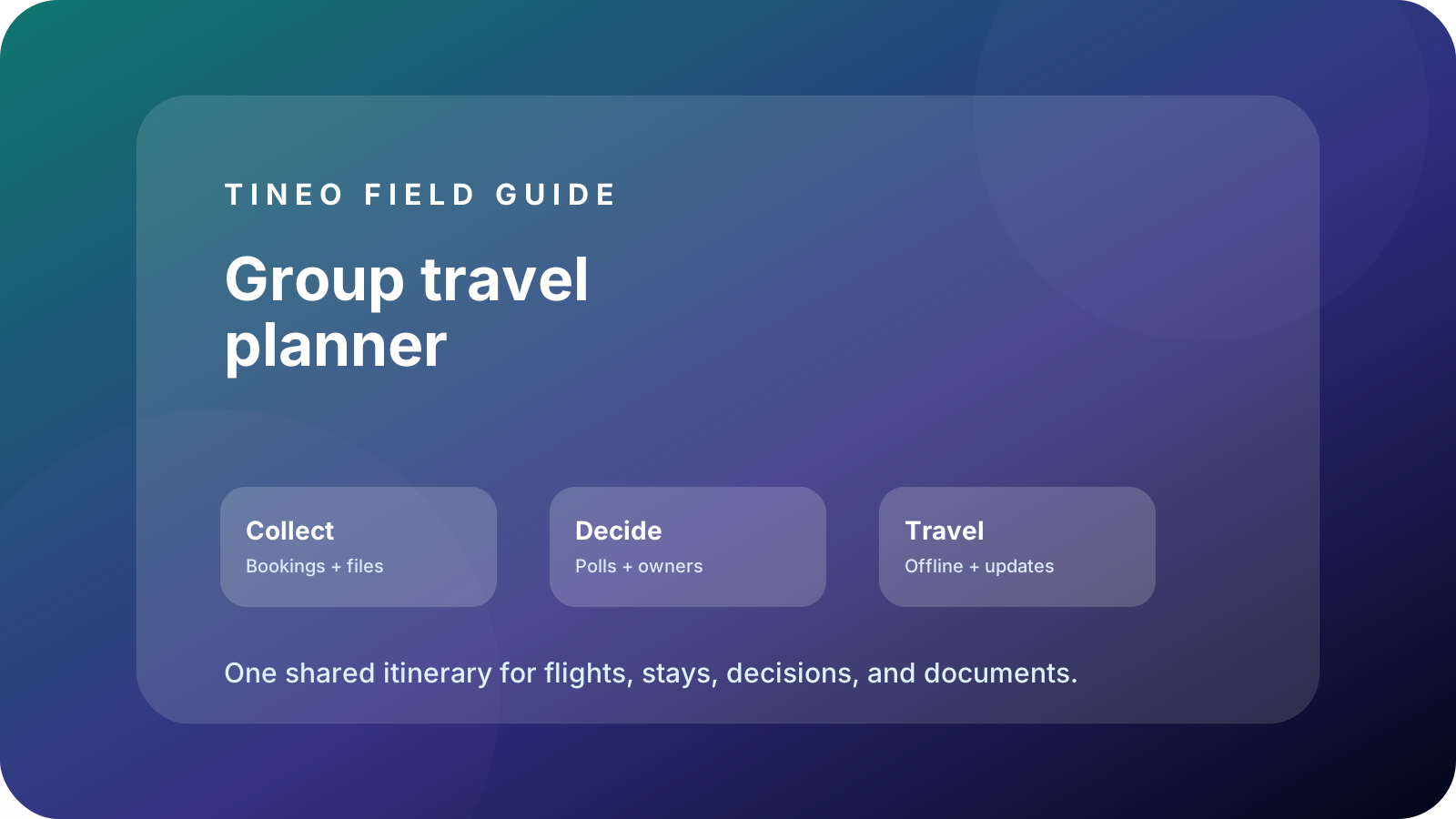
Collect
Bring the facts together first.
Flights, lodging, tickets, confirmations, documents, addresses, and booking owners.
Decide
Turn opinions into visible choices.
Polls, deadlines, payment notes, owners, and optional ideas that have not been booked yet.
Travel
Make the plan usable under pressure.
Offline access, meetup points, backup contacts, checkout tasks, and changed-plan notes.
The group travel planning workflow
Group planning flow
From group chat to actual itinerary
Use this sequence before creating niche plans for bachelor trips, family vacations, cruises, or sports tournaments.
-
Name the anchors
Add destination, dates, lodging, must-attend events, and fixed arrival or departure constraints.
-
Import confirmations
Forward or add flights, hotels, tickets, cars, trains, ferries, activities, and documents.
-
Assign owners
Add who booked, who paid, who has the file, and who is responsible for each open decision.
-
Invite the group
Share the itinerary after the first useful draft, then use polls and comments for unresolved choices.
-
Verify travel day
Check offline access, addresses, meetup points, backup contacts, and checkout timing before departure.
What belongs in the shared itinerary
Scroll sideways to read every column.
| Category | Examples | Why it matters |
|---|---|---|
| Arrivals | Flights, trains, road-trip ETAs, pickup windows | Shows who can make each plan |
| Home base | Hotel, rental, cabin, cruise port hotel, room notes | Prevents address and access-code confusion |
| Anchors | Dinners, events, games, ceremonies, excursions, lift tickets | Protects paid or time-sensitive plans |
| Documents | PDFs, passports, insurance, tickets, waivers, barcodes | Stops inbox and screenshot hunting |
| Decisions | Polls, owners, payment deadlines, optional ideas | Keeps the group from re-litigating choices |
| Travel-day context | Meetup points, backup contacts, maps, checkout tasks | Makes the plan useful when people are moving |
How Tineo fits different group travel niches
A bachelorette trip needs bride-focused anchors, payment notes, outfit details, and recovery blocks. A bachelor trip needs arrivals, paid reservations, sober transport, and booking owners. A family vacation needs kid documents, medication notes, stroller or car-seat details, and buffers. A cruise needs embarkation, port excursions, all-aboard times, and documents. A sports tournament needs hotel blocks, field addresses, bracket updates, roster notes, and parent communication.
That is why this hub links to the more specific guides below. Start here if you need the general framework, then use the niche page that matches the trip.
SEO-friendly internal map for the cluster
- Bachelorette party planning app — best for bride-focused weekends, deposits, outfit notes, and guest arrivals.
- Bachelor party trip planner — best for best men handling flights, reservations, tickets, and recovery blocks.
- Group trip planner for friends — best for friend groups trying to move decisions out of chat.
- Family vacation planner app — best for parents, kids, documents, buffers, and offline travel details.
- Multi-family vacation planning — best for shared houses, rooms, groceries, meal owners, and house rules.
- Destination wedding travel planner — best for hotel blocks, shuttles, guest arrivals, and wedding-party events.
- Cruise group trip planner — best for pre-cruise hotels, port days, excursions, and all-aboard timing.
- Ski trip planner app — best for lift tickets, rentals, lessons, weather, and mountain transport.
- Festival trip planner — best for tickets, set times, rideshare zones, camping, and dead-phone backup plans.
- Sports team travel planner — best for tournament hotels, fields, roster notes, and parent updates.
Final group-trip checklist
- Every traveler has an arrival/departure detail or a local note.
- Lodging and access details are visible to the right people.
- Paid anchors include confirmation numbers, owners, and deadlines.
- Documents and tickets are attached or easy to find.
- Poll winners are converted into itinerary items.
- Backup contacts, meetup points, and offline access are verified.
FAQ
What is the best way to plan group travel?
Start with fixed bookings, create one shared itinerary, assign owners for decisions and payments, and keep travel-day details available offline.
What should a group travel planner include?
Arrivals, lodging, reservations, tickets, transfers, documents, payment notes, polls, comments, owners, emergency contacts, and checkout details.
How does Tineo help with group trips?
Tineo turns booking confirmations and manual plans into shared itineraries with notes, documents, polls, collaboration, and offline access.
Keep reading
Let's Jetty
Let's Jetty Alternatives 2026: Best Group Trip Planner Apps
Looking for a Let's Jetty alternative? Compare the best group trip planner apps for RSVPs, polls, itineraries, email import, and offline access.
Bachelor Trips
Bachelor Party Trip Planner: Keep the Weekend Organized
A practical bachelor party trip planner for flights, hotels, tee times, dinner reservations, tickets, budgets, and day-of changes.
Travel With Friends
Group Trip Planner for Friends: Flights, Stays, Polls, and Shared Notes
Use one shared itinerary for friend trips so flights, hotels, restaurants, tickets, polls, and notes do not disappear in group chat.