

Festival Trip Planner: Flights, Hotels, Tickets, and Set Times
A simple festival travel planning workflow for tickets, lodging, rides, schedules, packing, and group coordination.

On this page
Festival trips are half travel plan, half event survival plan: wristbands, flights, hotel or campsite, set times, rideshare zones, lockers, meetups, dead phones, and Monday checkout. Tineo is built for this kind of trip because confirmations, notes, tickets, polls, and people rarely start in one clean place.
Quick answer
Use Tineo when the trip has separate arrivals, shared reservations, documents, and decisions that should not disappear in a group chat. Create the trip, import or add the fixed bookings, invite the right people, and let the itinerary become the source of truth for travel day.
Best for: music festivals, food festivals, destination concerts, camping weekends, and friend groups splitting lodging or arriving separately.
Not ideal for: a local single-day event where nobody is traveling.
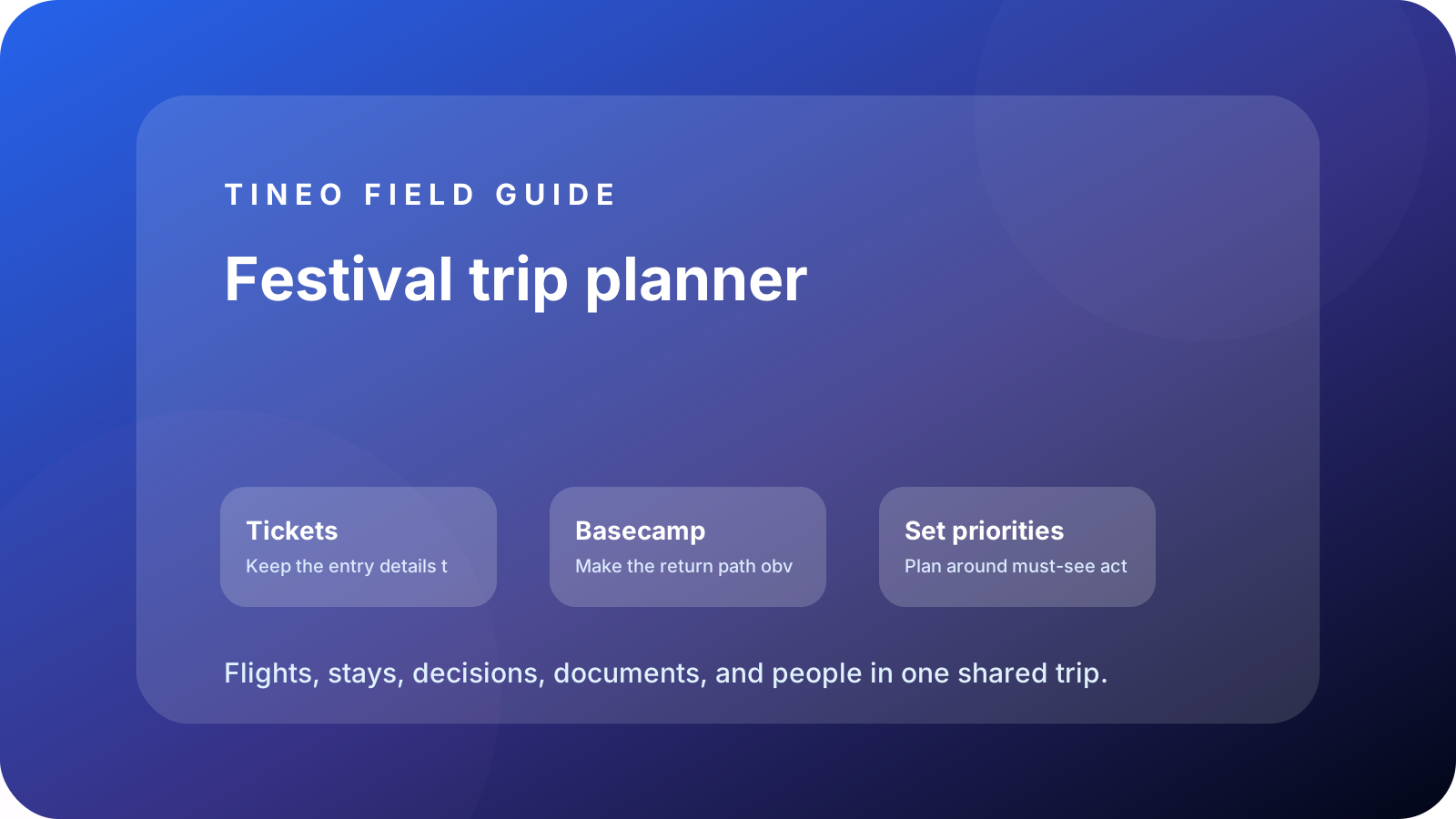
Festival trip planner
The details to organize first
Tickets
Keep the entry details together.
Add wristband pickup, ticket barcode, ID rules, bag policy, locker reservation, and gate times.
Basecamp
Make the return path obvious.
Add hotel, campsite, parking, shuttle, rideshare zone, and late-night meetup point.
Set priorities
Plan around must-see acts.
Add top sets, conflict notes, food/water breaks, phone charging, and emergency meetup plan.
What makes festival travel different
The festival app can show set times, but it will not hold your flight confirmation, hotel address, rental-car pickup, grocery run, ticket PDF, and Monday checkout plan. That is the gap Tineo should cover.
Use the itinerary for everything around the event: where the group sleeps, how everyone enters, what to do if phones die, where to meet after the headliner, and how to get back without scrolling through messages in a crowd.
The dead-phone plan
Every festival itinerary needs one low-tech fallback: a physical meetup point, a time, and a hotel/campsite route everyone can understand. Add it to Tineo before the trip, then screenshot or save it offline. The best technology plan is the one that still works when batteries do not.
Planning flow
A realistic sequence for this trip
Use this as the first draft, then adjust the details for your destination and group size.
-
Before travel
Flights, lodging, wristbands, packing, weather, and bag policy.
-
Arrival/check-in
Hotel or campsite setup, grocery run, locker pickup, and first gate entry.
-
Festival day
Must-see sets, food/water breaks, meetups, charging, and exit route.
-
Late night
Rideshare zone, hotel/campsite route, buddy checks, and backup contact.
-
Checkout
Sleep buffer, breakfast, bag storage, airport rides, and lost-item check.
What to put in Tineo before inviting everyone
Start with details that are already true: dates, lodging, confirmations, tickets, addresses, owners, and deadlines. Then add the decisions still open for the group. This keeps the first shared version useful instead of blank.
Scroll sideways to read every column.
| Planning layer | Add to Tineo | Why it matters |
|---|---|---|
| Fixed bookings | Flights, stays, tickets, reservations, transfers | These are the details people need under pressure |
| Ownership | Who booked, who paid, who has files, who updates changes | Prevents the host from becoming the only source of truth |
| Decisions | Polls, comments, deadlines, optional ideas | Turns opinions into trackable choices |
| Travel-day context | Addresses, access notes, meetup points, backup contacts | Makes the plan useful when the group is moving |
Why Tineo works well for this use case
Tineo can turn booking confirmations into trip items, keep manual activities beside imported segments, support shared plans, and make itineraries available across web, iOS, Android, iPad, and Mac. For group travel, that means one person can add a confirmation while everyone else sees the resulting plan in context.
The free core covers itinerary organization, email-to-itinerary workflows, collaboration basics, offline access, and an AI travel assistant. Ultra stays optional for travelers who want the premium live, agentic layer on top.
Final checklist
- Tickets, wristbands, bag policy, and ID rules are easy to find.
- Hotel/campsite, parking, shuttle, and rideshare details are in one place.
- Must-see sets and conflict decisions are listed.
- Late-night meetup and dead-phone backup are defined.
- Monday checkout and airport rides have realistic buffers.
FAQ
What should a festival trip planner include?
Tickets, wristbands, lodging, campsite or hotel access, rideshare zones, set priorities, locker details, packing notes, meetup points, and checkout plans.
How do you coordinate festival set times with friends?
Pick must-see sets first, add conflicts as notes, and set meetup times before and after the most crowded parts of the day.
Why should festival plans be available offline?
Crowds, weak signal, and dead batteries are common at festivals. Offline access keeps hotel, tickets, meetups, and ride details reachable.
Related Tineo guides
Keep reading
Bachelorette Trips
Bachelorette Party Planning App: Weekend Itinerary Guide
Plan a bachelorette trip with flights, lodging, dinners, activities, payments, and shared notes in one Tineo itinerary.
Girls Trip
Girls Trip Planner App: Reservations, Safety, Polls, and Shared Itinerary
Plan a girls trip with shared itineraries, polls, reservations, outfit notes, safety details, and booking imports in Tineo.
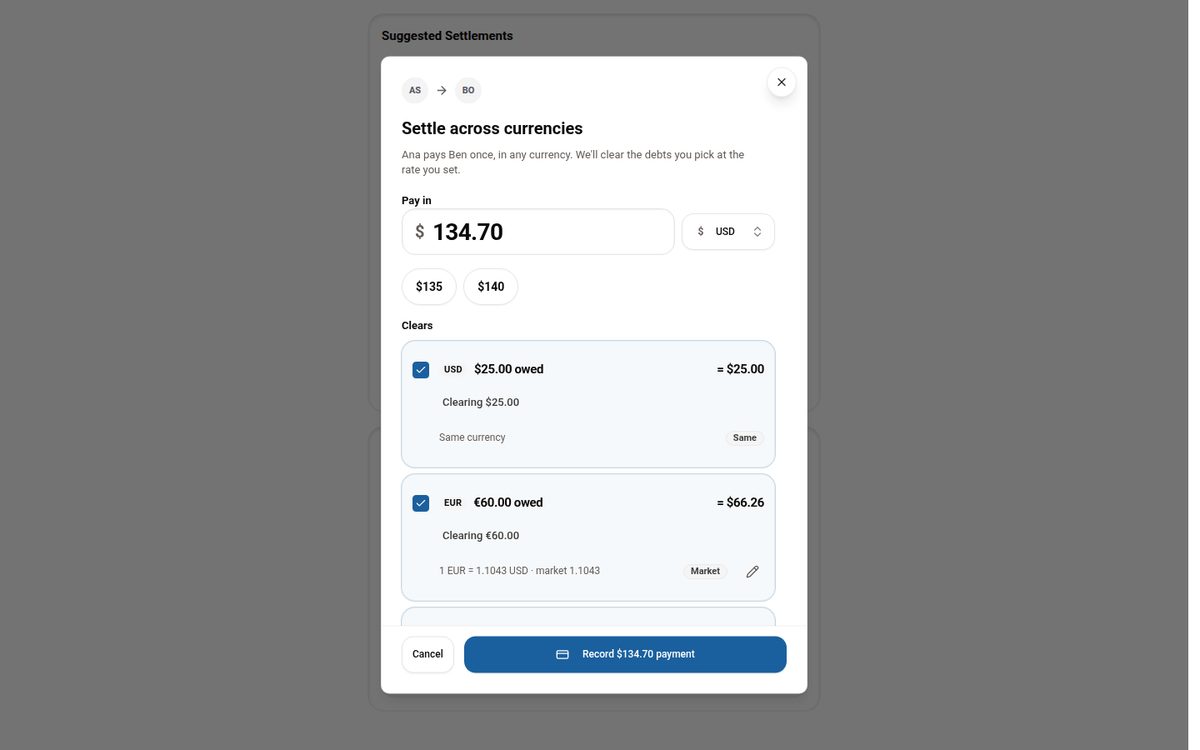
Tineo
Settling Group Trip Expenses Across Multiple Currencies
Why per-currency balances make settling up on a multi-currency trip confusing, and how Tineo lets you pay once in any currency and clear the debts you choose.