

Group Trip Planner for Friends: Flights, Stays, Polls, and Shared Notes
Use one shared itinerary for friend trips so flights, hotels, restaurants, tickets, polls, and notes do not disappear in group chat.

On this page
Friend trips do not need corporate project management. They need one source of truth for the details that the group chat is terrible at preserving: flights, lodging, reservations, tickets, polls, and who booked what. Tineo is built for this kind of trip because confirmations, notes, tickets, polls, and people rarely start in one clean place.
Quick answer
Use Tineo when the trip has separate arrivals, shared reservations, documents, and decisions that should not disappear in a group chat. Create the trip, import or add the fixed bookings, invite the right people, and let the itinerary become the source of truth for travel day.
Best for: friend groups with separate arrivals, shared lodging, restaurant decisions, tickets, rental cars, and a chat thread that is already too long.
Not ideal for: a loose hangout where nobody is traveling or booking anything.
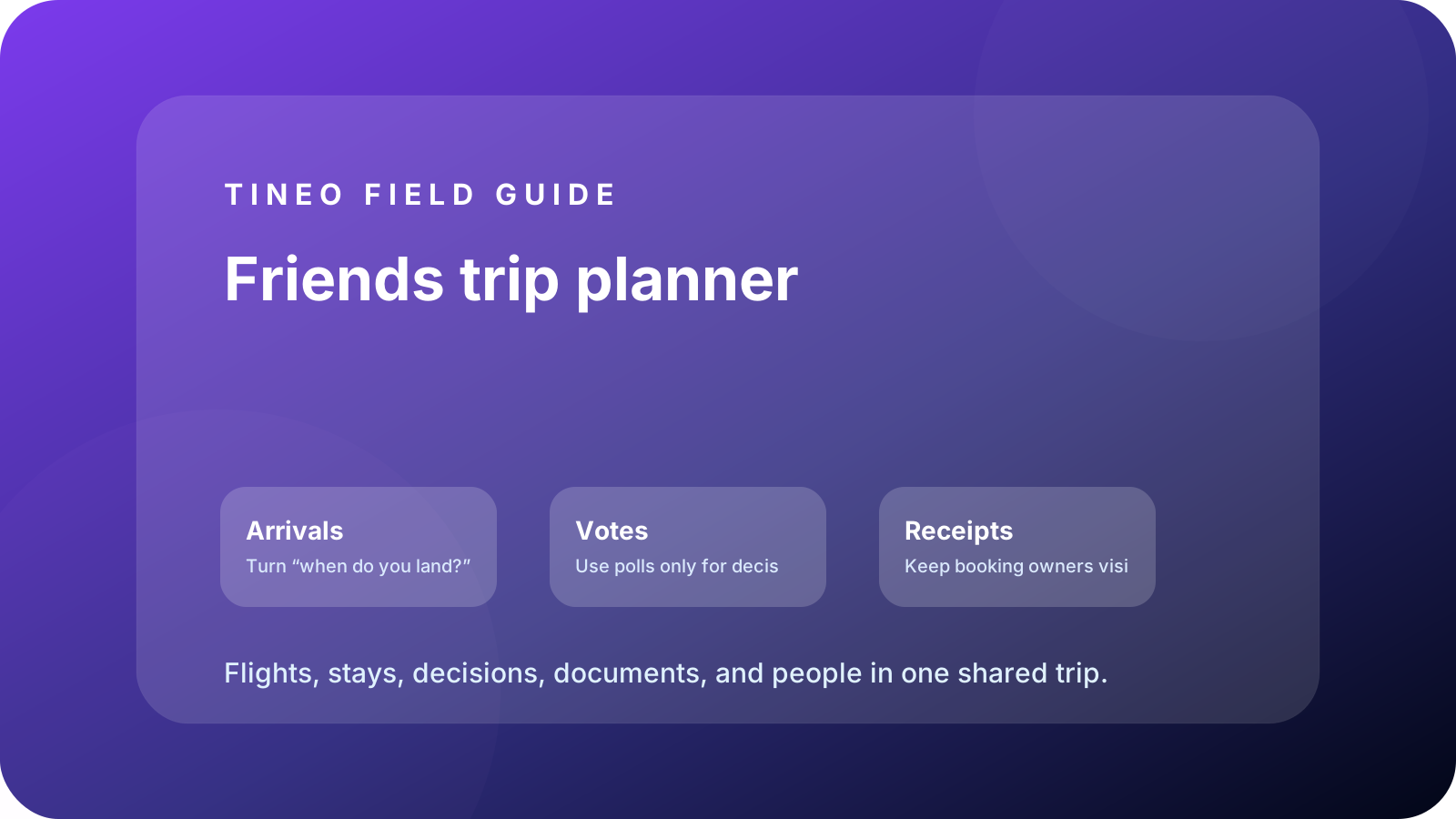
Friends trip planner
The details to organize first
Arrivals
Turn “when do you land?” into a board.
Add flights, trains, road-trip ETAs, airport pickups, and who can make the first plan.
Votes
Use polls only for decisions that matter.
Pick lodging area, dinner, activity, or budget; then convert the winner into a booked itinerary item.
Receipts
Keep booking owners visible.
Add who booked the hotel, tickets, rental car, dinner, or activity so the right person has the confirmation.
What makes friend trips different
The group chat is useful until it becomes the only record. A restaurant name gets buried under jokes. A hotel address sits in one person’s inbox. Someone votes for an activity after it is already booked. Tineo turns the confirmed pieces into a shared plan while leaving the chat for conversation.
The best friend-trip itinerary is lighter than a work plan. It should show the fixed bookings, decisions, and backup details, then leave open space for the trip to breathe.
How to stop group-chat planning loops
Ask smaller questions. Instead of “what should we do Saturday,” ask “brunch or early hike?” Put the decision deadline in the note. Once the group decides, add the actual reservation or activity to Tineo. The chat can keep moving, but the itinerary holds the decision.
Planning flow
A realistic sequence for this trip
Use this as the first draft, then adjust the details for your destination and group size.
-
Trip sketch
Choose city, dates, budget, and non-negotiables.
-
Booking pass
Add flights, lodging, tickets, rental car, and first meal.
-
Decision pass
Run one poll at a time and add winners to the itinerary.
-
Travel day
Use arrival windows, addresses, and reservation names instead of chat search.
-
Flex time
Keep optional ideas separate from fixed bookings.
What to put in Tineo before inviting everyone
Start with details that are already true: dates, lodging, confirmations, tickets, addresses, owners, and deadlines. Then add the decisions still open for the group. This keeps the first shared version useful instead of blank.
Scroll sideways to read every column.
| Planning layer | Add to Tineo | Why it matters |
|---|---|---|
| Fixed bookings | Flights, stays, tickets, reservations, transfers | These are the details people need under pressure |
| Ownership | Who booked, who paid, who has files, who updates changes | Prevents the host from becoming the only source of truth |
| Decisions | Polls, comments, deadlines, optional ideas | Turns opinions into trackable choices |
| Travel-day context | Addresses, access notes, meetup points, backup contacts | Makes the plan useful when the group is moving |
Why Tineo works well for this use case
Tineo can turn booking confirmations into trip items, keep manual activities beside imported segments, support shared plans, and make itineraries available across web, iOS, Android, iPad, and Mac. For group travel, that means one person can add a confirmation while everyone else sees the resulting plan in context.
The free core covers itinerary organization, email-to-itinerary workflows, collaboration basics, offline access, and an AI travel assistant. Ultra stays optional for travelers who want the premium live, agentic layer on top.
Final checklist
- Everyone has an arrival/departure detail or “local” note.
- The lodging address and access details are easy to find.
- Poll decisions are converted into itinerary items.
- Booking owners are visible for every confirmation.
- Optional ideas are separated from fixed plans.
FAQ
What is the easiest way to plan travel with friends?
Collect confirmed bookings first, run small polls for real decisions, and keep the final plan in one shared itinerary instead of the chat thread.
How do you coordinate friends arriving at different times?
Add each flight, train, drive ETA, or local arrival note to the itinerary so the group can see who is available for each plan.
Should friend trips be fully scheduled?
No. Put fixed bookings and decisions in the itinerary, then leave flexible blocks for spontaneous plans.
Related Tineo guides
Keep reading
Let's Jetty
Let's Jetty Alternatives 2026: Best Group Trip Planner Apps
Looking for a Let's Jetty alternative? Compare the best group trip planner apps for RSVPs, polls, itineraries, email import, and offline access.
Group Travel
Group Travel Planner App: One Itinerary for Everyone
Plan group travel with shared arrivals, lodging, reservations, documents, polls, notes, and offline access in one Tineo itinerary.
Tineo
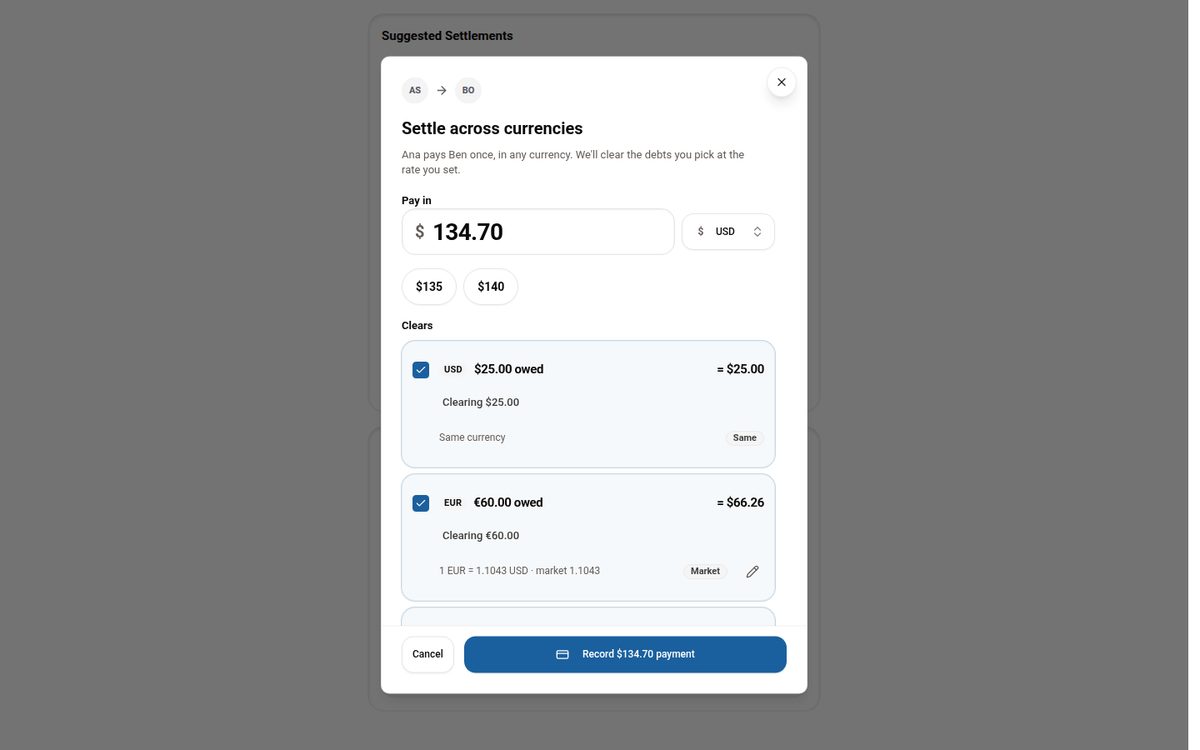
Settling Group Trip Expenses Across Multiple Currencies
Why per-currency balances make settling up on a multi-currency trip confusing, and how Tineo lets you pay once in any currency and clear the debts you choose.