

Bachelor Party Trip Planner: Keep the Weekend Organized
A practical bachelor party trip planner for flights, hotels, tee times, dinner reservations, tickets, budgets, and day-of changes.

On this page
Bachelor weekends usually look casual until the expensive parts collide: tee times, game tickets, dinner deposits, rental cars, late arrivals, and one person who booked a different airport. Tineo is built for this kind of trip because confirmations, notes, tickets, polls, and people rarely start in one clean place.
Quick answer
Use Tineo when the trip has separate arrivals, shared reservations, documents, and decisions that should not disappear in a group chat. Create the trip, import or add the fixed bookings, invite the right people, and let the itinerary become the source of truth for travel day.
Best for: best men, hosts, golf weekends, game weekends, casino trips, lake houses, and friend groups with paid reservations or separate arrivals.
Not ideal for: a simple local dinner where everyone already lives nearby.
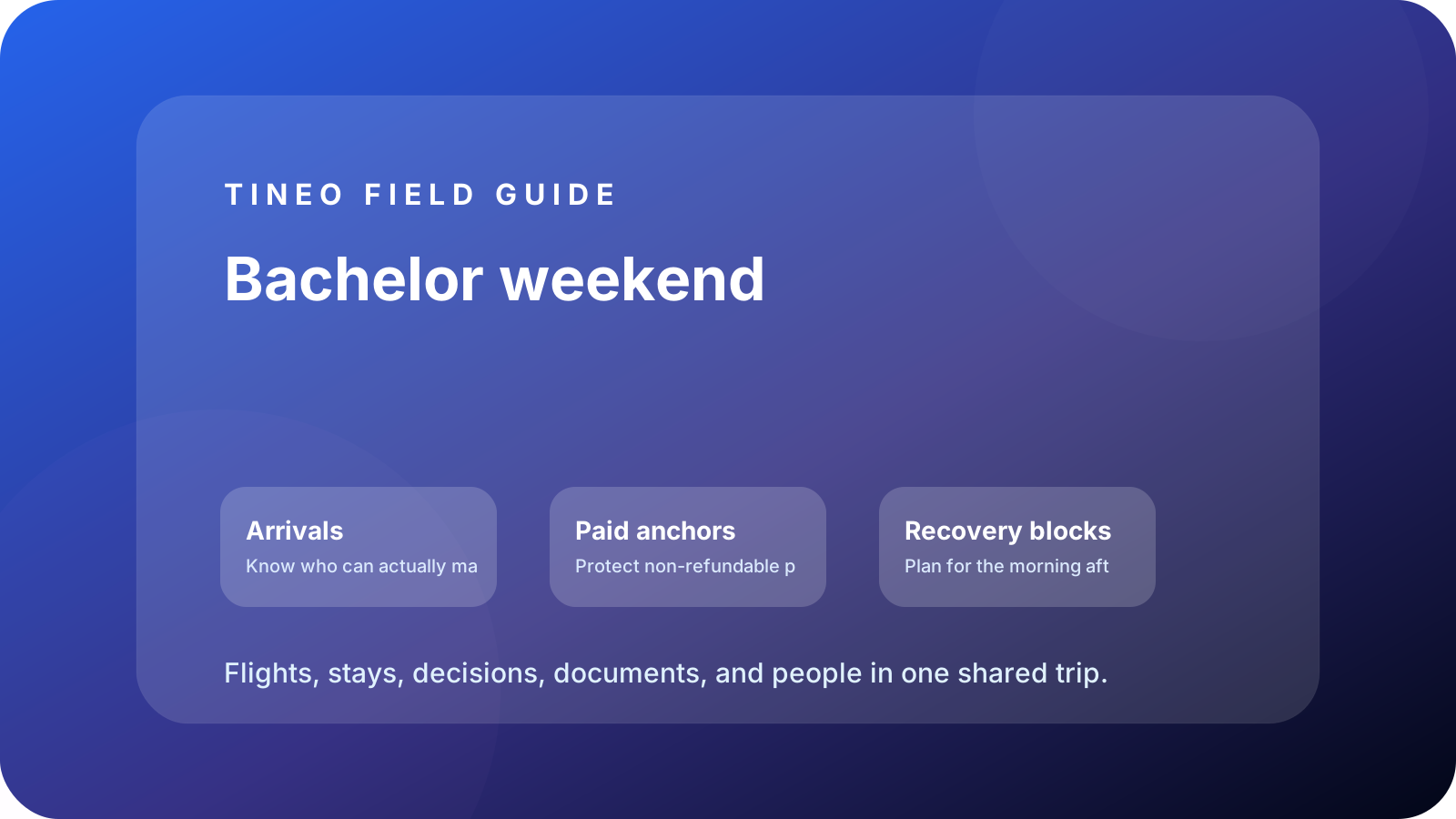
Bachelor weekend
The details to organize first
Arrivals
Know who can actually make Friday.
Track flights, rental cars, hotel check-ins, airport pickups, and late arrivals before booking the first group dinner.
Paid anchors
Protect non-refundable plans.
Pin tee times, boat rentals, tickets, dinner deposits, private rooms, and cancellation windows with owner names.
Recovery blocks
Plan for the morning after.
Leave one blank block per day so traffic, long meals, delayed flights, or late nights do not break the expensive reservation.
What makes bachelor party logistics different
The failure mode is not a lack of ideas. It is too many people assuming someone else has the confirmation. The best man needs one place for arrival windows, lodging, payments, and reservations, because the group chat will not be searchable when the shuttle is outside.
Tineo helps by keeping the booked facts beside the flexible plans. A golf trip can show tee times and rental-car pickups. A game weekend can show tickets, stadium bag rules, dinner, and rideshare zones. A lake house can show grocery owners, dock rules, and checkout tasks.
Budget and safety details worth adding
Add payment notes to the exact item they belong to: house deposit, dinner deposit, tickets, rental car, boat, or activity. For late nights, add a sober transport plan, hotel address, meetup point, and backup contact. Those are not buzzkill details; they are how the host avoids becoming the weekend help desk.
Planning flow
A realistic sequence for this trip
Use this as the first draft, then adjust the details for your destination and group size.
-
Collect commitments
Confirm who is in, where they are staying, and who owns each booking.
-
Book anchors
Add lodging, flights, tee times, tickets, dinners, and transport to Tineo as soon as confirmations arrive.
-
Arrival night
Keep dinner flexible until flights and check-in windows are real.
-
Main day
Put the paid activity first, then build food and transportation around it.
-
Exit plan
Add checkout, airport rides, bags, and who has the rental-car keys.
What to put in Tineo before inviting everyone
Start with details that are already true: dates, lodging, confirmations, tickets, addresses, owners, and deadlines. Then add the decisions still open for the group. This keeps the first shared version useful instead of blank.
Scroll sideways to read every column.
| Planning layer | Add to Tineo | Why it matters |
|---|---|---|
| Fixed bookings | Flights, stays, tickets, reservations, transfers | These are the details people need under pressure |
| Ownership | Who booked, who paid, who has files, who updates changes | Prevents the host from becoming the only source of truth |
| Decisions | Polls, comments, deadlines, optional ideas | Turns opinions into trackable choices |
| Travel-day context | Addresses, access notes, meetup points, backup contacts | Makes the plan useful when the group is moving |
Why Tineo works well for this use case
Tineo can turn booking confirmations into trip items, keep manual activities beside imported segments, support shared plans, and make itineraries available across web, iOS, Android, iPad, and Mac. For group travel, that means one person can add a confirmation while everyone else sees the resulting plan in context.
The free core covers itinerary organization, email-to-itinerary workflows, collaboration basics, offline access, and an AI travel assistant. Ultra stays optional for travelers who want the premium live, agentic layer on top.
Final checklist
- Arrival windows are known before first-night plans are locked.
- Every paid anchor has a booking owner and cancellation deadline.
- Transportation is attached to the activity it supports.
- Budget notes live on the relevant itinerary item.
- Checkout and airport rides are visible before Sunday morning.
FAQ
What should the best man add before inviting everyone?
Add lodging, arrivals, paid anchors, dinner reservations, transport, and payment notes first. Invite the group once the itinerary has enough detail to be useful.
How do you handle late arrivals on a bachelor trip?
Put each flight or driving ETA in the itinerary and avoid making the first hard reservation before the latest essential guest can realistically arrive.
Can Tineo track payments?
Tineo is not a dedicated expense app, but it works well for payment notes, owners, deadlines, and confirmation attachments tied to specific trip items.
Related Tineo guides
Keep reading
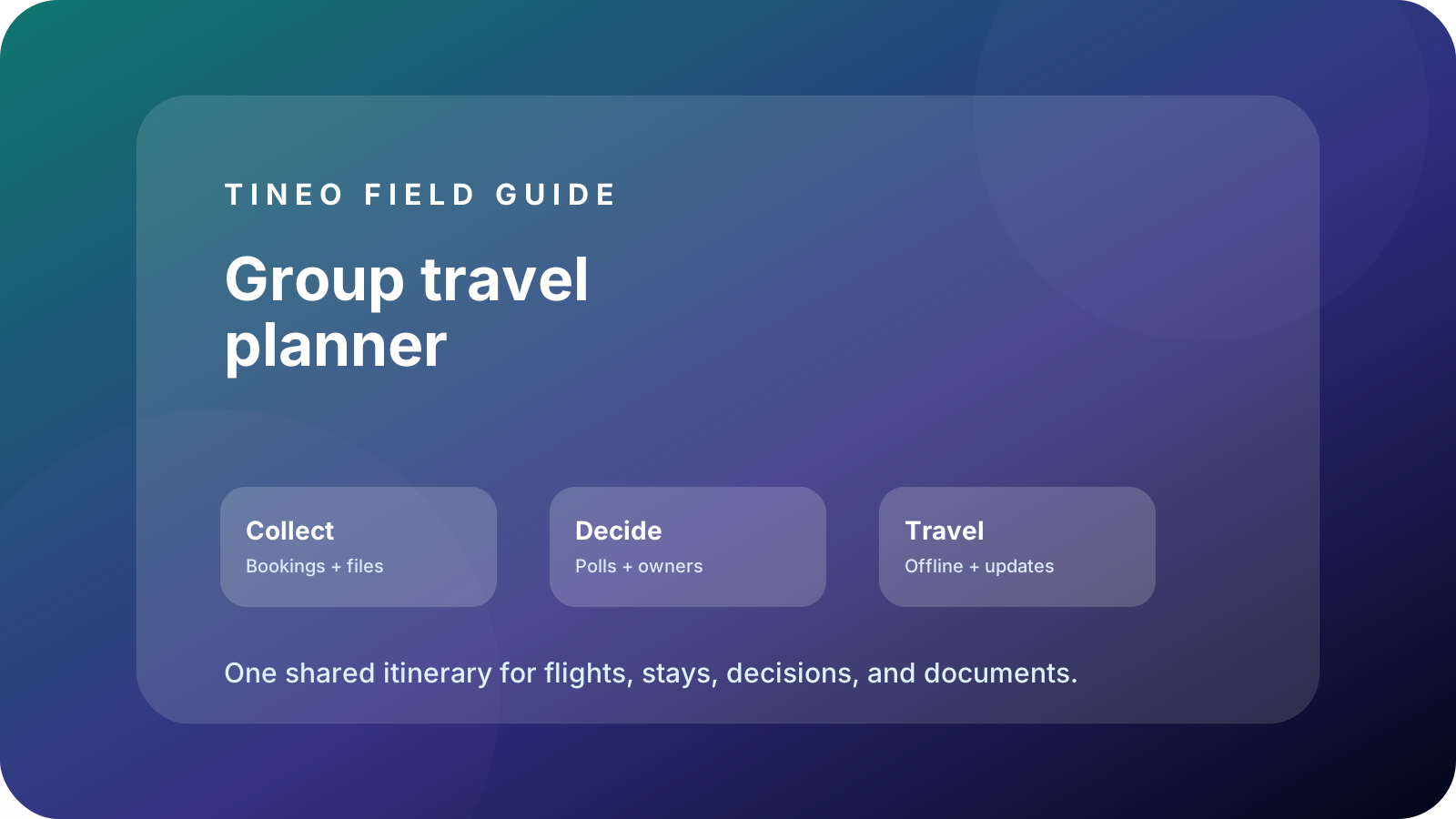
Group Travel
Group Travel Planner App: One Itinerary for Everyone
Plan group travel with shared arrivals, lodging, reservations, documents, polls, notes, and offline access in one Tineo itinerary.

Birthday Trip
How to Plan a Birthday Trip with Friends or Family
Plan the perfect birthday getaway with friends or family. Includes a real trip example, planning timeline, and how to use Tineo to coordinate everything.

Group Travel
Collaborative Trip Planning with Tineo
See how Tineo makes group trip planning easier, from converging flights and shared itineraries to AI help for teams, families, and friends.