

Bachelorette Party Planning App: Weekend Itinerary Guide
Plan a bachelorette trip with flights, lodging, dinners, activities, payments, and shared notes in one Tineo itinerary.

On this page
Bachelorette weekends have a host, a bride, scattered arrivals, shared lodging, deposits, dinner reservations, and at least one surprise that should not live in the main group chat. Tineo is built for this kind of trip because confirmations, notes, tickets, polls, and people rarely start in one clean place.
Quick answer
Use Tineo when the trip has separate arrivals, shared reservations, documents, and decisions that should not disappear in a group chat. Create the trip, import or add the fixed bookings, invite the right people, and let the itinerary become the source of truth for travel day.
Best for: maid-of-honor planning, mixed-city guests, rental houses, dinner deposits, outfit themes, and destination weekends in Nashville, Scottsdale, Miami, Vegas, Austin, New Orleans, or Mexico.
Not ideal for: a completely spontaneous one-night local party with no lodging, tickets, or travel confirmations.
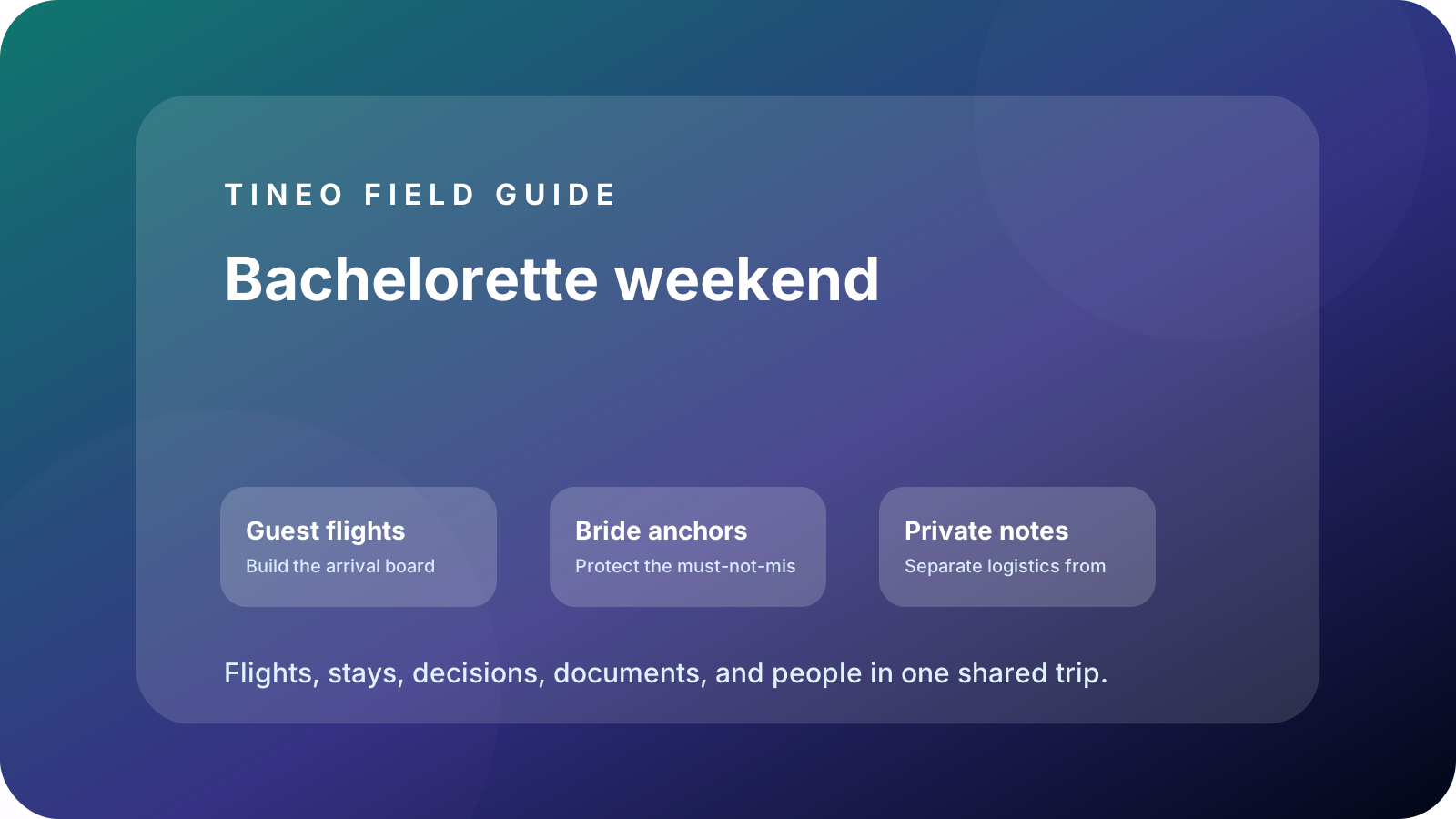
Bachelorette weekend
The details to organize first
Guest flights
Build the arrival board first.
Add every flight, train, rideshare plan, and airport pickup so the host knows who can make the first reservation.
Bride anchors
Protect the must-not-miss moments.
Pin dinner, glam appointments, pool cabanas, spa slots, tickets, private chefs, deposits, and cancellation deadlines.
Private notes
Separate logistics from surprises.
Store outfit themes, payment reminders, grocery owners, decoration handoffs, and surprise details without burying them in chat.
What makes bachelorette planning different
The plan has two audiences: the people who need every logistical detail and the bride, who should not have to project-manage her own weekend. Tineo works as the shared operations board: arrival segments, lodging access, restaurant confirmations, tickets, payments, and notes live together while the group chat stays fun.
The highest-value details are not glamorous. They are door codes, reservation names, cancellation dates, who bought the tickets, who owes what, and which activity is optional. Add those early and the weekend feels polished instead of over-managed.
Destination modifiers to add
Nashville and Austin trips need rideshare zones, late-night meetup points, and brunch recovery blocks. Scottsdale and Miami need pool/cabana timing, dress-code notes, and heat-aware buffers. Vegas needs ticket pickup, restaurant confirmation names, and walking-time realism. Mexico or Caribbean trips need passports, transfer vouchers, resort check-in, and group return flights.
Do not make thin city itineraries for each destination yet. Use one strong bachelorette guide and add the city-specific notes directly inside the itinerary.
Planning flow
A realistic sequence for this trip
Use this as the first draft, then adjust the details for your destination and group size.
-
Six weeks out
Create the trip, add lodging, collect arrival windows, and decide which reservations need deposits.
-
Two weeks out
Forward confirmations, attach tickets, add outfit/theme notes, and lock paid activities.
-
Friday arrivals
Use the itinerary to track airport pickups, check-in, groceries, and easy first-night plans.
-
Main event day
Keep brunch, glam, transportation, dinner, and the main activity in order without overscheduling recovery time.
-
Checkout day
Add cleaning tasks, bag storage, brunch, airport runs, and late-flight backup plans.
What to put in Tineo before inviting everyone
Start with details that are already true: dates, lodging, confirmations, tickets, addresses, owners, and deadlines. Then add the decisions still open for the group. This keeps the first shared version useful instead of blank.
Scroll sideways to read every column.
| Planning layer | Add to Tineo | Why it matters |
|---|---|---|
| Fixed bookings | Flights, stays, tickets, reservations, transfers | These are the details people need under pressure |
| Ownership | Who booked, who paid, who has files, who updates changes | Prevents the host from becoming the only source of truth |
| Decisions | Polls, comments, deadlines, optional ideas | Turns opinions into trackable choices |
| Travel-day context | Addresses, access notes, meetup points, backup contacts | Makes the plan useful when the group is moving |
Why Tineo works well for this use case
Tineo can turn booking confirmations into trip items, keep manual activities beside imported segments, support shared plans, and make itineraries available across web, iOS, Android, iPad, and Mac. For group travel, that means one person can add a confirmation while everyone else sees the resulting plan in context.
The free core covers itinerary organization, email-to-itinerary workflows, collaboration basics, offline access, and an AI travel assistant. Ultra stays optional for travelers who want the premium live, agentic layer on top.
Final checklist
- Every guest has an arrival/departure segment or note.
- Lodging access, room assignments, and house rules are visible.
- Paid reservations list owner, amount, deadline, and confirmation number.
- Surprises and bride preferences are stored where the right people can see them.
- At least one recovery block is intentionally left open.
FAQ
What should a bachelorette party itinerary include?
Include arrivals, lodging access, room notes, dinner reservations, paid activities, transportation, outfit/theme notes, payment deadlines, tickets, and checkout tasks.
How can Tineo help the maid of honor plan?
The host can import bookings, add manual events, keep confirmations and notes beside each activity, invite guests, and use the itinerary instead of re-answering every detail in chat.
Should payment reminders go in the itinerary?
Yes. Add payment owners, due dates, and reservation deposits as notes on the relevant dinner, house, or activity item so they stay tied to the plan.
Related Tineo guides
Keep reading
Festival Travel
Festival Trip Planner: Flights, Hotels, Tickets, and Set Times
A simple festival travel planning workflow for tickets, lodging, rides, schedules, packing, and group coordination.
Girls Trip
Girls Trip Planner App: Reservations, Safety, Polls, and Shared Itinerary
Plan a girls trip with shared itineraries, polls, reservations, outfit notes, safety details, and booking imports in Tineo.
Tineo
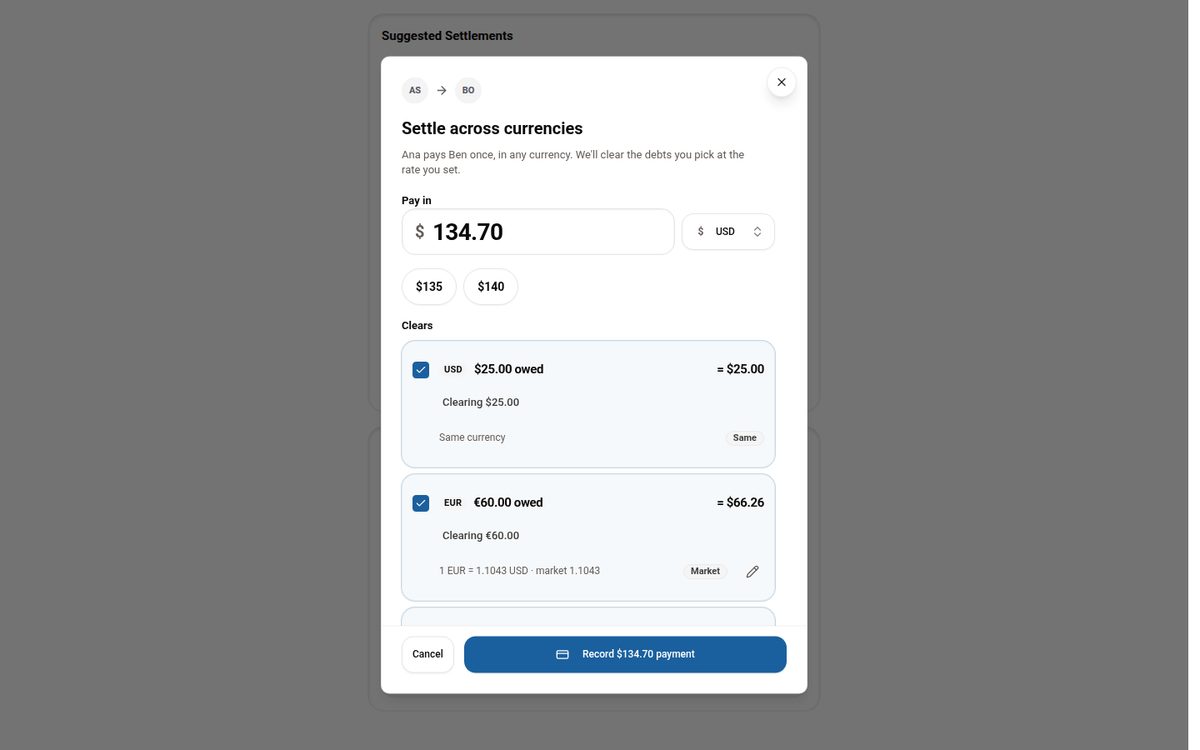
Settling Group Trip Expenses Across Multiple Currencies
Why per-currency balances make settling up on a multi-currency trip confusing, and how Tineo lets you pay once in any currency and clear the debts you choose.