

Multi-Family Vacation Planning Without the Spreadsheet
Coordinate multiple families on one vacation with arrivals, rooms, grocery runs, activities, kid schedules, and shared notes.

On this page
Multi-family vacations are less about finding ideas and more about aligning households: room assignments, grocery runs, kid schedules, quiet hours, rental-car owners, meals, and who is bringing what. Tineo is built for this kind of trip because confirmations, notes, tickets, polls, and people rarely start in one clean place.
Quick answer
Use Tineo when the trip has separate arrivals, shared reservations, documents, and decisions that should not disappear in a group chat. Create the trip, import or add the fixed bookings, invite the right people, and let the itinerary become the source of truth for travel day.
Best for: shared beach houses, cabins, resorts, Disney-style trips, grandparents traveling with adult children, and families splitting one rental.
Not ideal for: one household traveling alone.
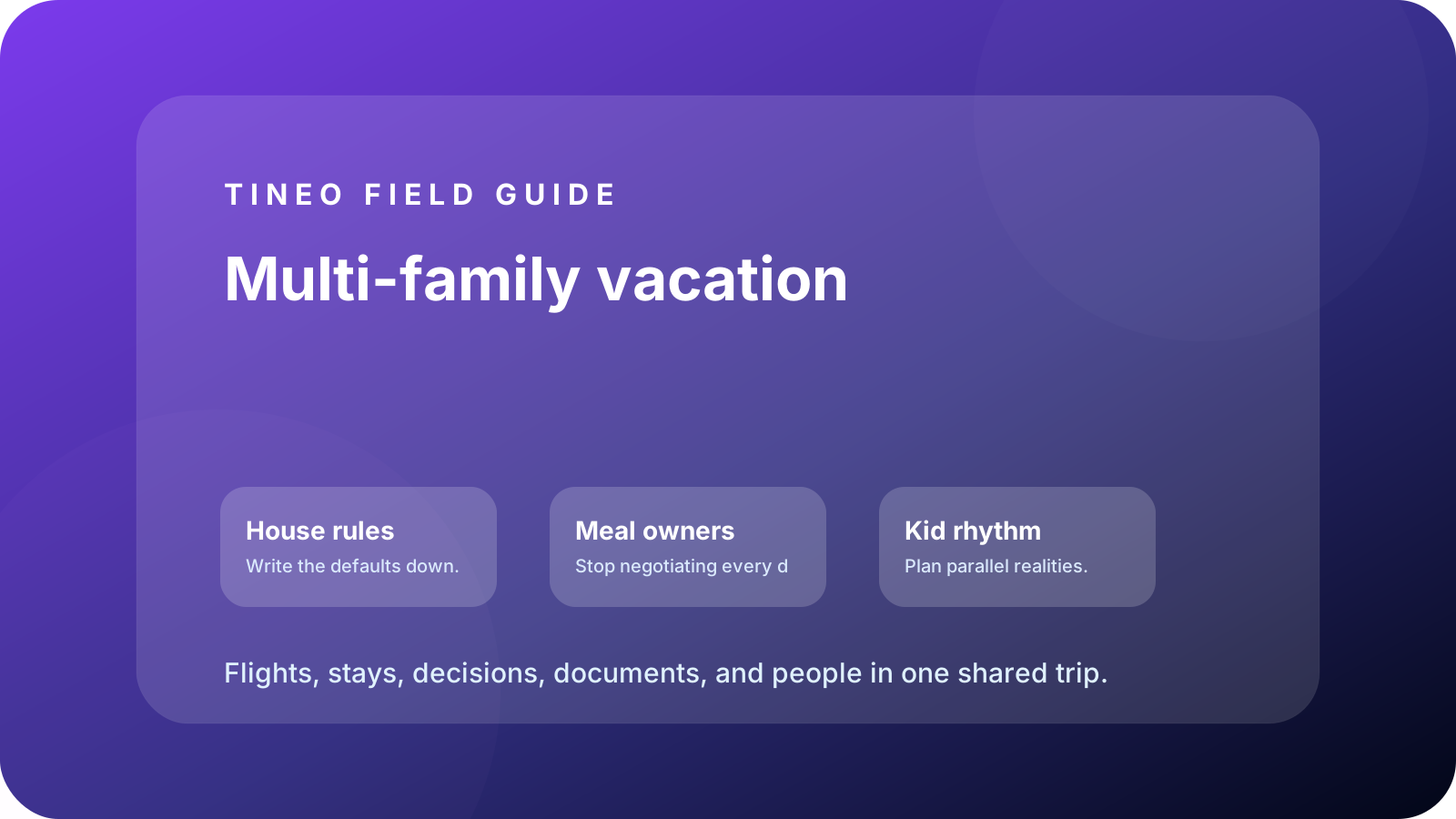
Multi-family vacation
The details to organize first
House rules
Write the defaults down.
Add check-in, parking, door codes, quiet hours, pool rules, chores, checkout tasks, and who contacts the host.
Meal owners
Stop negotiating every dinner.
Assign grocery runs, breakfast supplies, kid snacks, group dinners, allergies, and cleanup ownership.
Kid rhythm
Plan parallel realities.
Track nap windows, teen activities, stroller needs, baby gear, and optional plans by age group.
What makes multi-family travel different
Every household brings its own assumptions. One family wakes early, one needs naps, one has dietary constraints, one expects restaurant dinners, and one assumes groceries are shared. If those assumptions stay invisible, the trip becomes negotiation instead of vacation.
Tineo gives the group a neutral place to write the defaults. Room assignments, meal owners, house rules, kid schedules, grocery lists, and checkout tasks can sit beside flights and lodging instead of becoming a spreadsheet nobody opens on mobile.
Room assignments and shared lodging
Add the rental as lodging, then put room assignments and house access in the notes. Include bed types, crib or air-mattress plans, parking, Wi-Fi, trash day, pool rules, checkout tasks, and who contacts the host. Those details are not glamorous, but they prevent repeated questions.
Planning flow
A realistic sequence for this trip
Use this as the first draft, then adjust the details for your destination and group size.
-
House setup
Rooms, beds, door code, parking, groceries, baby gear, and host contact.
-
Arrival stagger
Who arrives first, who can shop, who needs pickup, and who handles check-in.
-
Shared days
One group anchor plus optional branches for kids, teens, adults, and grandparents.
-
Meal plan
Grocery owners, allergy notes, dinner rotations, and cleanup responsibilities.
-
Checkout
Laundry, trash, dishes, key return, bag storage, and airport rides.
What to put in Tineo before inviting everyone
Start with details that are already true: dates, lodging, confirmations, tickets, addresses, owners, and deadlines. Then add the decisions still open for the group. This keeps the first shared version useful instead of blank.
Scroll sideways to read every column.
| Planning layer | Add to Tineo | Why it matters |
|---|---|---|
| Fixed bookings | Flights, stays, tickets, reservations, transfers | These are the details people need under pressure |
| Ownership | Who booked, who paid, who has files, who updates changes | Prevents the host from becoming the only source of truth |
| Decisions | Polls, comments, deadlines, optional ideas | Turns opinions into trackable choices |
| Travel-day context | Addresses, access notes, meetup points, backup contacts | Makes the plan useful when the group is moving |
Why Tineo works well for this use case
Tineo can turn booking confirmations into trip items, keep manual activities beside imported segments, support shared plans, and make itineraries available across web, iOS, Android, iPad, and Mac. For group travel, that means one person can add a confirmation while everyone else sees the resulting plan in context.
The free core covers itinerary organization, email-to-itinerary workflows, collaboration basics, offline access, and an AI travel assistant. Ultra stays optional for travelers who want the premium live, agentic layer on top.
Final checklist
- Room assignments, door code, parking, and host contact are visible.
- Meal owners and grocery responsibilities are assigned before arrival.
- Kid schedules and optional activities are separated by age/energy.
- Allergy, medication, and baby-gear notes are attached where needed.
- Checkout tasks have owners, not assumptions.
FAQ
How do you plan a vacation with multiple families?
Start with lodging, room assignments, arrivals, meals, kid schedules, and house rules. Then add flexible activities after the shared defaults are clear.
Should multi-family trips use a spreadsheet?
A spreadsheet can help early planning, but a mobile itinerary is better during the trip because addresses, notes, owners, and bookings travel with the group.
What should go in shared lodging notes?
Door codes, parking, Wi-Fi, room assignments, quiet hours, pool rules, grocery plan, chores, checkout tasks, and host contact.
Related Tineo guides
Keep reading
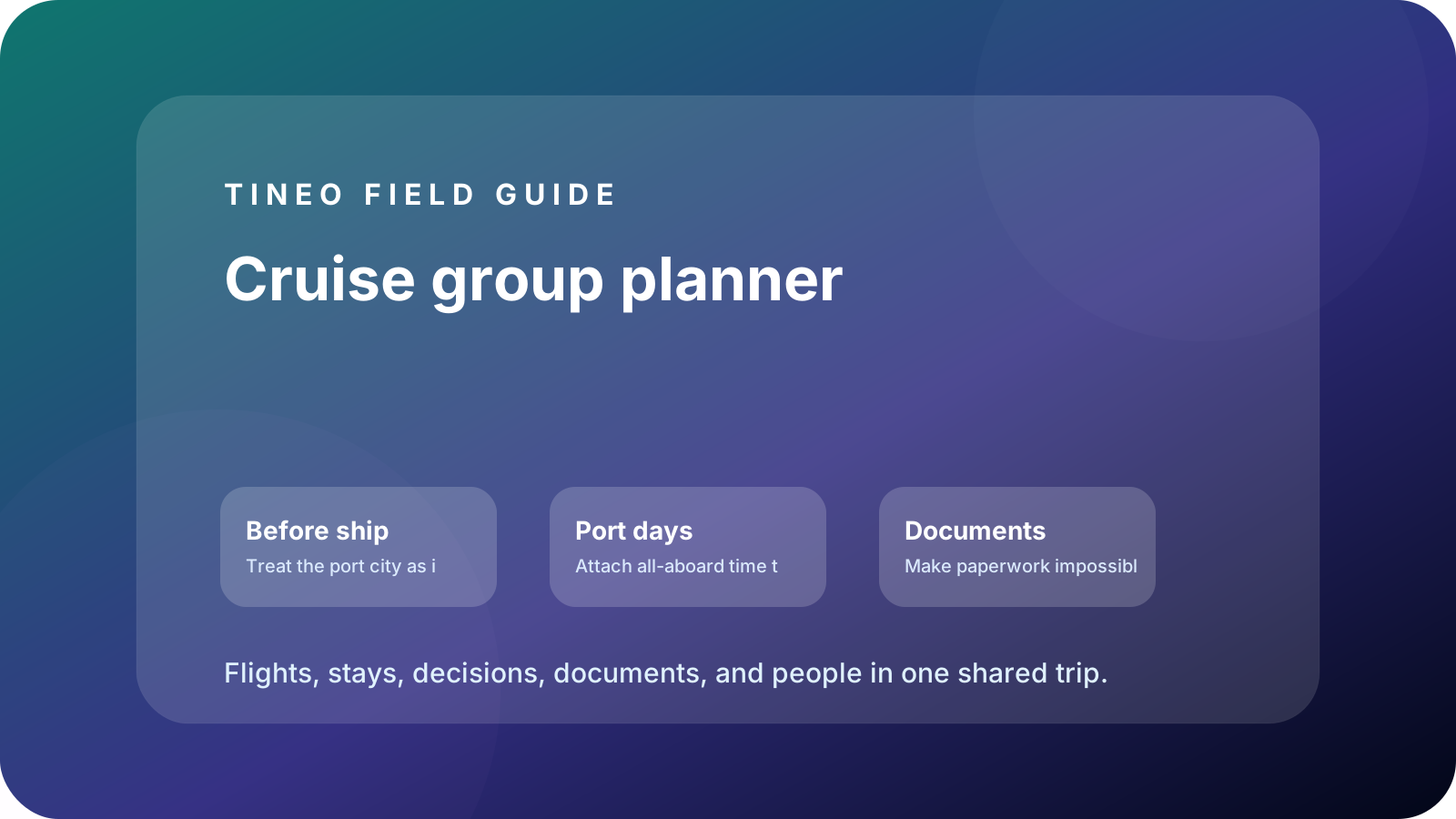
Cruise Travel
Cruise Group Trip Planner: Ports, Flights, Hotels, and Excursions
Organize cruise group travel with pre-cruise hotels, embarkation timing, port excursions, documents, and companion plans.
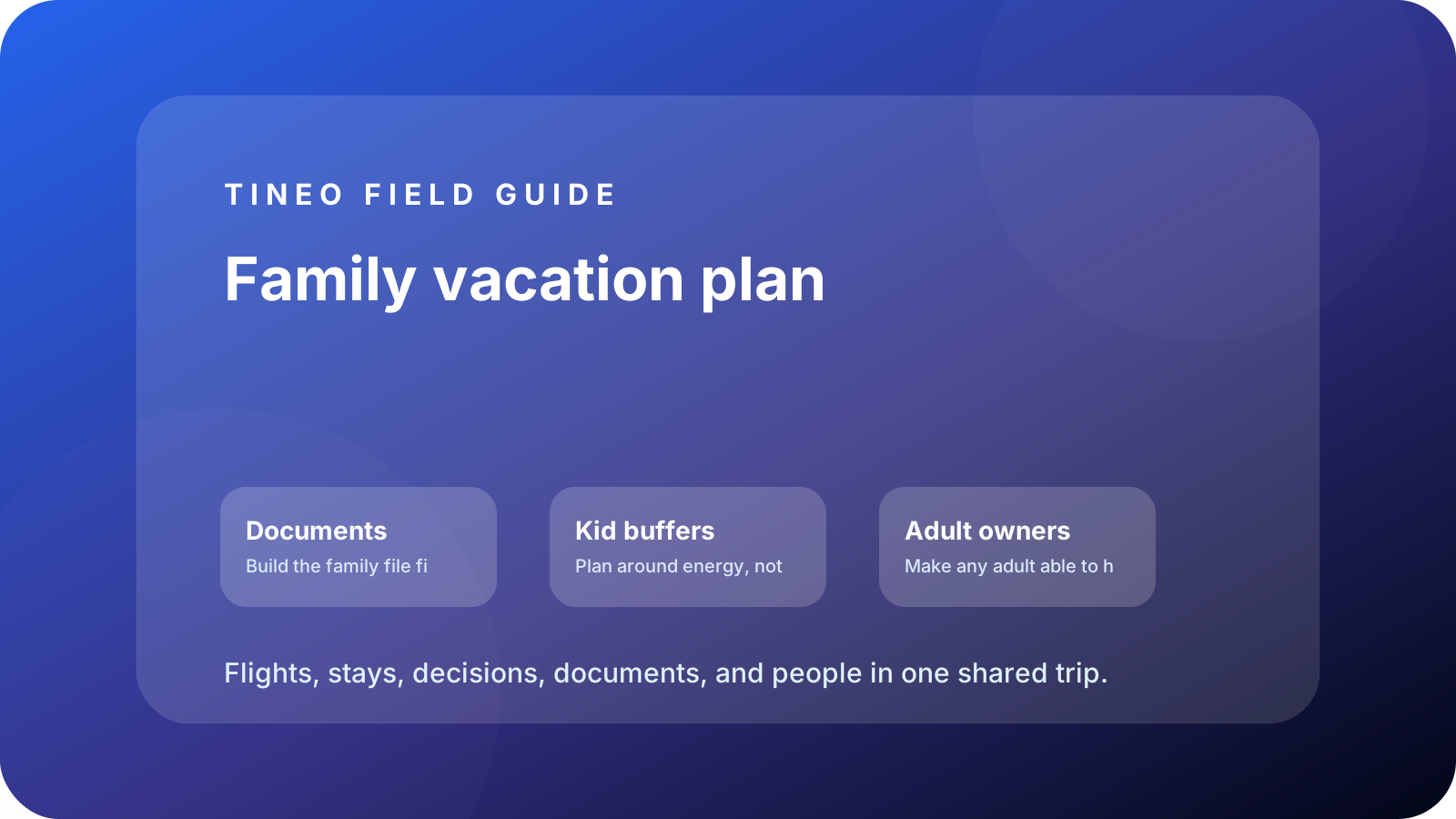
Family Travel
Family Vacation Planner App: Flights, Hotels, Kids, and Chaos
How to organize a family vacation itinerary with documents, kid-friendly buffers, lodging details, tickets, and offline access.
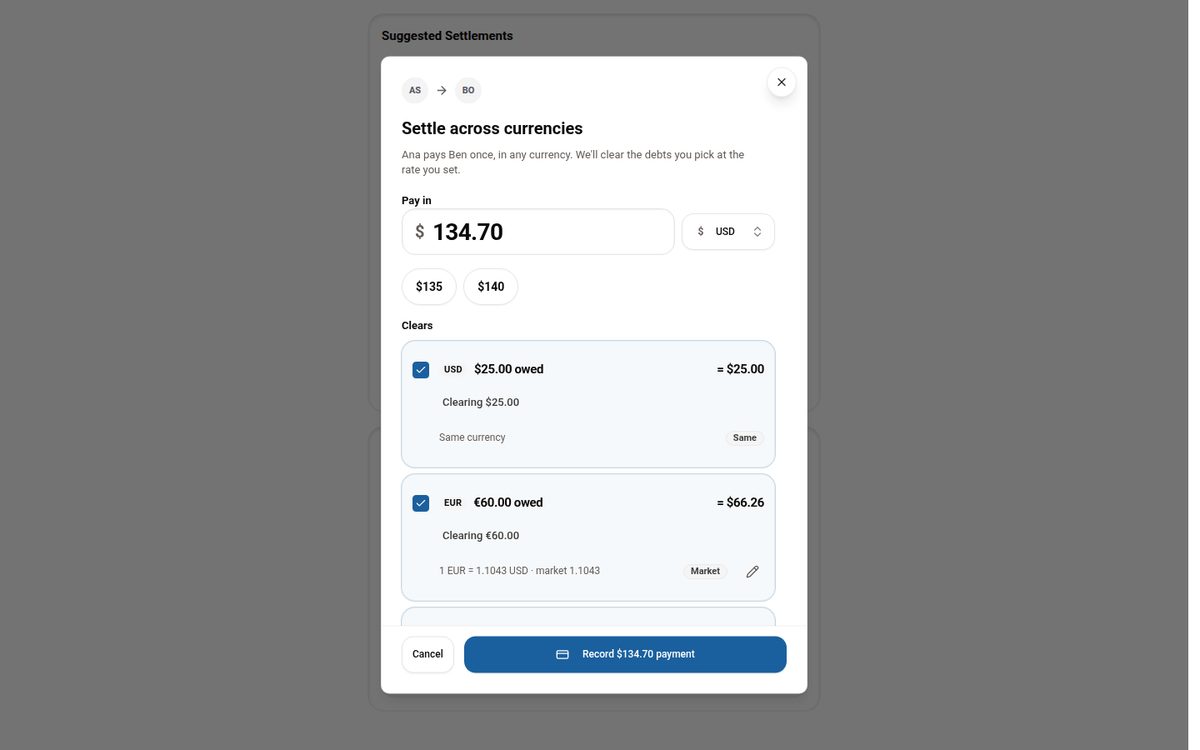
Tineo
Settling Group Trip Expenses Across Multiple Currencies
Why per-currency balances make settling up on a multi-currency trip confusing, and how Tineo lets you pay once in any currency and clear the debts you choose.