

Family Vacation Planner App: Flights, Hotels, Kids, and Chaos
How to organize a family vacation itinerary with documents, kid-friendly buffers, lodging details, tickets, and offline access.

On this page
Family vacations break when the small details are hard to find: terminal, stroller rule, crib request, medication window, car-seat plan, ticket barcode, hotel address, or who is handling snacks. Tineo is built for this kind of trip because confirmations, notes, tickets, polls, and people rarely start in one clean place.
Quick answer
Use Tineo when the trip has separate arrivals, shared reservations, documents, and decisions that should not disappear in a group chat. Create the trip, import or add the fixed bookings, invite the right people, and let the itinerary become the source of truth for travel day.
Best for: parents, grandparents, guardians, and families coordinating kids, documents, tickets, lodging, and adult responsibilities.
Not ideal for: adults-only trips where a simple calendar invite is enough.
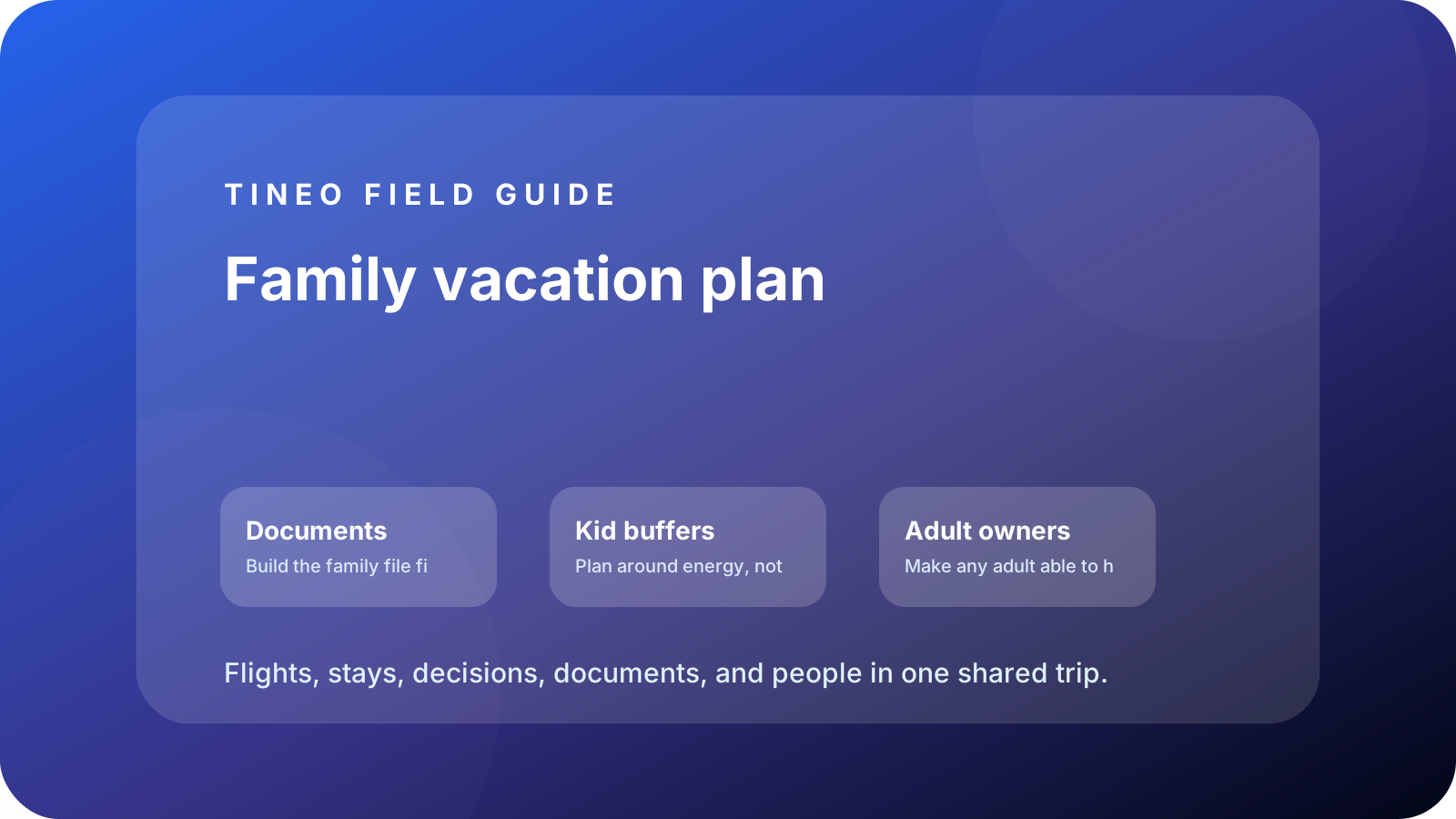
Family vacation plan
The details to organize first
Documents
Build the family file first.
Attach passports, visas, insurance, consent letters, ticket PDFs, medical notes, and reservation screenshots.
Kid buffers
Plan around energy, not wish lists.
Add naps, meal windows, stroller logistics, pharmacy notes, and backup indoor activities.
Adult owners
Make any adult able to help.
Assign who has tickets, who handles bags, who checks in, who drives, and who knows the backup plan.
What makes family vacation planning different
Family travel has more dependencies than solo travel. A missing five-minute detail can become a car-seat problem, a nap problem, a medication problem, or a terminal problem. The itinerary needs to answer practical questions quickly, not just list the fun activities.
Use Tineo as the shared adult brain. If one parent is handling the hotel desk, another adult should still be able to find the ticket PDF, pharmacy address, stroller rule, or dinner reservation without searching someone else’s inbox.
How to avoid over-scheduling kids
Pick one anchor per day and treat the rest as optional. Add meal windows and recovery blocks as real itinerary items, not afterthoughts. When the day goes sideways, the family still has a plan that respects distance, energy, weather, and bedtime.
Planning flow
A realistic sequence for this trip
Use this as the first draft, then adjust the details for your destination and group size.
-
Before booking
List kid constraints, documents, sleeping setup, and must-do tickets before choosing times.
-
Travel day
Flights, bags, stroller, car seats, snacks, medication, and terminal details.
-
Arrival night
Check-in, crib/room setup, groceries, easy dinner, and early bedtime.
-
Activity days
One main anchor, one flexible idea, one recovery block, and one weather backup.
-
Departure
Checkout, bags, airport transport, meals, and late-flight contingency.
What to put in Tineo before inviting everyone
Start with details that are already true: dates, lodging, confirmations, tickets, addresses, owners, and deadlines. Then add the decisions still open for the group. This keeps the first shared version useful instead of blank.
Scroll sideways to read every column.
| Planning layer | Add to Tineo | Why it matters |
|---|---|---|
| Fixed bookings | Flights, stays, tickets, reservations, transfers | These are the details people need under pressure |
| Ownership | Who booked, who paid, who has files, who updates changes | Prevents the host from becoming the only source of truth |
| Decisions | Polls, comments, deadlines, optional ideas | Turns opinions into trackable choices |
| Travel-day context | Addresses, access notes, meetup points, backup contacts | Makes the plan useful when the group is moving |
Why Tineo works well for this use case
Tineo can turn booking confirmations into trip items, keep manual activities beside imported segments, support shared plans, and make itineraries available across web, iOS, Android, iPad, and Mac. For group travel, that means one person can add a confirmation while everyone else sees the resulting plan in context.
The free core covers itinerary organization, email-to-itinerary workflows, collaboration basics, offline access, and an AI travel assistant. Ultra stays optional for travelers who want the premium live, agentic layer on top.
Final checklist
- Passports, visas, consent letters, and insurance are attached or noted.
- Car seats, stroller rules, crib requests, and medication windows are visible.
- Each day has one main anchor and at least one buffer.
- Every adult can find lodging, tickets, and emergency contacts.
- Offline access is confirmed before flights, parks, or low-signal areas.
FAQ
What should a family vacation planner include?
Flights, lodging, tickets, documents, medication notes, stroller or car-seat details, meal windows, rest blocks, emergency contacts, and backup activities.
How do you keep family travel from becoming over-scheduled?
Limit each day to one main anchor, add buffers as real itinerary items, and keep optional ideas separate from fixed bookings.
Why is offline access important for family trips?
Families often need details in airports, parks, cars, or resorts where signal is weak. Offline access keeps addresses, tickets, and notes reachable when timing is tight.
Related Tineo guides
Keep reading
Family Travel
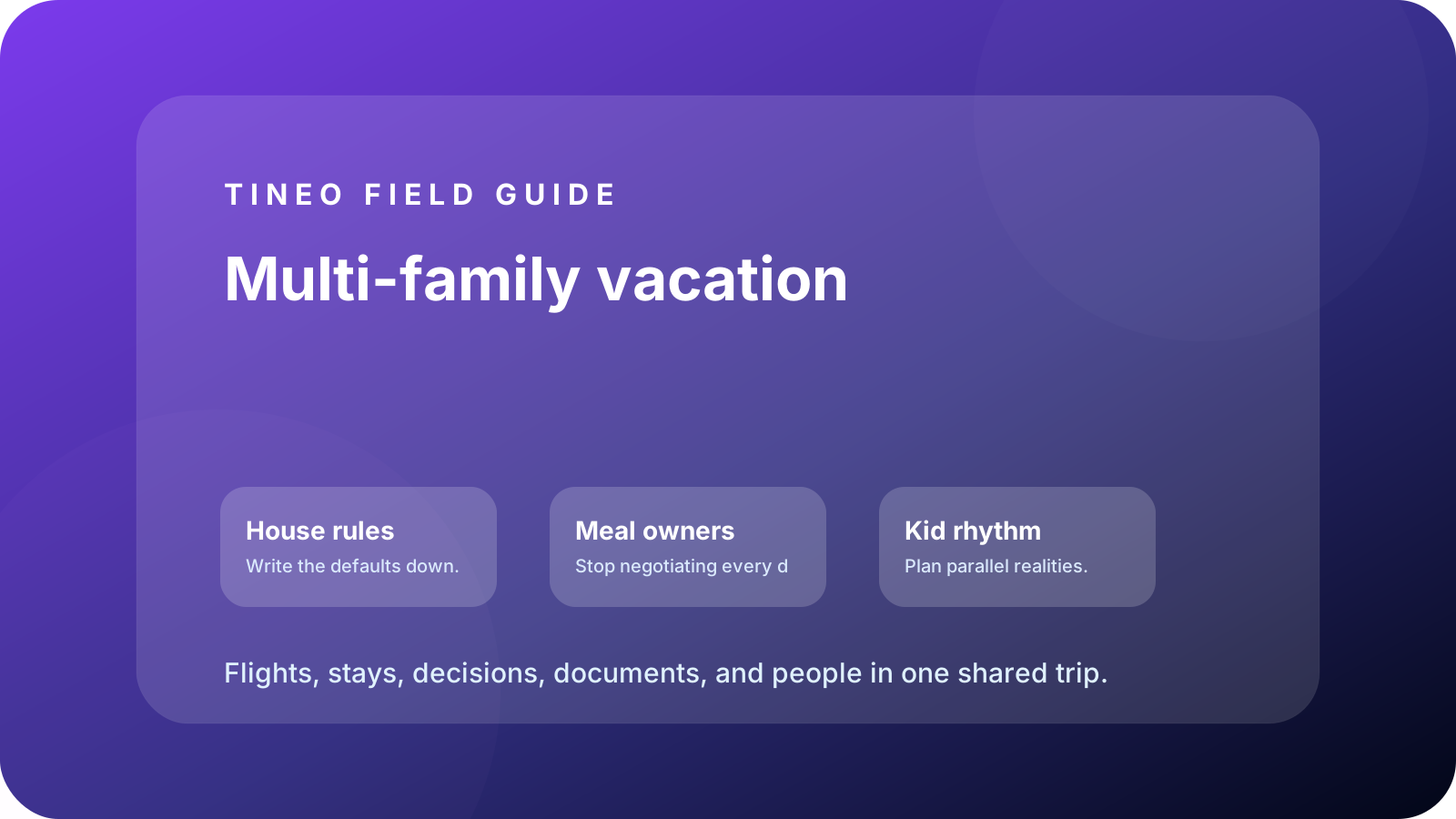
Multi-Family Vacation Planning Without the Spreadsheet
Coordinate multiple families on one vacation with arrivals, rooms, grocery runs, activities, kid schedules, and shared notes.
Vacation Planning
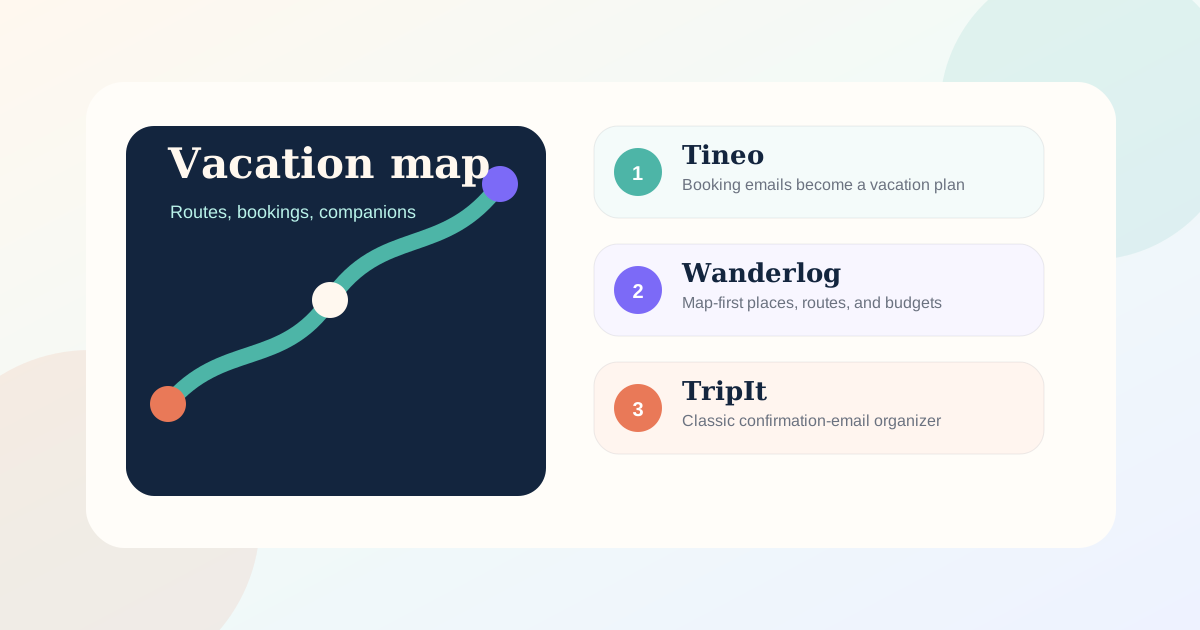
Best Vacation Planner Apps 2026: Trips, Maps, and AI
Compare the best vacation planner apps for booking imports, maps, collaboration, offline access, AI help, and itinerary organization in 2026.
Itinerary Apps
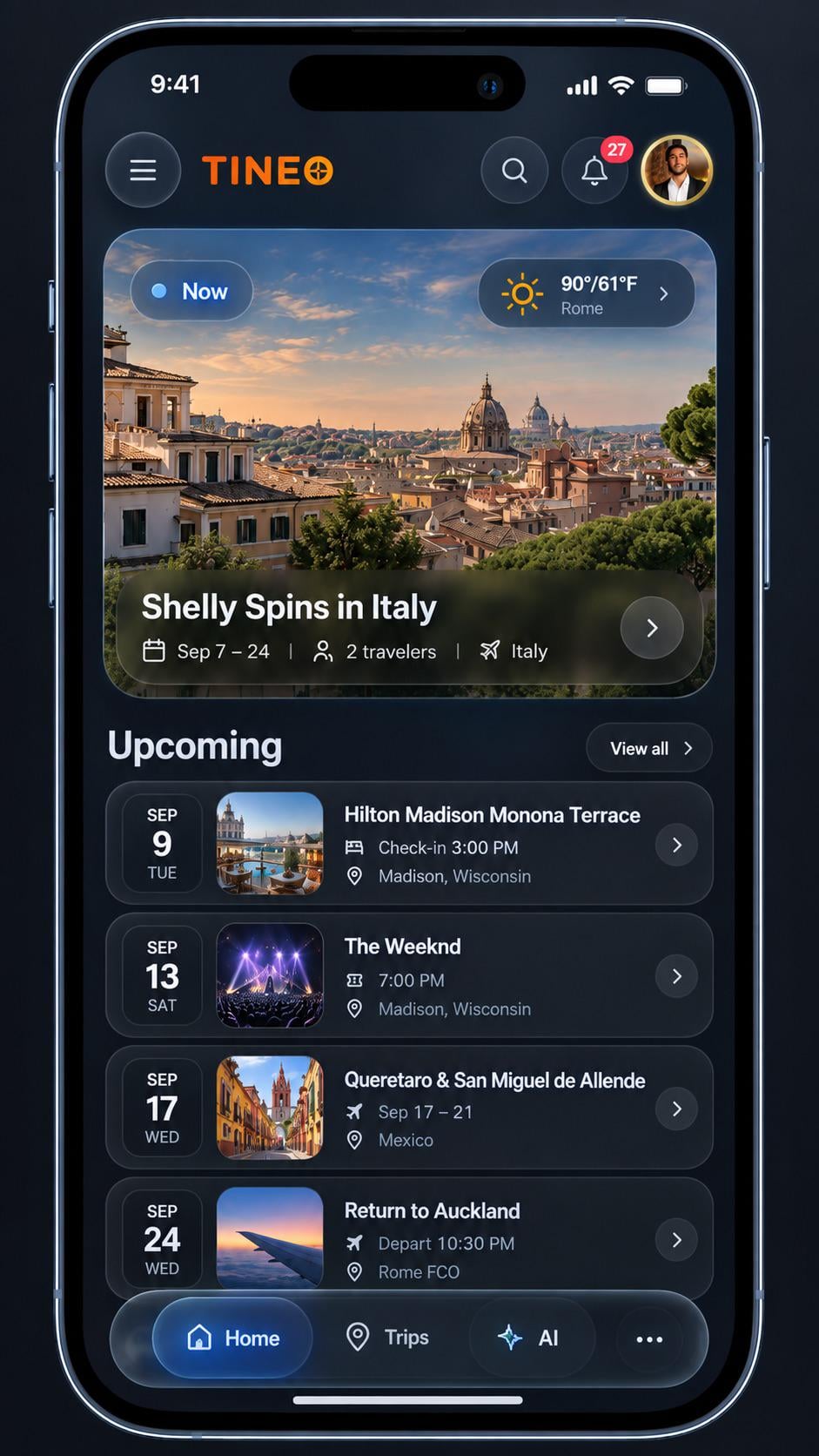
Best itinerary apps for frequent travelers: September 2026
Compare TripIt, Tineo, Wanderlog, Tripsy and Stippl by booking import, planning style and device fit. Use a practical checklist to choose your next app.