

Best Itinerary Apps 2026: 5 Compared for Frequent Travelers
TripIt for flight-day tools, Tineo for confirmations with AI help, Wanderlog for map planning, Tripsy for Apple devices, Stippl for routes and shared costs. Prices checked November 2026.

On this page
For frequent travelers, the best itinerary app is the one that handles your recurring travel problem. Shortlist TripIt for booking organization and flight-day tools, Tineo for confirmation-based itineraries with AI assistance, Wanderlog for planning around a map, Tripsy for an Apple-centered trip hub, and Stippl for routes and shared spending. The documented differences are below; there is no single winner for every kind of trip.
Start with your last journey. Was the frustrating part finding a hotel confirmation, arranging a sensible day, coordinating companions, or keeping plans current? That answer is more useful than a long feature checklist.
Disclosure and method: Tineo publishes this guide and is one of the products compared. We checked official product, pricing and help pages on November 13, 2026. Recommendations reflect documented workflows and our editorial judgment. We did not run hands-on import, alert, offline, or usability tests, and we do not assign performance scores.
Compare the job before the app
Scroll sideways to read every column.
| Your recurring need | Start your shortlist here | Documented reason | Deciding question |
|---|---|---|---|
| Keep reservations together and follow flight changes | TripIt | Confirmation forwarding; Pro flight alerts. TripIt, alerts | Do the alerts you use justify the plan you would need? |
| Organize confirmations and ask for planning help | Tineo | Email-based itineraries, shared trips and an AI assistant. Tineo | Can you review your actual bookings and proposed edits comfortably? |
| Arrange sightseeing around locations | Wanderlog | Itinerary/map view and collaborative planning. Wanderlog | Is moving places between days your main task? |
| Keep trip details across Apple devices | Tripsy | Apple apps, reservations, documents and trip guests. Tripsy | Can everyone who needs access use the available platforms? |
| Coordinate a multi-stop trip and its spending | Stippl | Route planning plus expense tracking and cost splitting. Stippl | Do you want spending and the itinerary in the same workspace? |
These are starting points, not exclusive capabilities. In particular, map-based planning does not mean manual-only booking entry.
What each app costs
Scroll sideways to read every column.
| App | Free plan | Paid plan, as listed on November 13, 2026 |
|---|---|---|
| TripIt | Yes; itinerary, email import, calendar sync, sharing, 3 documents per trip | TripIt Pro: $49 per year, free 30-day trial. Pricing |
| Tineo | Yes; trip planning, email import, offline access, document storage | Tineo Ultra: $4.99 per month or $39.99 per year. Pricing |
| Wanderlog | Yes | Wanderlog Pro: price not stated in the page text we could read. Wanderlog |
| Tripsy | Yes; its Pro page lists unlimited trips, cloud sync, guests and forwarded reservations under Free | Tripsy Pro: $19 for one year (marked 50% off $39) or $149 lifetime on its Pro page; a help article last updated October 2025 lists $59.99 per year. Tripsy Pro |
| Stippl | Yes; the site says free forever | Stippl Pro: €4.99 per month. Stippl Pro |
Prices change and promotions end, so confirm the amount shown at checkout.
TripIt: consider it when flight-day organization matters most
TripIt builds itineraries from forwarded confirmations. Optional Inbox Sync also supports several Google, Microsoft and Yahoo email services; authorization and mailbox settings matter. TripIt overview, Inbox Sync documentation.
Its Pro offering, listed at $49 per year, includes alternate-flight search, interactive airport maps, a fare tracker and a seat tracker alongside alerts. That gives a frequent flyer concrete features to evaluate, rather than a vague promise of a smarter itinerary. TripIt Pro.
If your existing TripIt setup works, keep it on your shortlist. A replacement needs to improve something you actually do. Check a current booking from your usual airline and a less familiar supplier before assuming another importer will suit you better.
Tineo: consider it when bookings and planning questions belong together
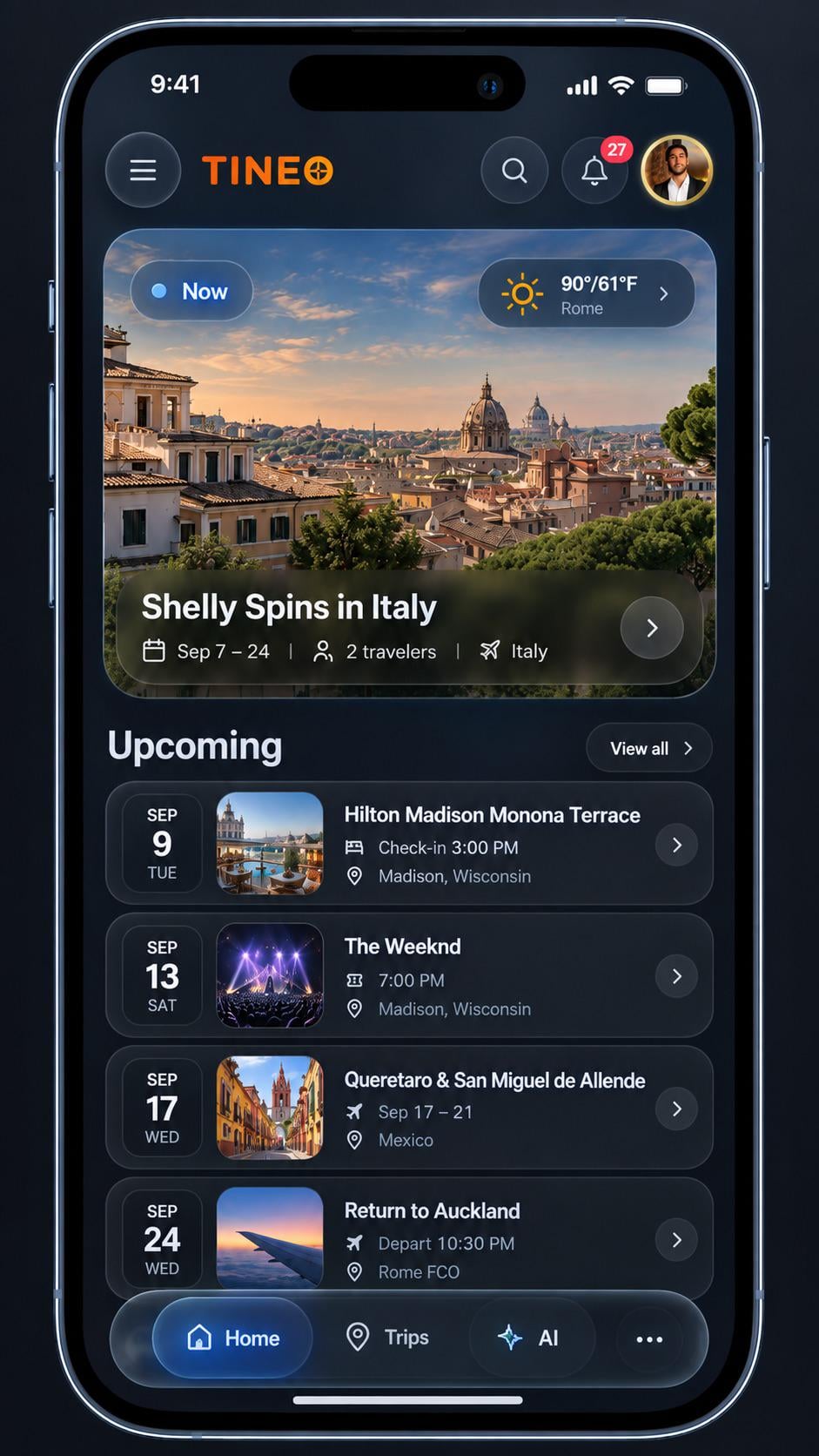
Tineo combines imported reservations, trip files, collaboration and an AI assistant across web, iOS and Android. That makes it a relevant candidate when you already have bookings but still need to organize the gaps between them. Tineo product overview.
The useful trial is specific: choose one upcoming trip, review its imported dates and locations, then ask for help with a gap in the schedule. Check whether the response fits the confirmed itinerary before accepting a change. A convincing suggestion should not distract from an incorrect arrival date.
For the import process itself, use our email forwarding guide. This comparison cannot establish which product will parse your particular messages most accurately.
Wanderlog: consider it when the itinerary is a map you keep editing
Wanderlog supports maps, live collaborative editing, budgeting with cost splitting, and adding flight and hotel reservations by connecting or forwarding your emails. It should not be dismissed as a manual-only planner. Its homepage lists offline access as a feature; which features need Wanderlog Pro was not stated in the page text we could read on November 13, 2026. Wanderlog features.
Shortlist it when the repeated task is choosing where to spend each day: moving a museum visit, grouping nearby restaurants, or reordering road-trip stops. For a focused decision between a planning workspace and an established booking organizer, read Wanderlog vs TripIt.
Check the subscription requirements for your desired workflow. A feature being available somewhere in an app does not mean it is included in the plan you intend to use.
Tripsy: consider it for an Apple-centered travel routine
Tripsy advertises reservation-email forwarding, document organization, calendar integration and flight notifications on iPhone, iPad, Mac and Apple Watch. It says you can share a trip and that guests can add their own expenses; specific permission levels were not stated on the page we read, so inspect them if a partner helps build the trip but another relative only needs to follow along. Tripsy features.
Its Android page says there is no native Android app yet and offers a waitlist. Itineraries can be viewed in a browser, while creating and editing happen in the Tripsy app; that is different from full editing access. Android availability, web availability.
A strong personal-device fit can still be the wrong group choice. Ask a companion to open a shared trip on the device they will actually carry.
Stippl: consider it when route and spending decisions are linked
Stippl describes AI-built day-by-day itineraries, route distances and travel times, packing lists and expense splitting, on the App Store, Google Play and the web. That combination is relevant when a long trip involves repeated decisions about the next stop and how shared costs are adding up. Forwarding email reservations into trips and calendar sync are listed under Stippl Pro. Stippl product overview, Stippl Pro.
Its budget page describes expense categories, logging in local currency with conversion to your home currency, and settlement between companions. Stippl budget planner.
Try the spending workflow with your actual arrangement: one person books accommodation, another pays for transport, and some meals are individual. Choose based on whether the record stays understandable to everyone, not on the presence of a budget icon.
Use this one-trip decision card
Take one upcoming trip and mark each row required, helpful, or irrelevant. Then try only the two closest candidates. Record passes, needs manual work, or not checked; leave untested features unscored.
Scroll sideways to read every column.
| Check | Evidence to look for in your trial |
|---|---|
| Booking entry | The dates, local times, locations and confirmation reference match the original. |
| Corrections | You can identify and fix a wrong field without rebuilding the trip. |
| Changes | The latest reservation is distinguishable from the earlier version. |
| Travel-day retrieval | You can find the next address and required document on your phone. |
| Companions | The intended person can view or edit the right information. |
| Offline readiness | The specific details you need reopen after connectivity is disabled. |
| Plan and device fit | The features work on your intended subscription and travel devices. |
Illustrative example, not a product test: A traveler takes monthly two-night work trips and one annual family road trip. For work, booking entry and flight information may be required; expense splitting may be irrelevant. For the family trip, route editing and companion access become required. The same person can reasonably choose different tools for those two jobs.
Use requirements as gates. If an app fails a required workflow, five attractive extras do not compensate. For a practical connectivity check, see offline trips when the signal drops. For apps compared on that point alone, see best itinerary apps with offline access.
Questions worth asking before you switch
Do I need both an itinerary app and an airline app?
Keep access to the booking provider for the actions your trip requires. In your trial, distinguish finding a flight in an itinerary from checking in, receiving a boarding pass or changing the reservation. Decide which app you will use for each action before departure.
Is email forwarding the same as automatic inbox import?
No. Forwarding starts with a message you select. Connected import starts with authorized access to a mailbox and the service’s scanning rules. Compare both paths against your email provider and preferences; our email forwarding guide explains the workflow.
What should I check before paying?
Write down your required features, then inspect their current plan requirements and renewal terms. Avoid paying for an app solely because a comparison labels it free or premium: the important unit is the workflow you need.
If confirmation organization is your priority, try Tineo with one upcoming trip. Review the result against the source bookings and use the decision card to judge whether it fits the way you travel.
Keep reading

Travel Apps
Travel Apps That Shut Down: Dates, Data and Replacements
A sourced tracker of trip planner and itinerary apps that shut down since 2017: announcement and closing dates, what happened to user data, and official advice.
TripIt
TripIt vs Tripsy 2026: Which Itinerary App Is Better?
TripIt vs Tripsy compared for 2026: email import, offline access, Apple-platform fit, group travel, and pricing, plus where Tineo fits.
Wanderlog
Wanderlog vs TripIt 2026: Which Travel App Should You Use?
Wanderlog vs TripIt compared for 2026: planning vs itinerary import, offline access, group travel, and pricing, plus where Tineo fits between them.