

Sports Team Travel Planner for Tournaments and Away Games
Plan team travel with flights, hotels, game times, fields, rides, parent notes, documents, and itinerary updates in Tineo.

On this page
Team travel changes fast: game times move, field locations change, hotel blocks expire, parents split rides, uniforms go missing, and coaches need everyone looking at the latest plan. Tineo is built for this kind of trip because confirmations, notes, tickets, polls, and people rarely start in one clean place.
Quick answer
Use Tineo when the trip has separate arrivals, shared reservations, documents, and decisions that should not disappear in a group chat. Create the trip, import or add the fixed bookings, invite the right people, and let the itinerary become the source of truth for travel day.
Best for: team managers, coaches, parent volunteers, youth tournaments, club teams, away games, and multi-field weekends.
Not ideal for: a single local game with no hotel, rides, or roster logistics.
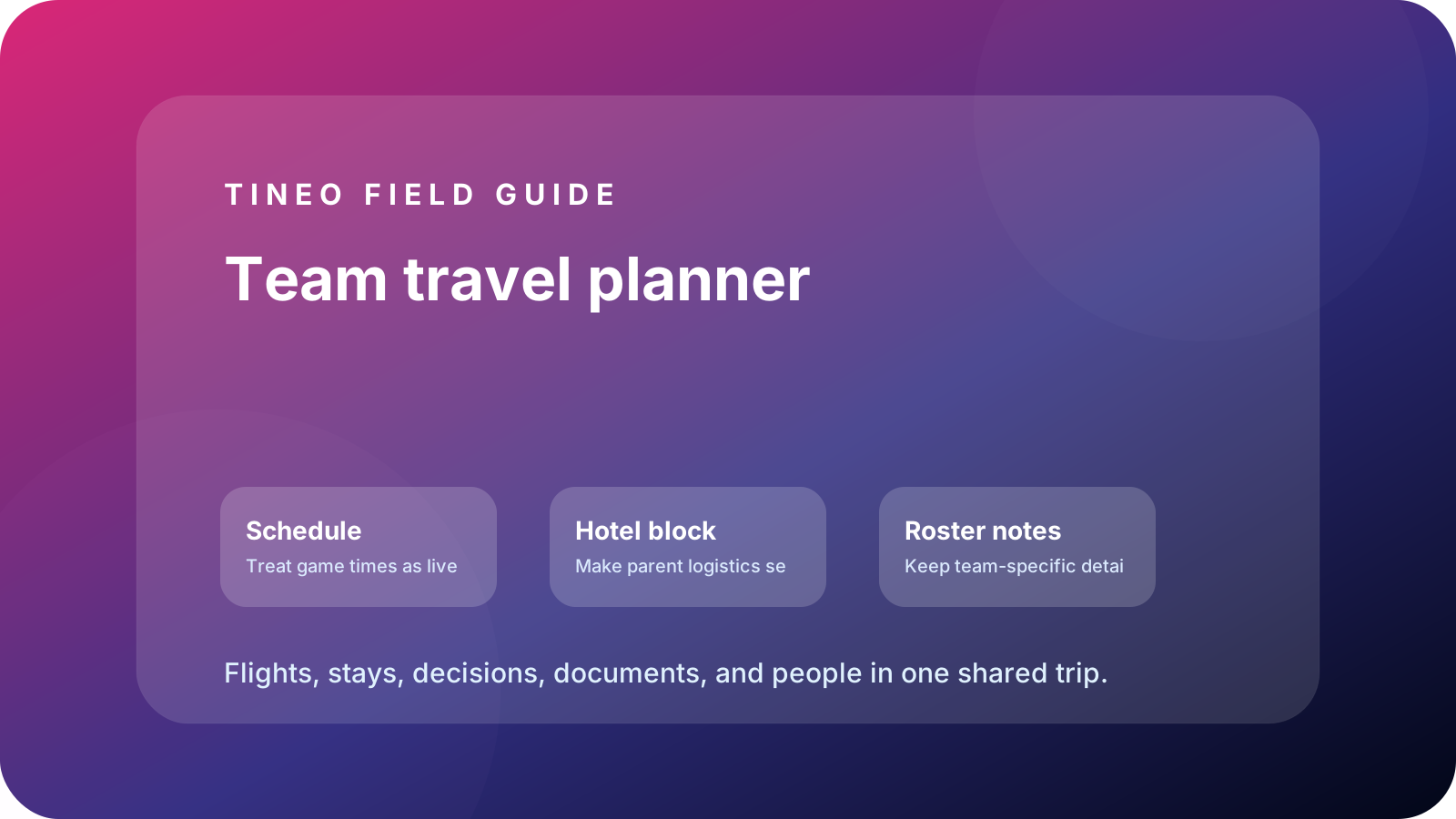
Team travel planner
The details to organize first
Schedule
Treat game times as live anchors.
Add pool play, bracket windows, warmups, field addresses, parking, and weather/change notes.
Hotel block
Make parent logistics self-serve.
Add block name, booking deadline, check-in, team room, breakfast, checkout, and cancellation policy.
Roster notes
Keep team-specific details near the plan.
Add waivers, uniforms, equipment, snack owners, medical forms, and ride responsibilities.
What makes team travel different
Sports travel is not just group travel with jerseys. It has a changing schedule, a parent communication layer, a roster/document layer, and venue details that can change on short notice. The team manager needs one current itinerary that parents can trust.
Tineo can hold the stable details—hotel block, field addresses, parking, waivers, uniforms, team meals—and the changing details like bracket updates or weather delays. That reduces the number of emergency texts when everyone is already driving.
Parent communication without chaos
Put the answer where parents will look first. Field address, warmup time, parking, uniform color, snack owner, and hotel checkout should be itinerary items or notes. If the schedule changes, update the shared plan and then send the short message: “Tineo is updated.”
Planning flow
A realistic sequence for this trip
Use this as the first draft, then adjust the details for your destination and group size.
-
Schedule release
Create the trip, add fields, tentative game windows, hotel block, and booking deadline.
-
Travel day
Check-in, team meal, equipment check, and parent arrival windows.
-
Game day
Warmup, field address, parking, game time, snack owner, and bracket update plan.
-
Weather/change plan
Who updates Tineo, who messages parents, and where the team waits.
-
Checkout/return
Hotel checkout, final game, bags, showers, meal, and ride home.
What to put in Tineo before inviting everyone
Start with details that are already true: dates, lodging, confirmations, tickets, addresses, owners, and deadlines. Then add the decisions still open for the group. This keeps the first shared version useful instead of blank.
Scroll sideways to read every column.
| Planning layer | Add to Tineo | Why it matters |
|---|---|---|
| Fixed bookings | Flights, stays, tickets, reservations, transfers | These are the details people need under pressure |
| Ownership | Who booked, who paid, who has files, who updates changes | Prevents the host from becoming the only source of truth |
| Decisions | Polls, comments, deadlines, optional ideas | Turns opinions into trackable choices |
| Travel-day context | Addresses, access notes, meetup points, backup contacts | Makes the plan useful when the group is moving |
Why Tineo works well for this use case
Tineo can turn booking confirmations into trip items, keep manual activities beside imported segments, support shared plans, and make itineraries available across web, iOS, Android, iPad, and Mac. For group travel, that means one person can add a confirmation while everyone else sees the resulting plan in context.
The free core covers itinerary organization, email-to-itinerary workflows, collaboration basics, offline access, and an AI travel assistant. Ultra stays optional for travelers who want the premium live, agentic layer on top.
Final checklist
- Hotel block, booking deadline, and check-in details are listed.
- Every field has address, parking, and warmup notes.
- Roster documents, waivers, uniforms, and equipment are assigned.
- One person owns schedule updates during bracket changes.
- Checkout and final-game timing are planned together.
FAQ
How do team managers share tournament details with parents?
Add hotel blocks, field addresses, game times, warmups, parking, uniforms, and snack owners to one shared itinerary parents can open from any device.
How should a sports team handle changing game times?
Assign one update owner, edit the itinerary as the source of truth, and then notify parents that the shared plan has changed.
What documents belong in a team travel plan?
Waivers, medical forms, roster notes, hotel confirmations, field maps, tournament rules, equipment lists, and emergency contacts.
Related Tineo guides
Keep reading
Reunion Travel
Family Reunion Trip Planner: Lodging, Meals, Activities, and Arrivals
Use Tineo to plan reunion trips with shared lodging, arrivals, activity options, meal plans, and an itinerary everyone can open.
best itinerary app iphone
Best Itinerary App for iPhone: 6 Options Compared
Compare the best itinerary apps for iPhone: Tineo, TripIt, Wanderlog, Flighty, Google Maps and Notion. See how each organizes bookings and group trips.
best hotel booking organizer
Best Hotel Booking Organizer: 4 Options Compared
Compare the best hotel booking organizers: Tineo, TripIt, Wanderlog and a manual inbox setup. See how each imports confirmations, shares trips and costs.