

Tineo for Chrome: Import Your Booking From the Open Email
The Tineo Chrome extension can now read the booking email or page you have open and turn it into plans. Check the text, select Find plans, and choose what to add.

On this page
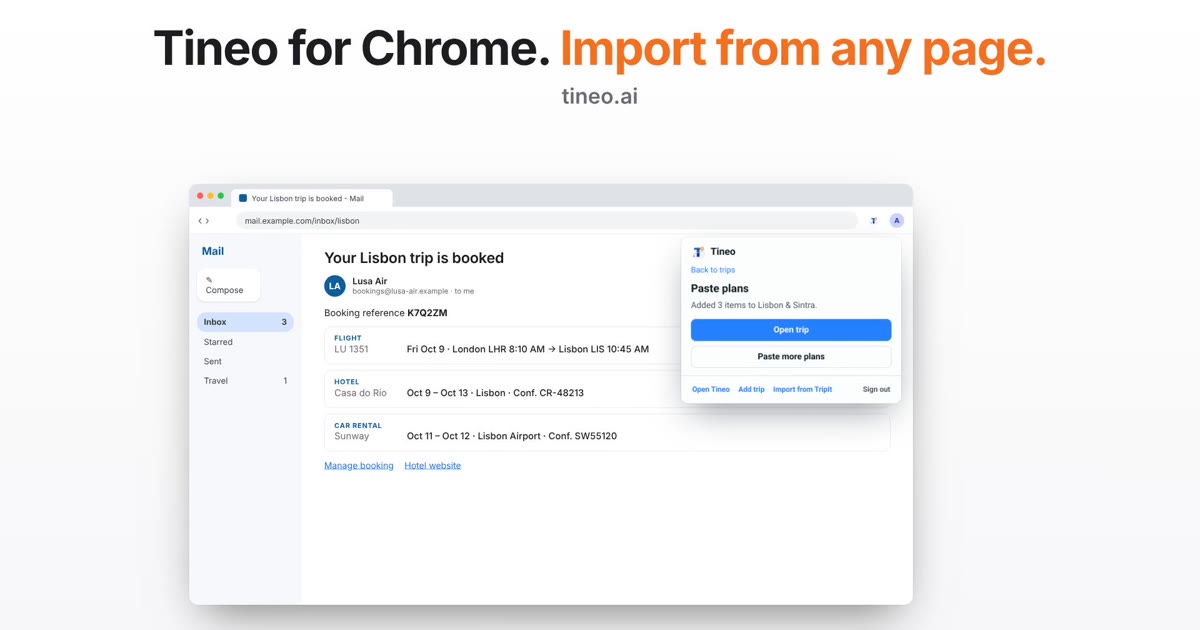
Booking emails land in your inbox, not in your itinerary. The Tineo Chrome extension now closes that gap: open the confirmation, click the Tineo icon, and select Import from page. The extension reads the email into the Paste plans box, Tineo finds the flights, stays and other plans in it, and you choose what to add to your trip.
A 15-second look at Import from page (with sound). The email, trip and bookings are illustrative sample data. Direct links: landscape 16:9 video or portrait 4:5 video.
Portrait 4:5 cut: a 15-second look at Import from page (with sound). The email, trip and bookings are illustrative sample data. Direct links: landscape 16:9 video or portrait 4:5 video.
How to import a booking from a tab
- Open the booking. That can be a confirmation email in Gmail, Outlook on the web or Yahoo Mail, or a booking page on an airline, hotel or rental site.
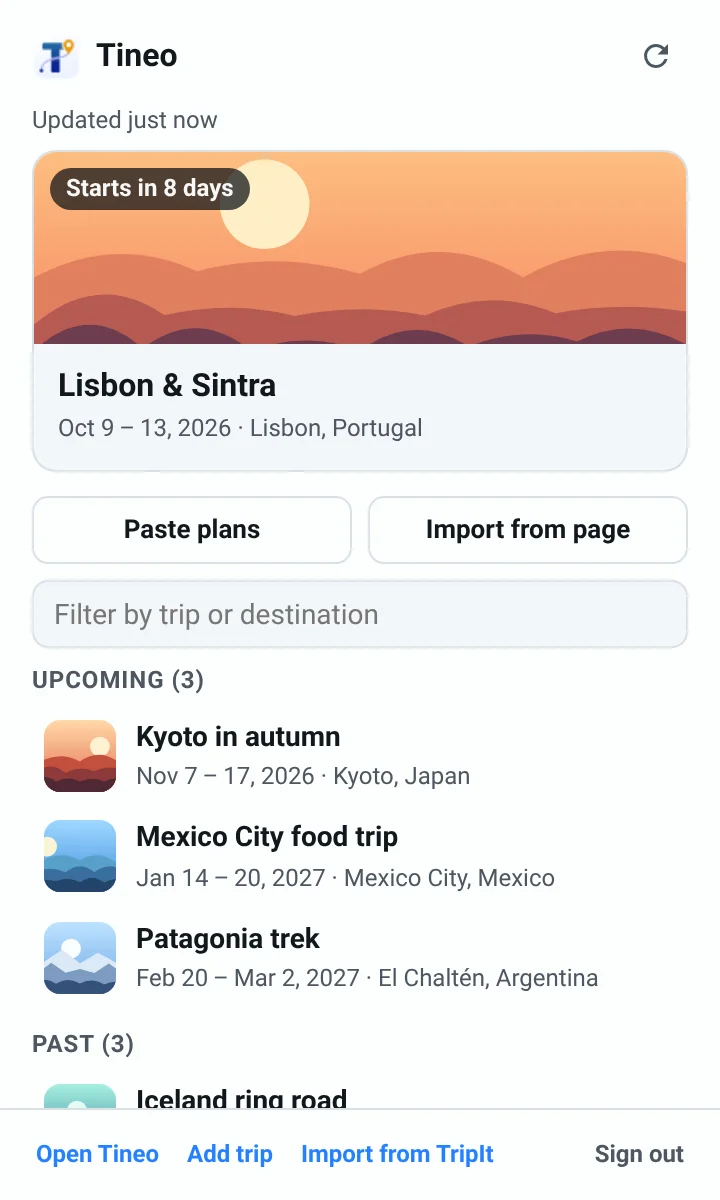
- Click the Tineo icon in Chrome’s toolbar and select Import from page, next to Paste plans.
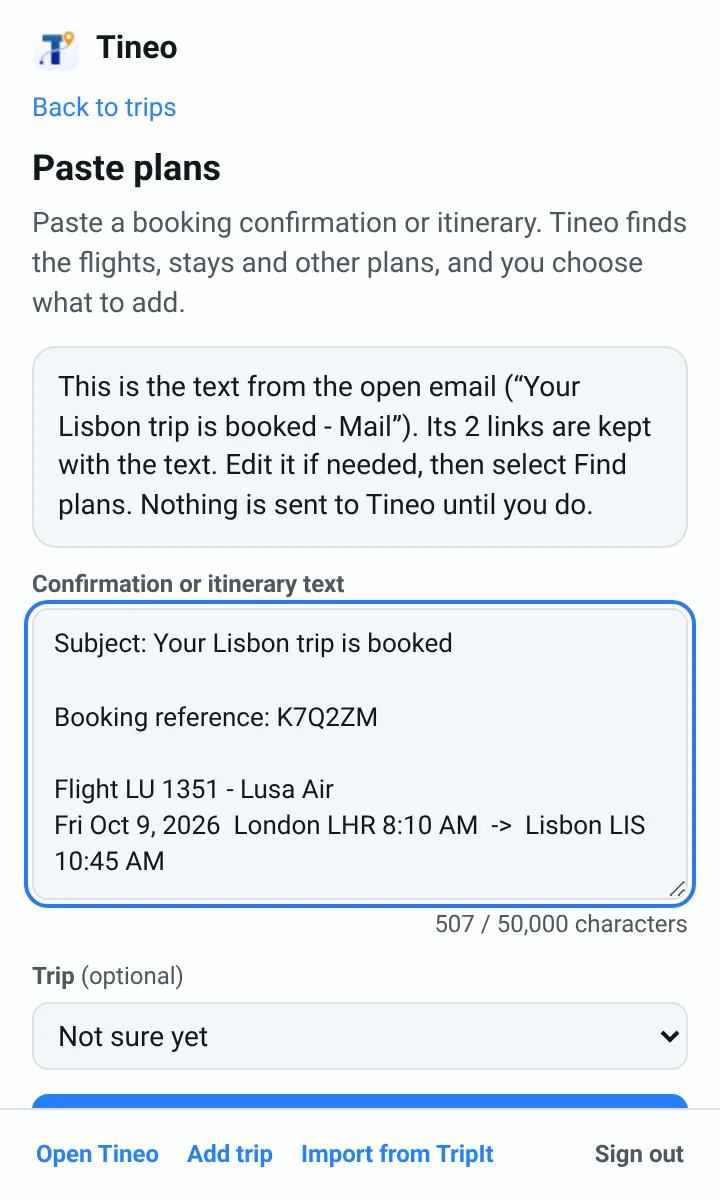
- Check the text. The extension puts what it read into the Paste plans box and says where it came from. Remove anything you don’t want to send, or pick a trip if you already know where the plans belong.
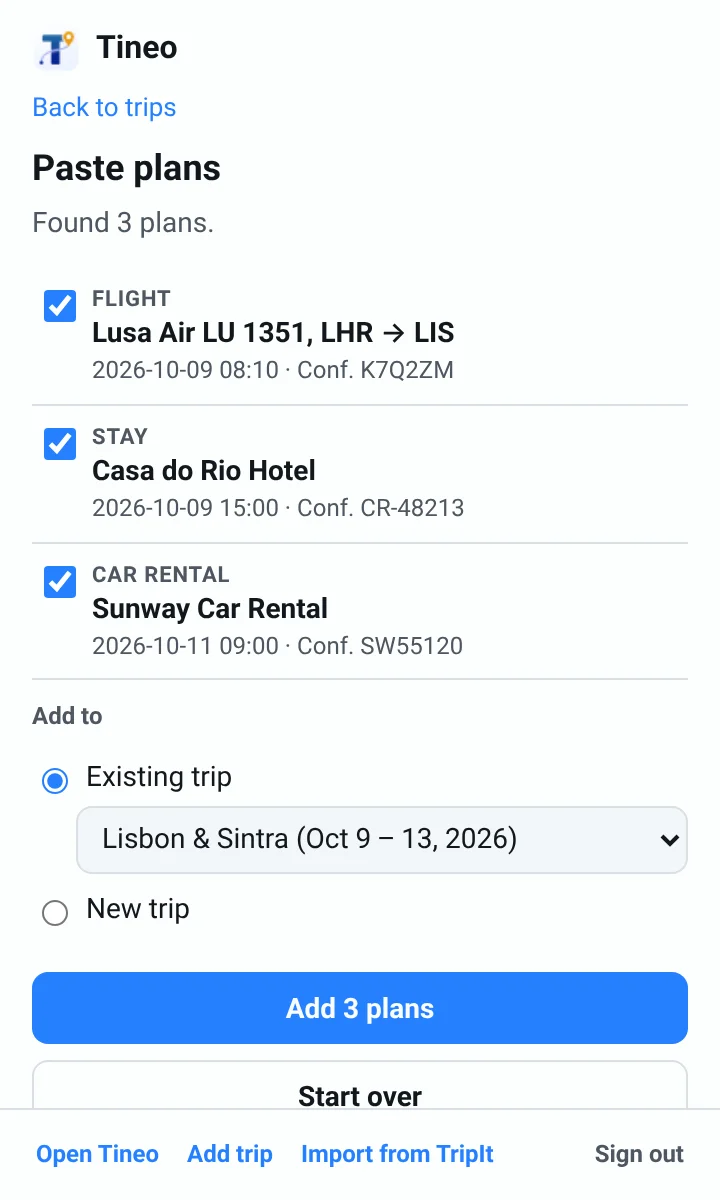
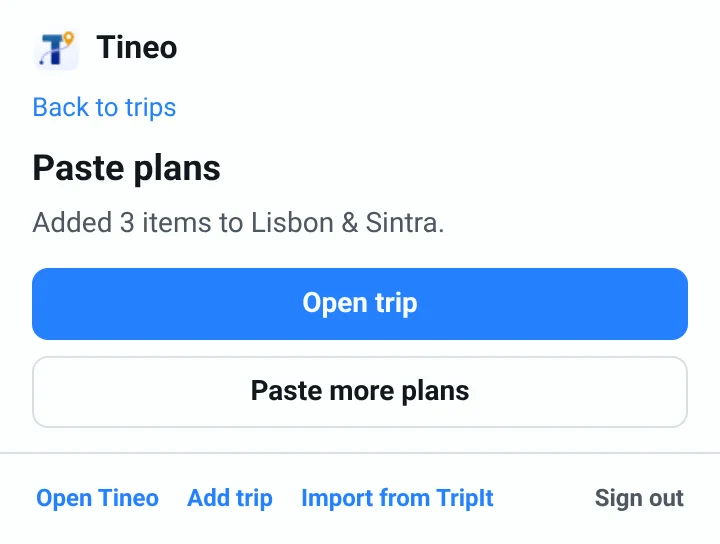
- Select Find plans. Tineo reads the text and lists the flights, stays, car rentals and other plans it found.
- Choose what to add. Untick anything you don’t want, pick an existing trip or start a new one, and select Add plans.
What it reads
Scroll sideways to read every column.
| What’s on screen | What goes into the Paste plans box |
|---|---|
| Text you selected | Just the selection, with the links inside it listed after it |
| An open email in Gmail, Outlook on the web or Yahoo Mail | The subject and the message, with links such as manage booking or check-in kept next to their text |
| Any other page | The page’s address and its main content (the whole page if it has no main section) |
Plain copy and paste loses links. Import from page keeps the useful ones, unwraps Google and Outlook redirect links to their real address, and leaves out footer, account and social links.
You stay in control
- Nothing is sent until you select Find plans. Import from page only fills the box inside the extension, so you can read and edit the text first.
- Nothing is added until you confirm. You see every plan Tineo found and choose which ones go into which trip.
- No new permission. It uses the access Chrome gives an extension when you click its icon, for that tab only. The extension never changes or deletes plans you already have.
Other ways to add a booking
Import from page is the quickest route when the booking is already open in Chrome. You can also right-click selected text on any page and choose Add to Tineo, paste text into the extension yourself, or forward the confirmation email to your Tineo address so it’s imported without opening Chrome at all.
Keep reading
Cruise Travel
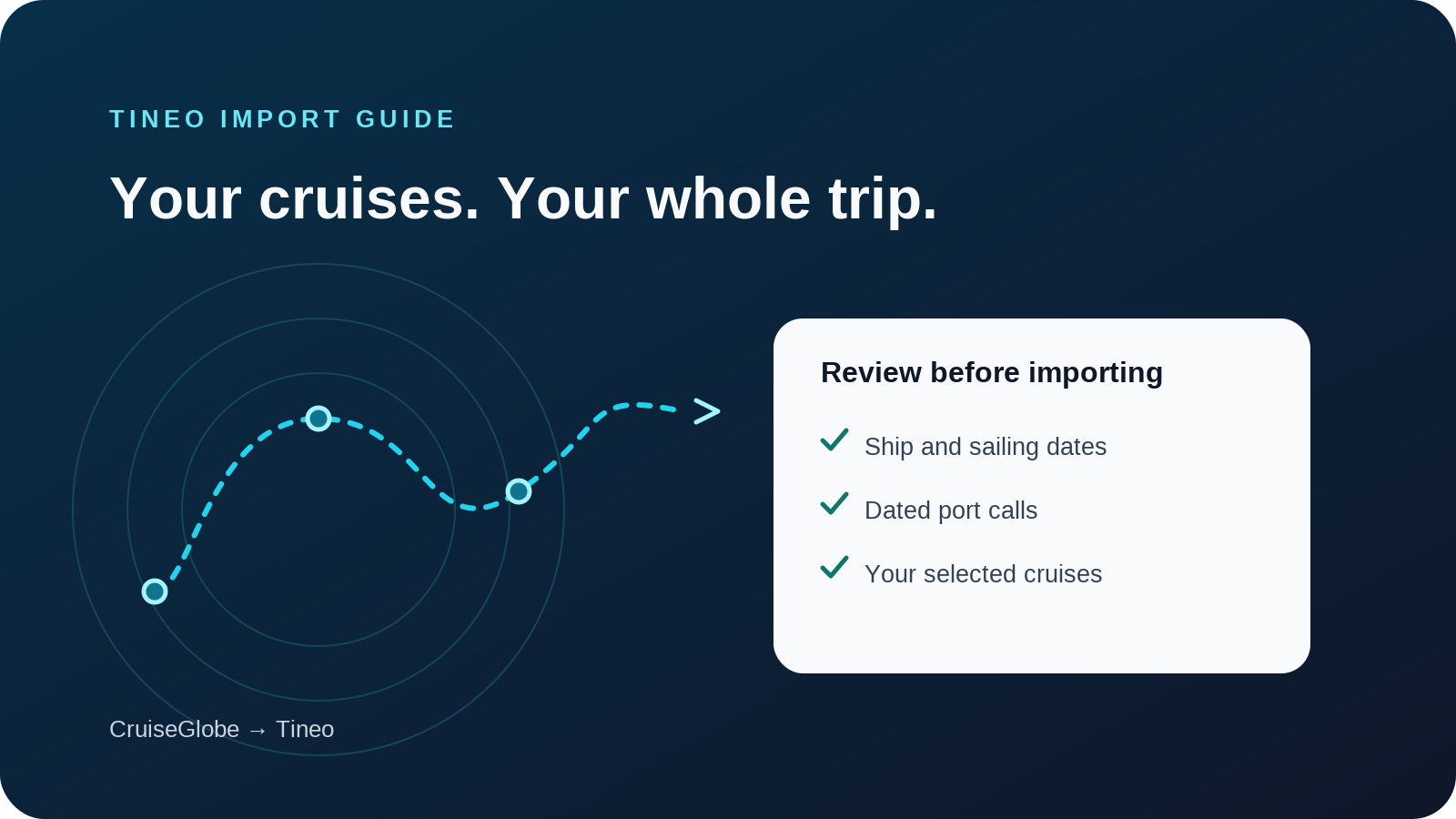
How to Import CruiseGlobe Cruises into Tineo
Bring The Cruise Globe cruises into Tineo with the Chrome extension. Review ships, sailing dates, and port calls before importing your selected trips.
Tineo
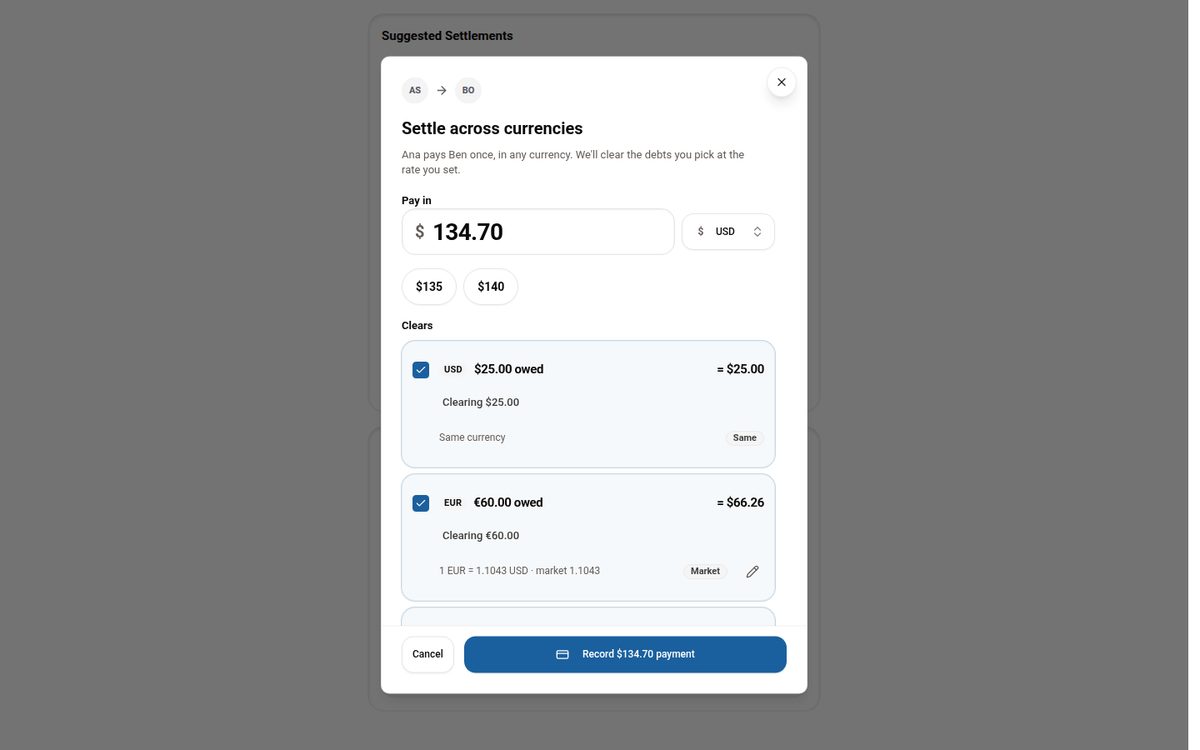
Settling Group Trip Expenses Across Multiple Currencies
Why per-currency balances make settling up on a multi-currency trip confusing, and how Tineo lets you pay once in any currency and clear the debts you choose.
Tineo
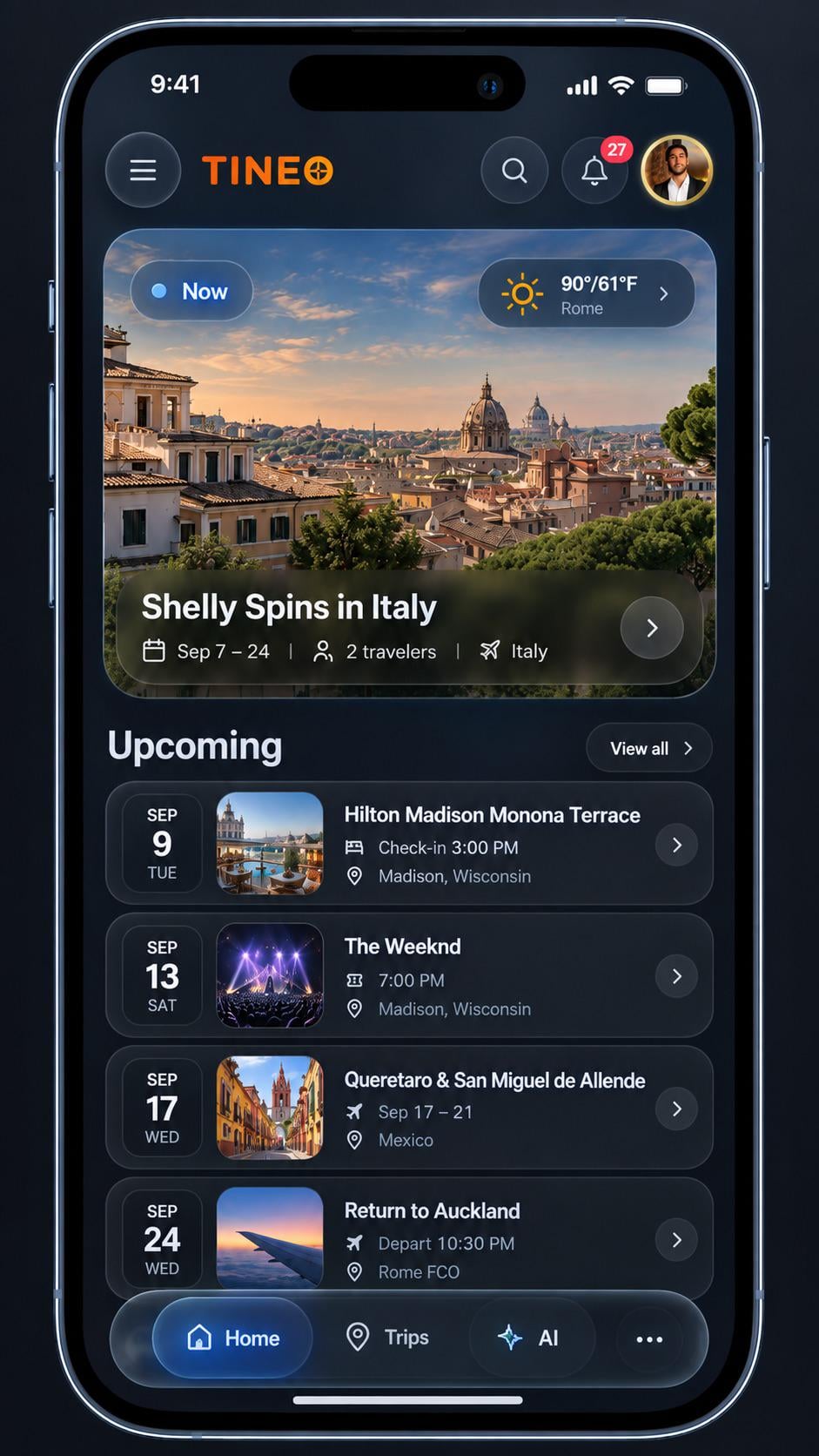
Plan a relaxed travel day with Tineo Assistant
A practical walkthrough for turning a free afternoon into a realistic plan with Tineo Assistant, from preferences to a checked itinerary.