

Plan a relaxed travel day with Tineo Assistant
A practical walkthrough for turning a free afternoon into a realistic plan with Tineo Assistant, from preferences to a checked itinerary.

On this page
The easiest way to plan a day with Tineo Assistant is to start with what is already fixed, describe the kind of day you want, and refine a short proposal. You do not need a perfect prompt. You need enough context to tell whether the answer fits your trip.
Here is an illustrative planning exercise: you arrive in a city around lunchtime, want to leave your bag at the hotel, and have dinner arranged that evening. The afternoon is open. The times and circumstances are invented to show a workflow, not a recommendation for a particular destination.
Tineo publishes this guide. Its Assistant supports activity recommendations and adjustments to trip plans; this walkthrough describes suggested requests rather than a tested booking or guaranteed response. Tineo product information.
1. Give the afternoon a beginning and an end
Open the relevant trip in Tineo and check the existing arrival, lodging, and dinner details. Import confirmations first if they are still scattered through your inbox. Then tell the Assistant which window you are planning around:
Help me plan the afternoon on my arrival day. I expect to reach the hotel around 1 p.m. and want to be back by 6 p.m. Leave time to drop off my bag.
The important part is the boundary. Five hours between appointments does not mean five hours of sightseeing. You may need time for a transfer, a queue, a meal, or simply sitting down after traveling. Tell the Assistant about these needs instead of hoping they will be inferred.
2. Describe the experience, not a long attraction list
Add two or three preferences that will change the answer:
Keep it relaxed. I would like one interesting place and a café. Avoid a packed schedule, and give me an indoor alternative if the weather is poor.
A request like this creates a decision you can make. If you receive too many options, ask for two and an explanation of the trade-off. If the plan looks rushed, ask what to remove. More stops are not automatically a better use of your afternoon.
For companions, include the needs that matter: a shorter walk, somewhere to sit, or a meal before a particular time. These are planning preferences. For specific accessibility requirements, verify the actual venue and transport arrangements directly.
3. Ask what still needs checking
Before saving the plan, separate ideas from confirmed arrangements:
Which parts of this afternoon still need an opening-hours, travel-time, or reservation check? Keep those separate from the bookings already in my trip.
This keeps a plausible plan from looking more certain than it is. Check the destination’s official website for opening hours and tickets. Check the route for the date and time you will travel. If arrival is late, simplify the afternoon rather than treating every suggested stop as essential.
Scroll sideways to read every column.
| Part of the day | What to confirm |
|---|---|
| Leaving the bag | Hotel storage or check-in arrangements |
| Main activity | Opening hours, admission, and any timed entry |
| Getting there | Starting location and realistic travel time |
| Returning | Enough margin before the next fixed plan |
4. Save the chosen plan, then look at the result
Once you have chosen, make the request precise:
Add the activity we chose to this trip for that afternoon. Keep my existing dinner unchanged.
Inspect the itinerary afterward. Confirm the date, location, duration, and relationship to the other plans. If something is wrong, name the specific item and correction. You are checking the saved result, not just whether the conversation sounded confident.
Saving the activity is not evidence that a ticket was bought. Keep the provider’s booking confirmation with the trip when a reservation is required.
5. Leave room to change your mind
If the day changes, tell the Assistant what remains fixed and what can move. “We arrived later; suggest one nearby option before dinner” is a more useful next step than trying to preserve a full afternoon at any cost.
Before leaving reliable internet, prepare the essential itinerary details and booking files you need. Our offline trip checklist explains what to verify on your device; do not rely on a fresh AI conversation being available without a connection.
You can reuse this pattern for a free morning, a gap between meetings, or a final day before departure: establish the available time, choose a pace, check the uncertain details, and inspect what you save. For the broader picture, see Tineo Assistant’s highlights.
Keep reading
Tineo
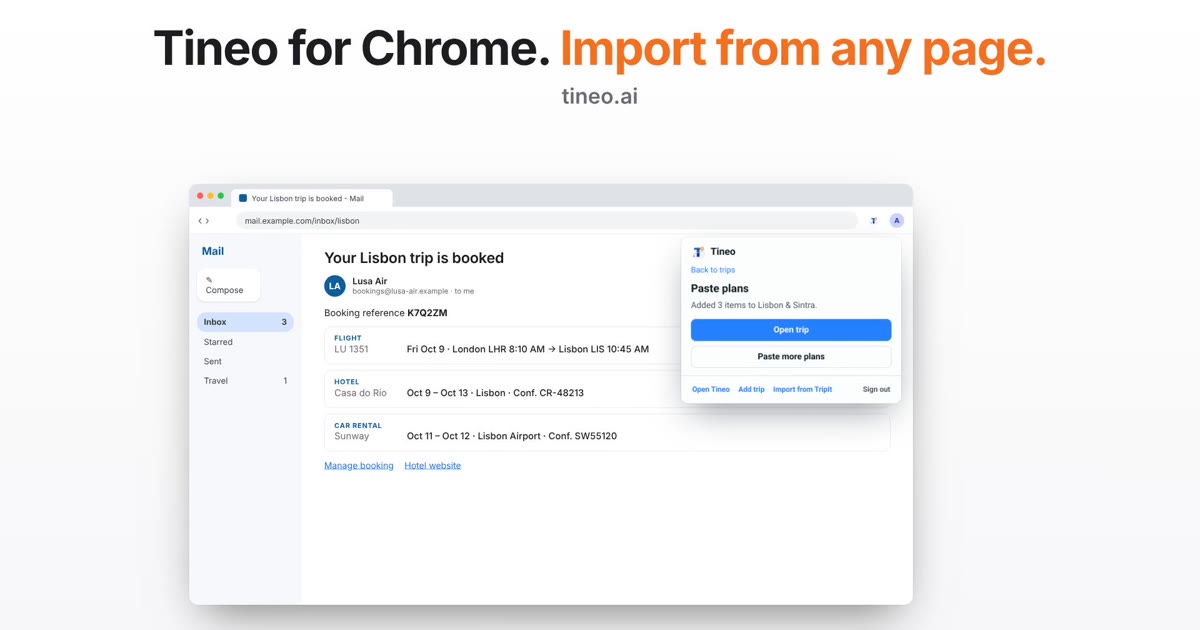
Tineo for Chrome: Import Your Booking From the Open Email
The Tineo Chrome extension can now read the booking email or page you have open and turn it into plans. Check the text, select Find plans, and choose what to add.
Tineo
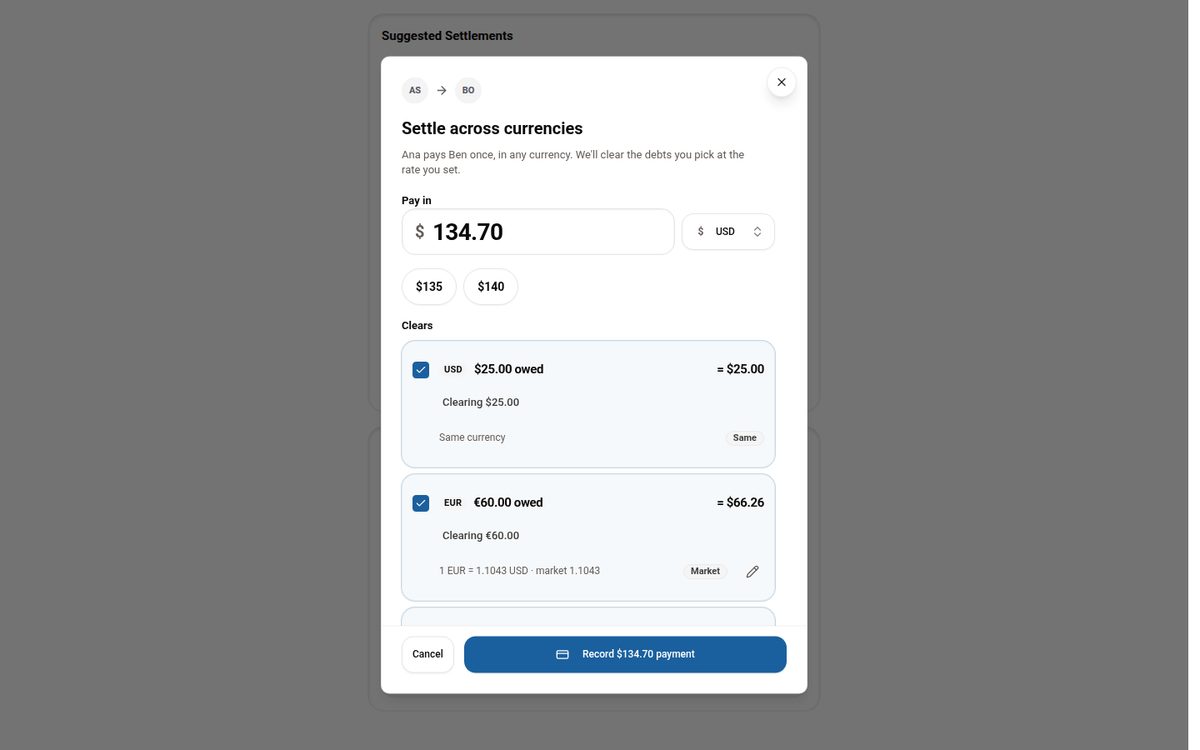
Settling Group Trip Expenses Across Multiple Currencies
Why per-currency balances make settling up on a multi-currency trip confusing, and how Tineo lets you pay once in any currency and clear the debts you choose.

Tineo
Meet Tineo Assistant: AI help for the trip you are taking
Explore Tineo's AI travel highlights: organized bookings, itinerary questions, activity ideas, and practical changes to your trip.