

Flight Check-In Reminders: How to Set Them So You Never Miss the Window
Set flight check-in reminders that match your airline's real window, cover time zones and backups, and keep everyone on a group trip in sync.

On this page
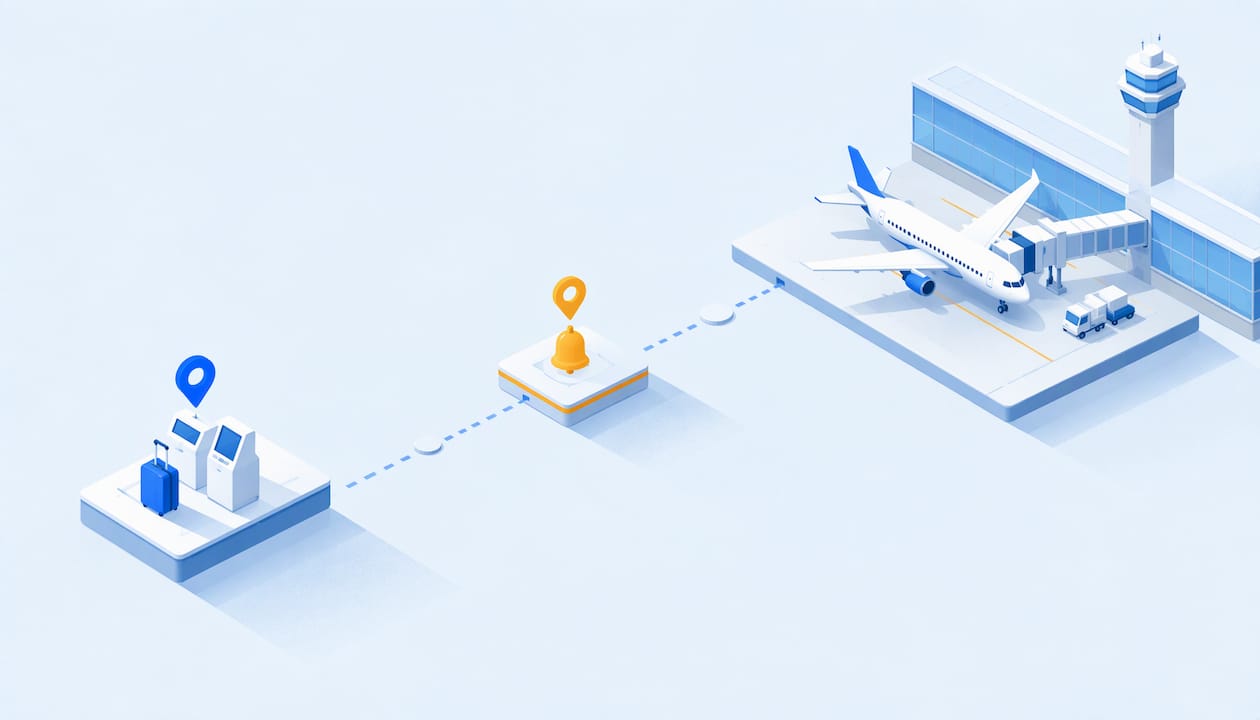
The best flight check-in reminder is tied to your airline’s actual window, not a generic “24 hours before.” It lives where your flight details already live, so it moves if the flight changes. Windows differ by carrier, time zones shift the clock, and a missed check-in can cost more than a fee. In this guide we show how to set reminders that hold up, and how to keep a family or group on the same schedule.
We built Tineo to turn booking confirmation emails into one shared itinerary, so the flight time your reminder depends on is already in one place. The steps below work with any phone calendar too.
TL;DR
- Most airlines open online check-in about 24 hours before departure, but some open earlier or later, so look up your carrier before you set the reminder.
- Set two reminders: one for when check-in opens, and one a few hours before it closes.
- Confirm the departure time in the origin city’s local time zone, because calendars in another zone can show it offset.
- Add a backup channel: airline emails, app push alerts and a phone alarm for boarding time.
- On group trips, share the itinerary so one person’s reminder is not the only one.
Table of Contents
- Why a reminder beats memory
- When check-in opens and closes
- How to set a check-in reminder, step by step
- Use your airline’s own alerts too
- When online check-in is not enough
- Connecting flights and a second check-in
- Reminders for families and groups
- A simple routine you can reuse
- Keep reminders and flights together in Tineo
- FAQ
- Sources
Why a reminder beats memory
Check-in looks like a small task, yet the deadline is enforced. Jetstar’s conditions of carriage say check-in deadlines may be strictly enforced, that you cannot check in at the boarding gate, and that missing the deadline can mean you are not allowed to travel and your booking may be cancelled. A forgotten reminder can cost the ticket, not only a fee.
The benefit of getting it right is also real. When Delta introduced auto check-in in its app, its digital strategy lead said customers wanted less stress from knowing the boarding pass was ready and the seat assigned. A reminder gives you the same calm even when your airline does not check you in automatically.
When check-in opens and closes
The common pattern is 24 hours before departure, but airlines differ. A few published examples:
| Airline | Online check-in opens | Online check-in closes |
|---|---|---|
| American Airlines (app) | 1 to 24 hours before a U.S. flight; 2 to 24 hours before an international flight | Per the airline’s FAQ window |
| Air Canada | 24 hours before departure | See the airline’s page |
| Emirates | 48 hours before | 90 minutes before |
| Turkish Airlines | 24 hours before | 90 minutes before |
| Qantas | 24 hours before | 30 minutes (Australian domestic) or 90 minutes (international) |
| Avianca | 48 hours before, or 24 hours to or from the U.S., Puerto Rico or Canada | 1 hour (international) or 45 minutes (domestic) |
Some carriers go further from the norm. According to one airline comparison, Lufthansa opens 30 hours before departure, and TAP opens 36 hours before boarding, or 24 for U.S. flights. Low-cost carriers can close early: Wizz Air’s online check-in closes 3 hours before departure, and an analysis of airport check-in fees notes that Wizz closes an hour earlier than Ryanair and easyJet.
The takeaway: the right reminder time depends on the carrier. Always confirm the window on your airline’s own check-in page for the specific route, and treat these figures as published examples that airlines can change.
Our guide to when check-in opens and closes for your airline goes deeper on how this works inside a trip.
How to set a check-in reminder, step by step
1. Find the exact departure time
Open your confirmation email and copy the scheduled departure time. Air New Zealand notes that booking times are local times: departure in the origin’s time zone, arrival in the destination’s. A calendar set to another zone can show the flight offset by hours. If you are flying from London while your phone is still set to New York, check the zone on the event before you trust it.
2. Work out the opening time
Subtract the airline’s opening window from the departure time. For a 7:10 a.m. departure with a 24-hour window, check-in opens at 7:10 a.m. the day before. For a 36-hour window, it opens the evening before that. Write the result as a clock time, not “a day before.”
3. Set the first reminder at opening
Checking in as soon as the window opens is the safest habit. The same fee analysis advises doing so rather than waiting until you are on the way to the airport. Early check-in also gets your boarding pass onto your phone, which Air Canada says you can download for offline use and add to Apple or Google Wallet.
4. Set a second reminder before closing
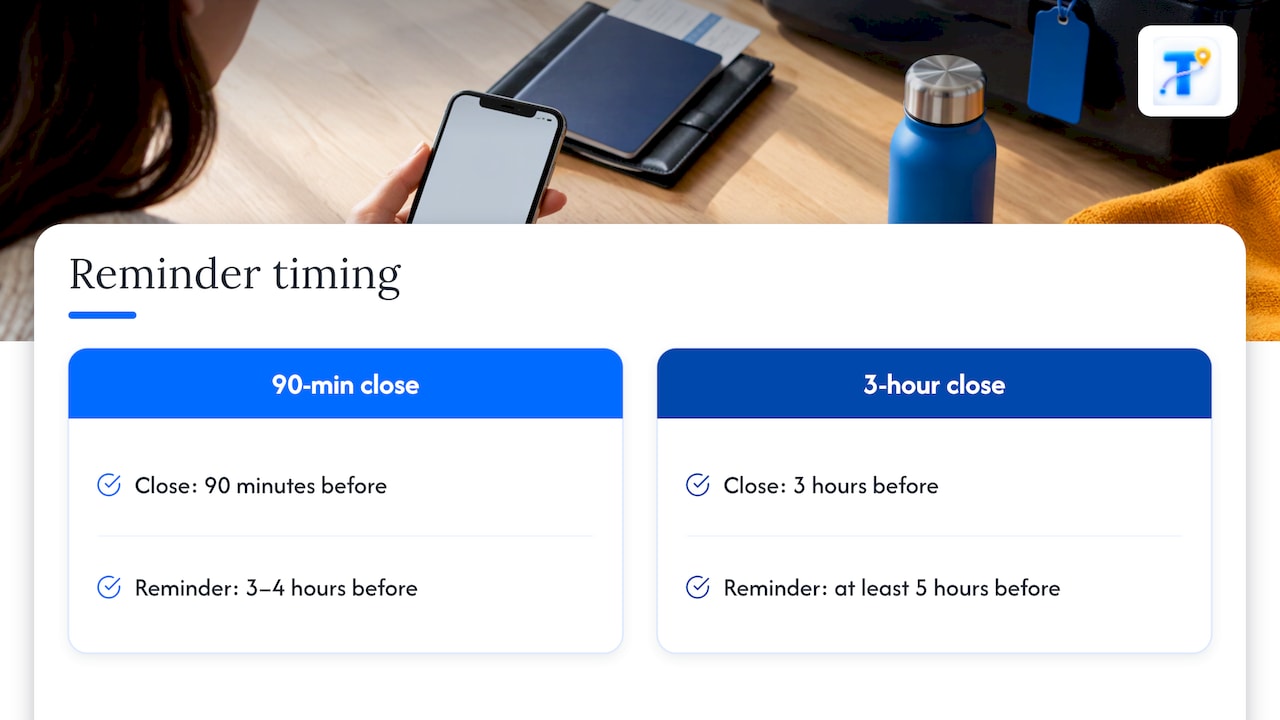
Pick a time well before the close, not minutes before it. For a carrier that closes 90 minutes before departure, a reminder three to four hours out leaves time to fix a problem. For one that closes 3 hours before, set it at least five hours out.
5. Add a boarding-time alarm
The deadline that matters is not the departure time. One missed-flight guide points out that Delta’s contract allows cancellation if you miss the check-in deadline or the boarding deadline, and that Sun Country treats a no-show as not being at the gate 15 minutes before departure. Set an alarm for boarding, and check the gate again after you clear security.
6. Keep the reminder attached to the trip
A reminder in a calendar goes stale when the airline changes the time. Keeping flights, hotels and rental cars in one itinerary means you update one place. This is the step where we do the work for you: Tineo reads your booking confirmation emails and organizes the flight into your trip timeline, so the departure time you plan around comes from the confirmation itself rather than from retyping.
Use your airline’s own alerts too
Airline notifications are a useful second layer. Examples from published airline pages:
- ANA lets passengers register an email for a check-in notice 24 hours before departure, plus schedule-change, delay, cancellation and gate-change notices on ANA-operated flights.
- American Airlines explains that you create flight status notifications by choosing Flight status in the app, searching your flight and selecting the notifications you want. App check-in requires a seat assignment.
- Delta has auto check-in for eligible domestic itineraries in the Fly Delta app, with an email or push alert and the boarding pass in the app.
- Air India sends updates by email, WhatsApp and push, and says missed notifications can be fixed by adding contact details in Manage Booking and checking notification settings.
If a message never arrives, look in spam. SWISS advises that if you have no boarding pass or notification 19 hours before departure, you should check your spam folder and then check in online or at the airport.
Gates move too, so alerts for gate changes are worth turning on. We looked at this in how often flight gates change.
When online check-in is not enough
Some trips need the counter. One comparison notes that online check-in often does not work for unaccompanied children, pets, reduced-mobility assistance, or destinations with desk visa checks. If that is your trip, your reminder should be about arriving early at the desk, not about an app.
If you simply miss the window, the airport is the fallback on many airlines, sometimes for a fee. Ryanair’s help center says you can still check in at the airport up to 60 minutes before departure, with a per-passenger fee. A fee guide also reports that from 10 November 2026 Ryanair’s airport check-in and bag drop close 60 minutes before departure, so there is less room to recover at the desk. Treat the airport as a last resort, not a plan.
Connecting flights and a second check-in
If you booked connecting flights on one ticket, you are usually checked in for all legs at once, and the reminder is for the first flight. American Airlines notes that app check-in requires the first flight to be operated by American. Whether you pass through security again depends on the airport and whether you arrive from an international flight, so confirm with your airline and the airport before you travel. Separate tickets mean separate check-ins, each with its own reminder.
Reminders for families and groups
On a group trip, one person’s reminder is a single point of failure. Make the schedule visible to everyone.
- Use one booking where the airline allows it. Air New Zealand lets you hold boarding passes for up to 9 people on one booking and add a friend’s or colleague’s flight with a booking reference and last name.
- Share the itinerary, not just the code. Our pages on sharing plans without sharing booking codes and sharing a trip with someone staying home explain how.
- Let drivers and relatives follow along. ANA lets a friend, family member or driver receive departure and arrival emails for ANA-operated international flights. Our guide to sharing flight details covers texts, maps and trip links for other airlines.
- Plan ground transport around delays. A flight that runs late affects the shuttle or coach waiting at the airport, which is why adjusting group shuttles for flight delays belongs in an organizer’s checklist.
A simple routine you can reuse
- Confirm the departure time and its local time zone.
- Look up your airline’s opening and closing times.
- Set a reminder for opening, one for hours before closing, and one for boarding.
- Turn on airline email or push alerts as backup.
- Share the itinerary with everyone traveling or meeting you.
- Charge your phone and keep the boarding pass reachable offline.
For travel requirements that change, such as ID rules, check the official government and airline pages close to your departure date.
Keep reminders and flights together in Tineo
Tineo turns confirmation emails into one itinerary that you can reach on web, iOS and Android, and share with friends or family. Tineo Free costs $0 per month. Tineo Ultra is $4.99 per month or $39.99 per year and adds advanced AI features, offline access and document intelligence. You can see how it builds a trip from your emails on the itinerary app page.
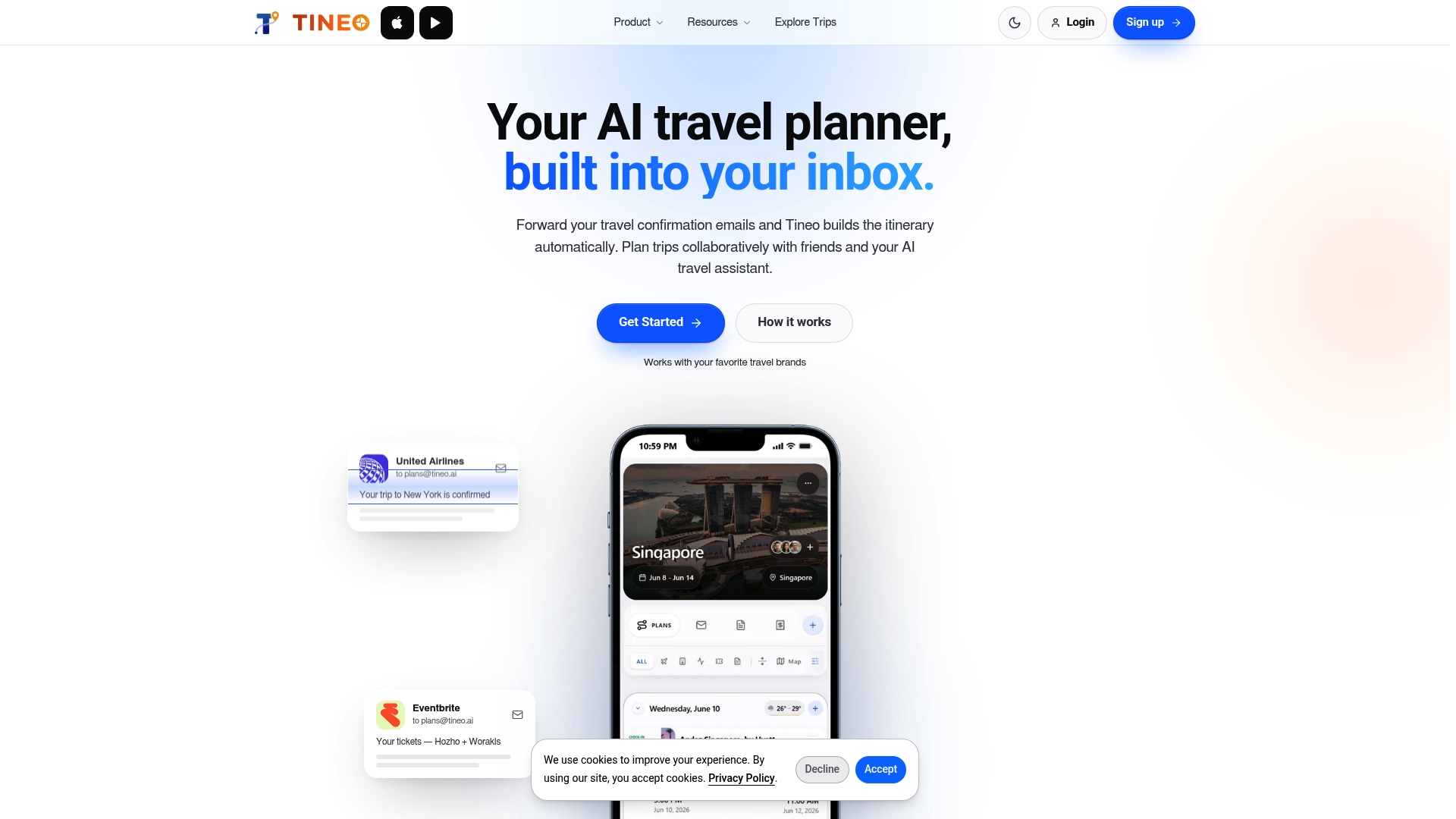
Tineo does not book travel; it organizes the trips you have already booked.
FAQ
How many minutes before a flight can you check in?
It depends on the airline. Online check-in usually closes between 30 minutes and 3 hours before departure, and airport counters often close 45 to 60 minutes before. Qantas, for example, closes international online check-in 90 minutes out. Confirm the cutoff on your airline’s page.
How can I set up flight alerts?
Use your airline’s app or website. American Airlines, for instance, lets you pick Flight status, search the flight and choose notifications. Add a calendar or itinerary reminder as a second layer, in case a push alert is missed.
Do I need to go through security again for a connecting flight?
It depends on the airport and whether you are arriving on an international flight. Check your airline’s connection instructions and the airport’s website before you travel.
What if I miss the check-in window?
Many airlines let you check in at the airport counter or kiosk, sometimes for a fee, but deadlines are enforced and you cannot check in at the gate on some carriers. Arrive early and go straight to the desk.
Sources
- Jetstar Conditions of Carriage
- Delta Introduces Auto Check-in for Fly Delta App Users
- American Airlines website and mobile app FAQs
- Air Canada mobile service
- Emirates online check-in
- Turkish Airlines check-in options
- Qantas check-in
- Avianca online check-in
- Online check-in by airline (flybetter)
- Wizz Air online check-in (AirHelp)
- Airport check-in fees (Flightfare)
- Air New Zealand app
- ANA support
- Air India travel notifications
- SWISS check-in FAQ
- Ryanair Help Centre
- Autopilot: Missed your flight