

Smart Check-In: When Check-In Opens and Closes for Your Airline
Tineo Smart Check-In shows when check-in opens and closes for your airline and route, adds airline notes, and opens the airline's own check-in page in one tap.

On this page
Every airline opens check-in at a different time. American opens 24 hours before departure, Lufthansa 30 hours, Emirates 48 hours and easyJet 30 days. Cut-off times differ too, and often change between domestic and international flights. Smart Check-In in Tineo puts the right numbers on the flight itself: a Check in button that shows when check-in opens and closes for your airline and route, what the airline says to know, and one tap to the airline’s own check-in page.
Smart Check-In is part of the next Tineo update for iPhone, so you can download Tineo from the App Store and turn on automatic updates to get it when it lands.
The Smart Check-In launch film (34 seconds, with sound). Watch or share it directly: landscape 16:9 video or portrait 9:16 video.
A Check in button on every flight
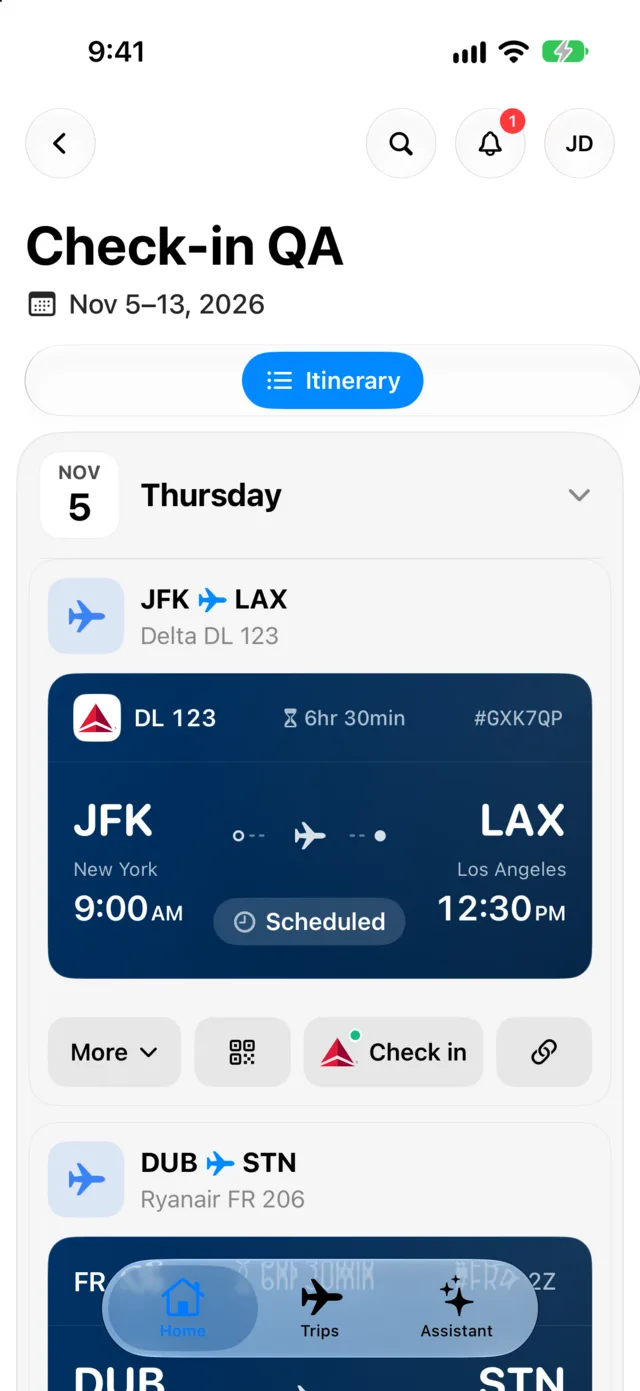
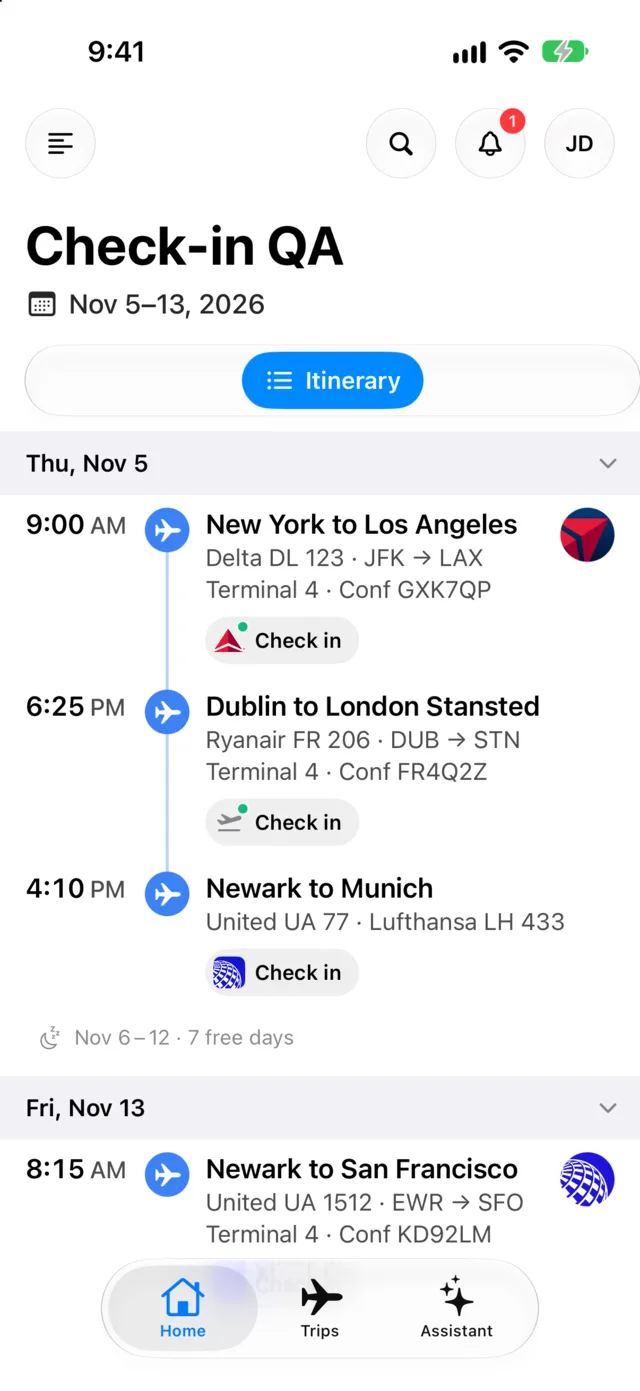
Flight cards now carry a Check in button with the airline’s logo, next to More and your other flight actions. It is there from the moment the flight is in your trip, not only once check-in is open, so you never have to hunt through a menu for the link. The Minimal timeline shows the same button as a small chip under each flight.
Know when check-in opens and closes
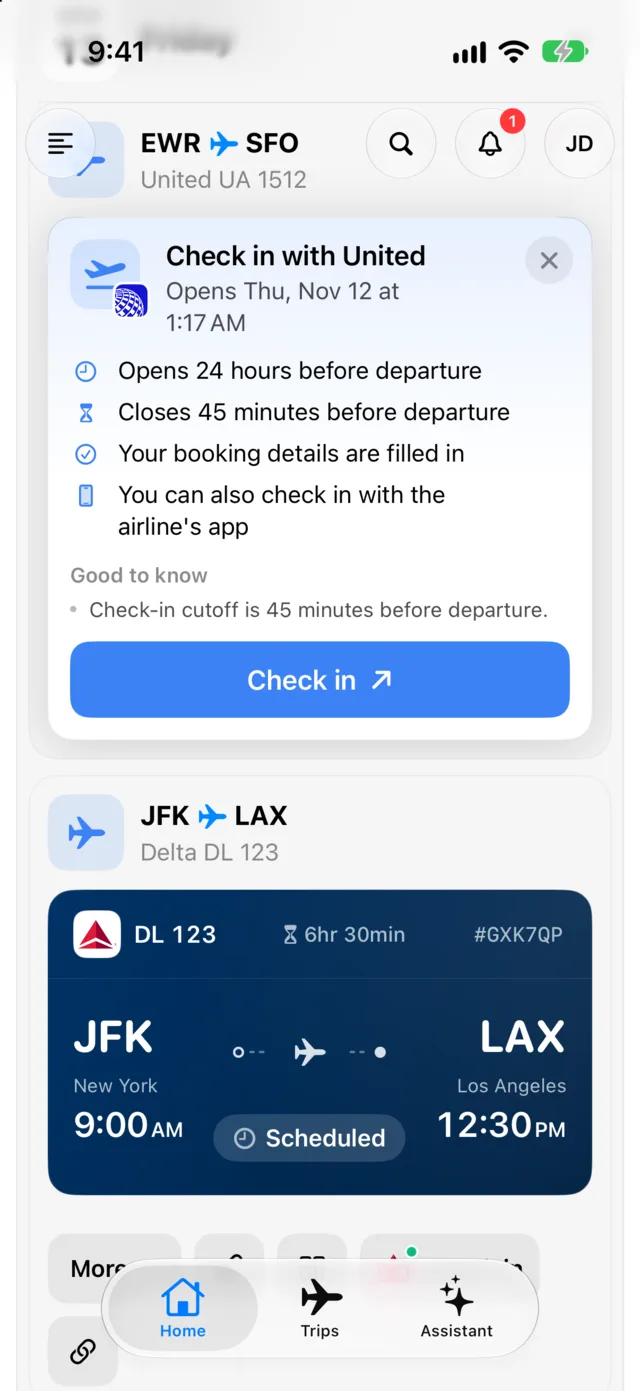
Tap the button and it opens into a panel on the flight. At the top it says when check-in opens for your flight, with the date and time, or Check-in open once it is. Below that it lists the opening time, the closing time and whether the airline’s app can check you in.
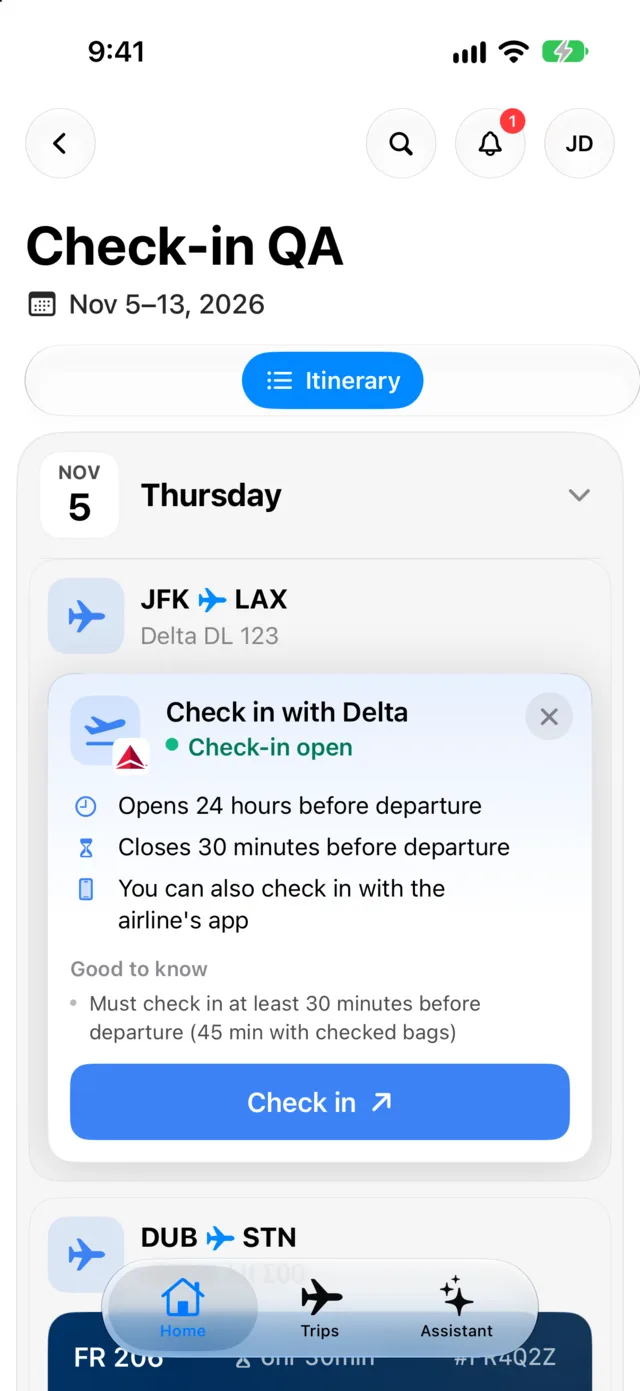
Tineo also sends you a notification when check-in opens for a flight, so you don’t need to set an alarm for 24 hours, 30 hours or 30 days before.
Windows that match your airline and your route
There is no single rule. Tineo keeps a check-in window for each airline and, where the airline publishes different rules, for domestic and international flights. A few examples, as published by the airlines in Tineo’s data on November 5, 2026:
Scroll sideways to read every column.
| Airline | Check-in opens | Check-in closes |
|---|---|---|
| American Airlines | 24 hours before departure | 45 minutes before (90 minutes on international flights) |
| Lufthansa | 30 hours before departure | Typically 40 to 60 minutes before |
| Emirates | 48 hours before departure | 90 minutes before |
| easyJet | 30 days before departure | 2 hours before |
Even within one airline the answer can change with the flight:
Scroll sideways to read every column.
| Airline | Rule | Window |
|---|---|---|
| Delta | Domestic or international | Closes 30 minutes before on domestic flights, 1 hour before on international flights |
| Qatar Airways | Flights to and from the United States | Opens 24 hours before departure instead of the usual 48 |
| Ryanair | Free check-in or a paid reserved seat | Opens 24 hours before for free check-in, 60 days before with a reserved seat |
Treat the table as a snapshot. Airlines change their rules, and the airline’s own page is always the final word.
Airline notes, in plain words
Under Good to know, the panel carries up to three notes from the airline, such as “Must check in at least 30 minutes before departure (45 min with checked bags)”. Where an airline sells early or paid check-in, the panel says so. The same panel opens from a flight in the plan sheet, so the notes are one tap away wherever you meet the flight.
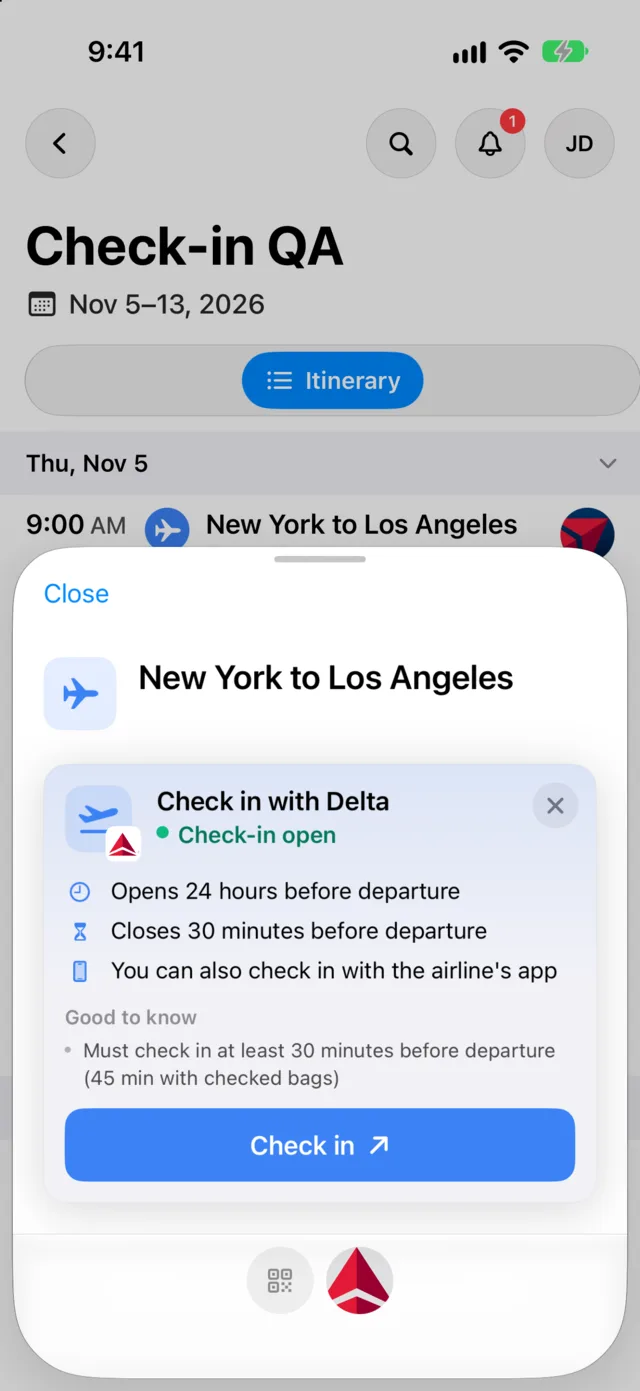
One tap to the airline’s check-in page
When you are ready, tap Check in in the panel. Tineo opens the airline’s own check-in page, where you finish check-in and get your boarding pass from the airline. Tineo does not check you in itself.
For 14 airlines, Tineo can open that page with your booking details already filled in. For the rest, you enter your booking details on the airline’s page. 152 of the 189 airlines Tineo researched have a direct check-in link, and 131 of those links were opened and confirmed in a real browser.
Connecting flights get one button per airline
If your journey has connections on different airlines, Tineo shows one Check in button per airline, starting from the first flight that has not left yet. A trip with one airline for the first leg and another for the second never leaves you checking in with the wrong one.
Dark mode, large text and right-to-left languages
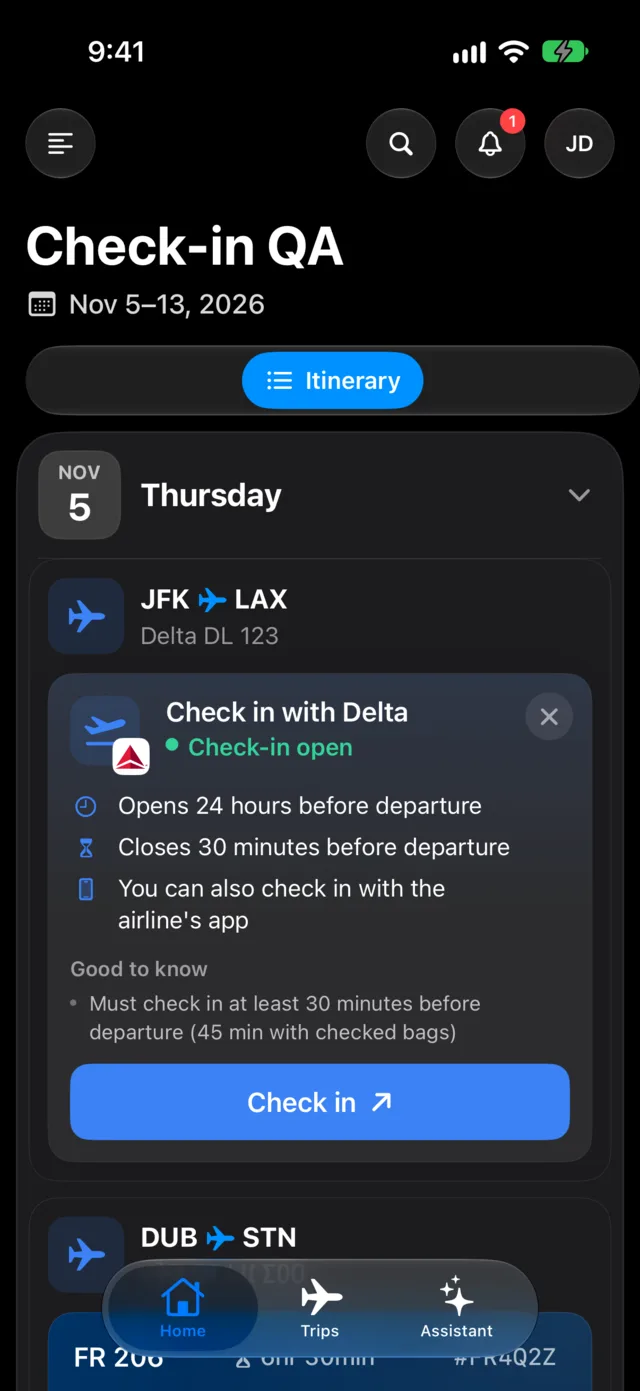
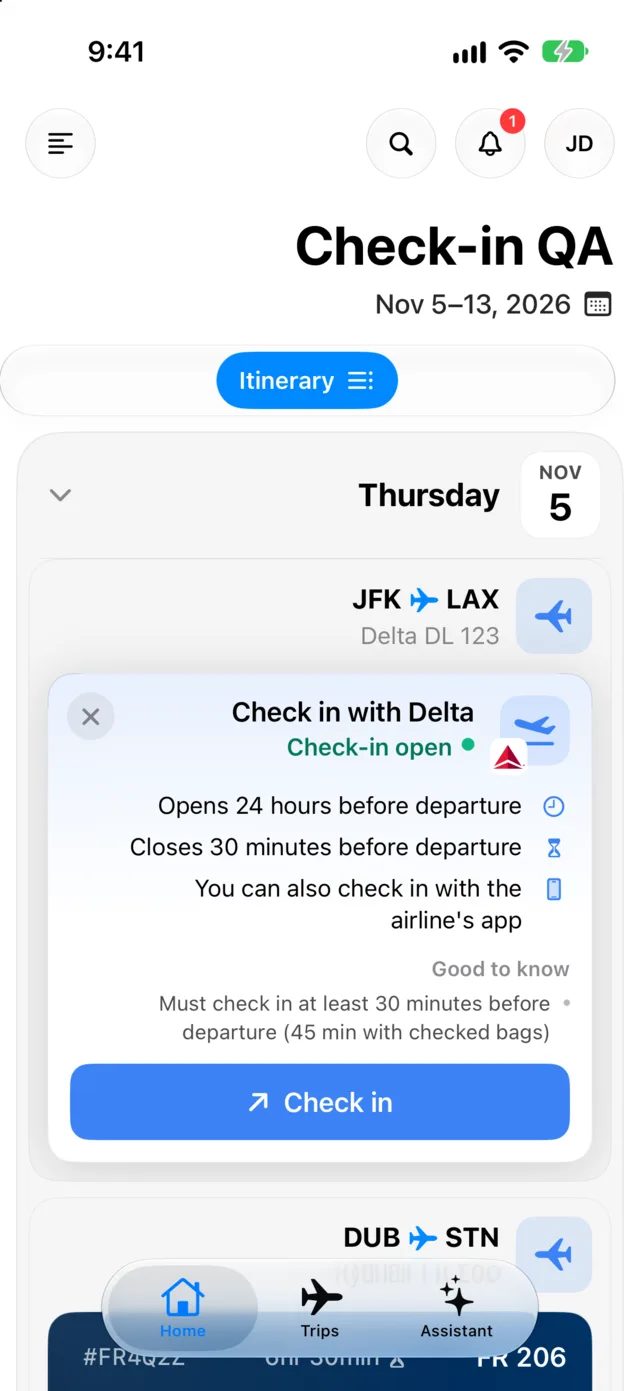
The panel follows your appearance setting and your text size, and mirrors for right-to-left languages such as Arabic and Hebrew.
What is behind the numbers
Smart Check-In runs on a dataset Tineo built from the airlines themselves.
- 189 airlines researched, 166 with a check-in window verified against the airline’s own pages.
- 303 cited sources, 288 of them official airline pages, so each rule traces back to something the airline published.
- 152 direct check-in links, 131 of them opened and confirmed in a real browser.
- Regular rechecks of the check-in links, so a moved page does not send you to a dead end.
For airlines without a verified window, Tineo does not present an opening time as the airline’s rule.
How to use Smart Check-In
- Update Tineo on your iPhone once the Smart Check-In update is out.
- Open a trip with a flight. Forward your booking confirmation email to Tineo if the flight is not in your trip yet.
- Tap Check in on the flight card or in the Minimal timeline.
- Read the window and the notes, then tap Check in in the panel to continue on the airline’s page.
- Leave notifications on and Tineo tells you when check-in opens.
Watch the portrait cut
The portrait cut works best on phones and social feeds.
Portrait 9:16 cut for phones and Stories. Direct links: portrait 9:16 video or landscape 16:9 video.
The screenshots and the film show sample trips with test flights (Delta, United and Ryanair), not real traveler data.
Frequently asked questions
What is Smart Check-In in Tineo?
Smart Check-In puts a Check in button, with your airline’s logo, on every flight in your itinerary. Tap it to see when check-in opens and closes for that airline and route, read the airline’s own notes, and open the airline’s check-in page. Tineo also notifies you when check-in opens for your flight.
Which airlines does Smart Check-In cover?
Tineo researched 189 airlines. For 166 of them the check-in window is verified against the airline’s own pages, and 152 have a direct check-in link. For airlines without a verified window, Tineo does not show an airline-published opening time.
Does Tineo check me in?
No. Tineo opens the airline’s own check-in page, where you finish check-in and get your boarding pass from the airline. For 14 airlines, Tineo can open that page with your booking details already filled in. For every other airline you enter them yourself.
Where do the check-in times come from?
From the airlines. The research behind Smart Check-In cites 303 sources, 288 of them official airline pages. Airlines change their rules, so Tineo rechecks the check-in links regularly. If your booking confirmation or the airline’s app shows a different time, follow the airline.
Do I need to update the Tineo app?
The Check in button and panel arrive with the next Tineo update for iPhone on the App Store. Older versions keep working and keep the check-in links they have today.
Keep reading
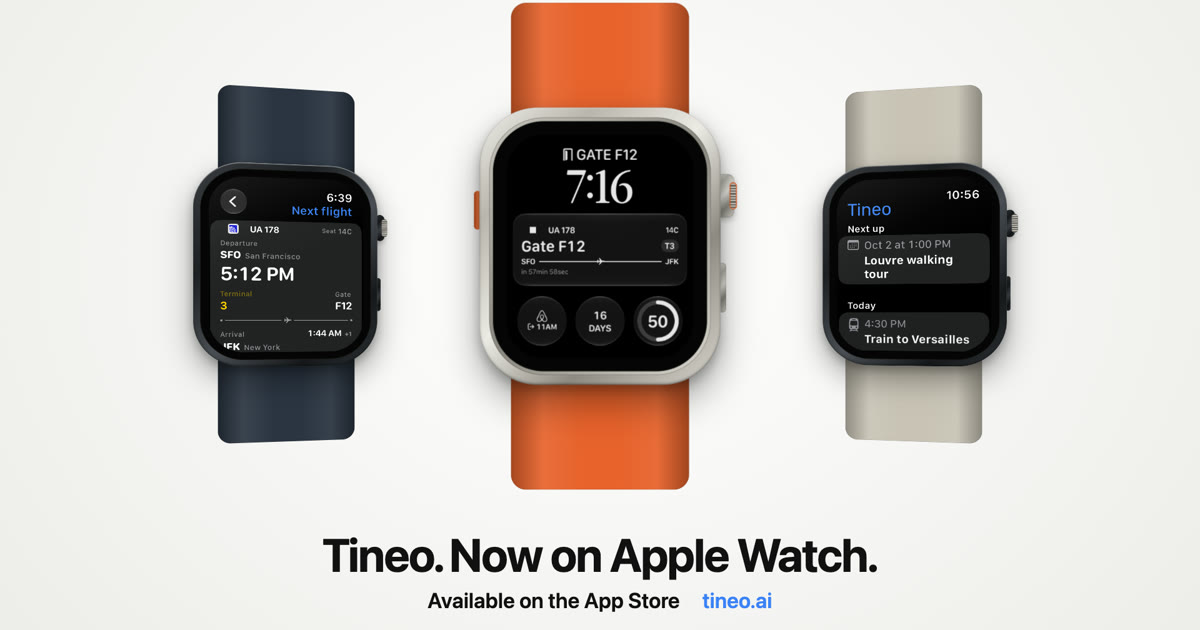
Tineo
Tineo Is Now on Apple Watch: Flights, Plans and Complications
Tineo for Apple Watch puts your next flight, today's plans, trip countdown and hotel check-out on your watch face. See every complication and what the watch app does.
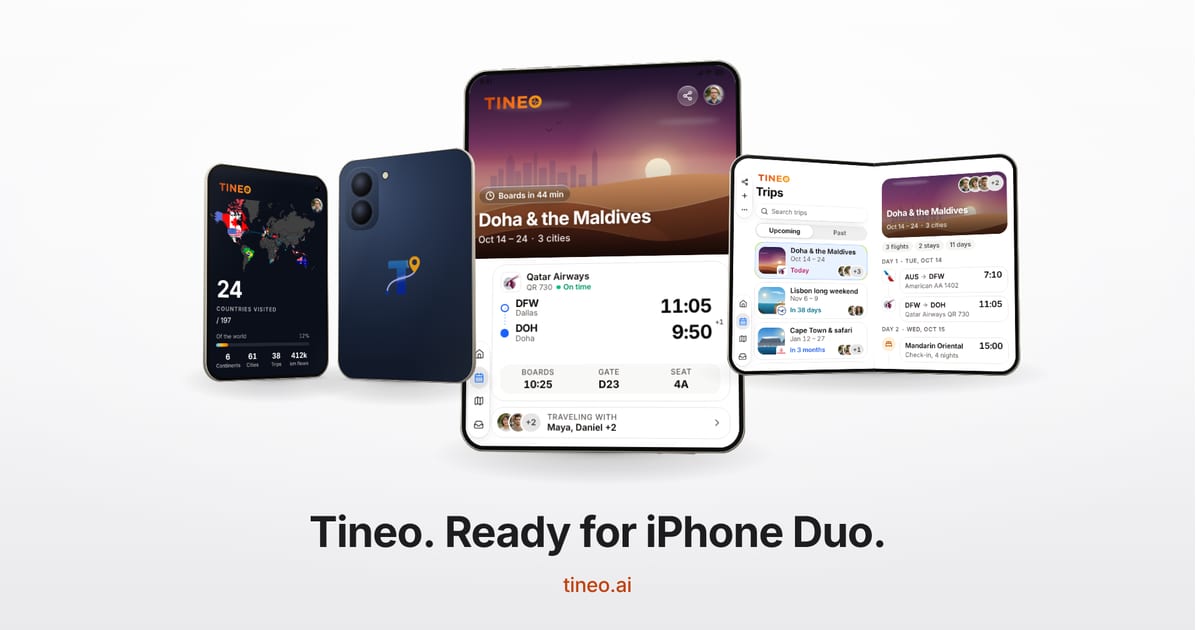
Tineo
Tineo Is Ready for iPhone Duo: A Layout for Every Posture
Tineo on iPhone Duo adapts to every posture: closed, book, laptop and fully open. See how your trips, plans and map use the side strip and both pages.
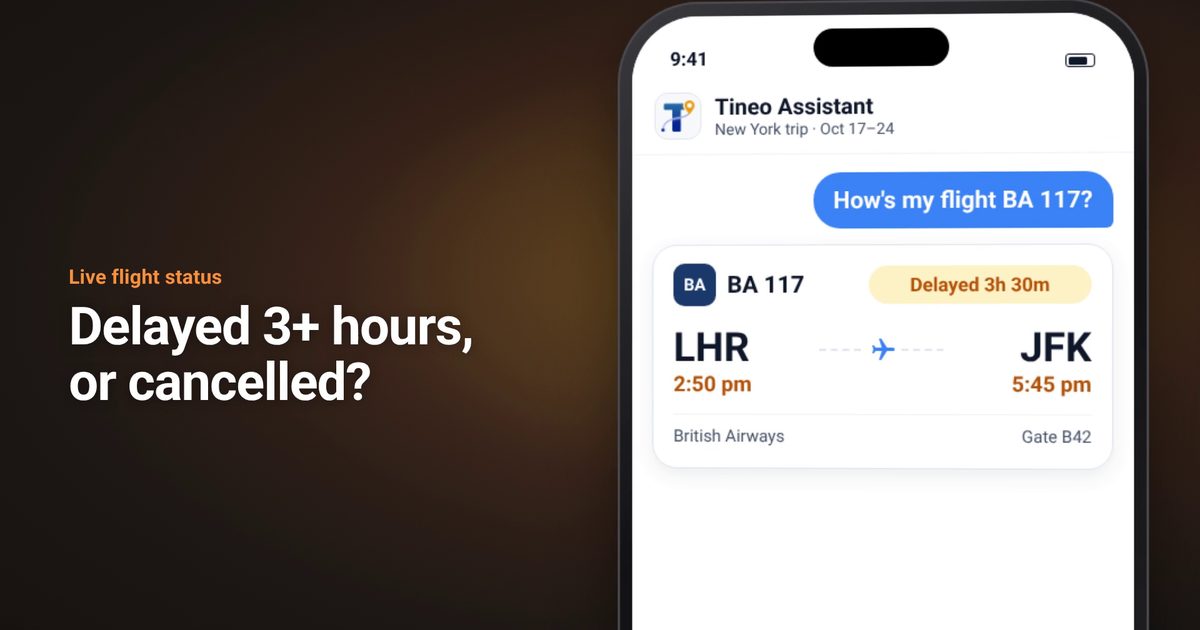
Tineo
Flight Cancelled or 3+ Hours Late? Check Your Claim With AirHelp
When your flight is cancelled or arriving 3+ hours late, Tineo now links you to an AirHelp compensation check in the assistant and flight alerts.