

Find Reservation Numbers and Keep Them Together in One Itinerary
Search email, apps, and provider accounts to recover flight, hotel, and rental references, then import every confirmation into one shared itinerary.

On this page

Search your confirmation email first using the provider’s name and the word “confirmation,” then check your text messages and calendar if nothing turns up. If the email search fails, go directly to the provider’s manage booking page and search with your last name plus any reference number you still have. If you booked through a travel agency or third-party site, contact that seller first, since they hold the carrier reference the airline or hotel actually needs.
TL;DR:
- Search spam, trash, All Mail, texts, calendar invites, wallet passes, and loyalty accounts; try sender, subject, attachment, date, or payment amount.
- Airline lookup usually requires the carrier reference and exact ticket surname; Qantas says references commonly have six mixed characters, while rental codes differ.
- Third party bookings often create two codes: the seller’s reference and the provider’s own; request the provider’s code in writing before retrying its lookup page.
- Hotel search tools may require your confirmation number, last name, and arrival date; loyalty accounts can reveal linked stays without that code.
- Before contacting support, gather your booking email, exact dates, booking name, payment card’s last four digits, and any agency reference to verify identity.
Table of Contents
- Quick checklist to retrieve a missing confirmation number
- Find reservation numbers in email, apps, and digital receipts
- How to look up flight bookings with your PNR
- How to look up hotel reservations
- How to find car-rental confirmation numbers and record locators
- Third-party bookings and the two-reference problem
- If the provider still can’t find your reservation
- How to avoid losing confirmation numbers again
- Keep every confirmation number in one shared itinerary
- FAQ
- Sources
Quick checklist to retrieve a missing confirmation number
Before calling anyone, run through this short list. Most reservation numbers turn up within the first few steps.
- Search your email inbox for the provider’s name plus “confirmation,” “booking,” or “itinerary.”
- Check your spam, trash, and All Mail folders, since confirmations sometimes get filtered.
- Search text messages, calendar invites, and mobile wallet passes for flight or hotel details.
- Sign in to any loyalty or booking account you have with that airline, hotel, or rental company and look under upcoming trips.
- If you booked through a third party like an online travel agency, check that company’s confirmation email or account portal instead of the airline or hotel site.
- Gather your ID, the exact booking dates, and the card used to pay before contacting support, in case you need to verify your identity.
Pro Tip: Search your email for the dollar amount you paid. Payment confirmations often sit in a separate email thread from the booking confirmation and can lead you back to the original message.
Find reservation numbers in email, apps, and digital receipts
Gmail and most webmail clients support search operators that narrow results fast. Try combinations like from:united.com, subject:confirmation, or has:attachment paired with a date range covering when you booked. These operators cut through a crowded inbox far quicker than scrolling.
A few other places to check:
- Mobile wallet apps: Apple Wallet and Google Wallet often store boarding passes and hotel keys that include the booking reference.
- Airline and hotel apps: If you added the trip when booking, the app’s “My Trips” section usually displays the confirmation number without needing to search.
- Payment card statements: Merchant descriptors (the short business name on a statement) can confirm which airline, hotel, or rental company you booked with, even if the exact code isn’t shown.
- Alternate names: If someone else booked for your group, search your email for their name or check whether the confirmation went to a group leader’s inbox instead of yours.
A reservation identifier isn’t standardized across the industry. Airlines call it a booking reference or PNR, hotels call it a confirmation number, and rental companies often use a different format entirely. Save the provider’s name next to each code so you know which lookup page to use.
How to look up flight bookings with your PNR
Airlines typically let you pull up a reservation online using your booking reference, often called a PNR, combined with your last name. According to Qantas’s own help documentation, booking references are commonly six characters, mixing letters and numbers, and appear directly on your e-ticket. Exact formats and required fields vary by carrier, so check the specific airline’s manage booking page for what it expects.
A few things to keep in mind:
- Most airline sites ask for the booking reference plus your last name exactly as it appears on the ticket.
- Some airlines also allow lookup by e-ticket number if you’ve lost the booking reference.
- If you booked through a travel agent or online agency, the airline may not recognize the agency’s confirmation number. You’ll likely need to request the carrier’s own booking reference from whoever booked it.
- If the airline’s lookup page returns no results, double-check spelling, try the e-ticket number instead, and confirm with the booking agency that the trip wasn’t modified or canceled.
How to look up hotel reservations
Hotel chains generally offer a “find reservation” tool that asks for your confirmation number, last name, and sometimes your arrival date. Hilton’s reservation lookup requires exactly this combination, and the help page directs guests to call if the online tool can’t locate the booking.
Signing into your loyalty account is often the fastest route when the reservation is linked to it:
- Marriott Bonvoy members can sign in and view all reservations tied to their account under “My Trips,” without needing to enter a confirmation number at all.
- For bookings not linked to an account, Marriott’s manual lookup needs the confirmation number and check-in date.
- If you booked through a third-party site, that confirmation number may not match what the hotel has on file. Check whether the hotel’s lookup page explicitly supports third-party reservations, or go back to the original booking site.
- Before contacting hotel support, have your confirmation email, exact arrival date, and the name the room was booked under ready.
How to find car-rental confirmation numbers and record locators
Car-rental confirmations use their own formats that differ from airline or hotel codes. Hertz’s reservation page documents examples like an 11-digit confirmation number or a shorter 9-digit rental record, both of which appear in the original booking email.
To retrieve yours:
- Use the rental company’s “Manage Reservation” page and enter the confirmation number exactly as formatted, including any leading zeros.
- Sign in to your rental account if you have one, since confirmed reservations usually appear under an upcoming rentals list.
- If you only have partial information, bring your ID, the credit card used to book, and your name as it appears on the reservation to the pickup counter. Staff can often locate a reservation manually with those details even without the confirmation number.
Third-party bookings and the two-reference problem
When you book through a travel agency or an online travel site rather than directly with the airline, hotel, or rental company, you typically end up with two different reference numbers. The agency issues its own confirmation number, while the actual carrier, hotel, or rental company holds a separate reference in its own system. The carrier’s manage booking page often won’t recognize the agency’s code at all, which is why Qantas and similar carriers direct customers back to the original booking source when this happens.
To resolve it:
- Contact the agency or third-party site first and ask specifically for the airline, hotel, or rental company’s own confirmation number, not just their internal reference.
- Keep a copy of your original booking email as proof of purchase in case the agency needs to verify the reservation.
- If the agency can’t help or is unresponsive, contact the carrier directly and provide your name, travel dates, and any reference number you have. They may be able to locate the booking in their system even without the exact carrier code.
Pro Tip: Ask the agency for the carrier reference in writing, by email, rather than over the phone. It’s easier to search for later and gives you something to forward if the carrier’s lookup tool needs it.
If the provider still can’t find your reservation
When an online lookup fails, run through this verification checklist before assuming the booking is lost.
- Confirm the exact spelling of the name used when booking, including middle names or suffixes that might have been included or dropped.
- Double-check the booking dates and the email address used at checkout, since confirmations sometimes go to an old or secondary inbox.
- Have the last four digits of the payment card ready, since many support teams use this to verify identity.
- Pull up your confirmation email, any agency reference number, and transaction details before calling or chatting with support.
- Try multiple contact channels: phone support, live chat, and social media accounts often have different wait times and availability.
- Consider common reasons a booking isn’t found: the reservation may have been canceled, entered under a different name, or affected by a data-entry error on the provider’s end.
If a hotel’s online finder repeatedly fails, Hilton’s account recovery page notes that a separate loyalty account number lookup, which uses your name and email, is a distinct process from the reservation lookup itself. Treat your confirmation number, loyalty account number, and payment receipt as three separate records, since mixing them up is a common reason searches come up empty.
How to avoid losing confirmation numbers again
A few habits prevent most of this hassle before it starts:
- Use one dedicated email address, or a folder within your main inbox, just for travel confirmations.
- Set up an auto-forward rule so any email from airlines, hotels, or rental companies routes automatically into that folder.
- Add key booking details to a calendar entry the moment you book, including the confirmation number and dates.
- Keep a backup copy of each confirmation email somewhere other than your inbox, in case of an account issue.
For travelers juggling multiple bookings across a trip or a group, consolidating everything into one place removes most of the manual searching described above. An itinerary manager that reads your confirmation emails and automatically organizes flights, hotels, and car rentals by trip means you’re not hunting through old emails every time you need a reference number.
Pro Tip: Forward confirmation emails to your organizer app as soon as you book, rather than waiting until closer to the trip. It’s easier to catch a parsing issue early than to track down a missing confirmation the night before you fly.

Our guide to organizing travel confirmation emails walks through setting up forwarding rules step by step, and we cover which providers’ confirmation emails we can read in more detail.
Keep every confirmation number in one shared itinerary
We use an itinerary manager to read travel confirmation emails and turn them into a single organized itinerary, so you’re not digging through old messages to find a booking reference before a trip. Once a confirmation lands in your inbox, flight, hotel, or car rental details can be pulled out and grouped by trip, accessible from web, iOS, or Android.
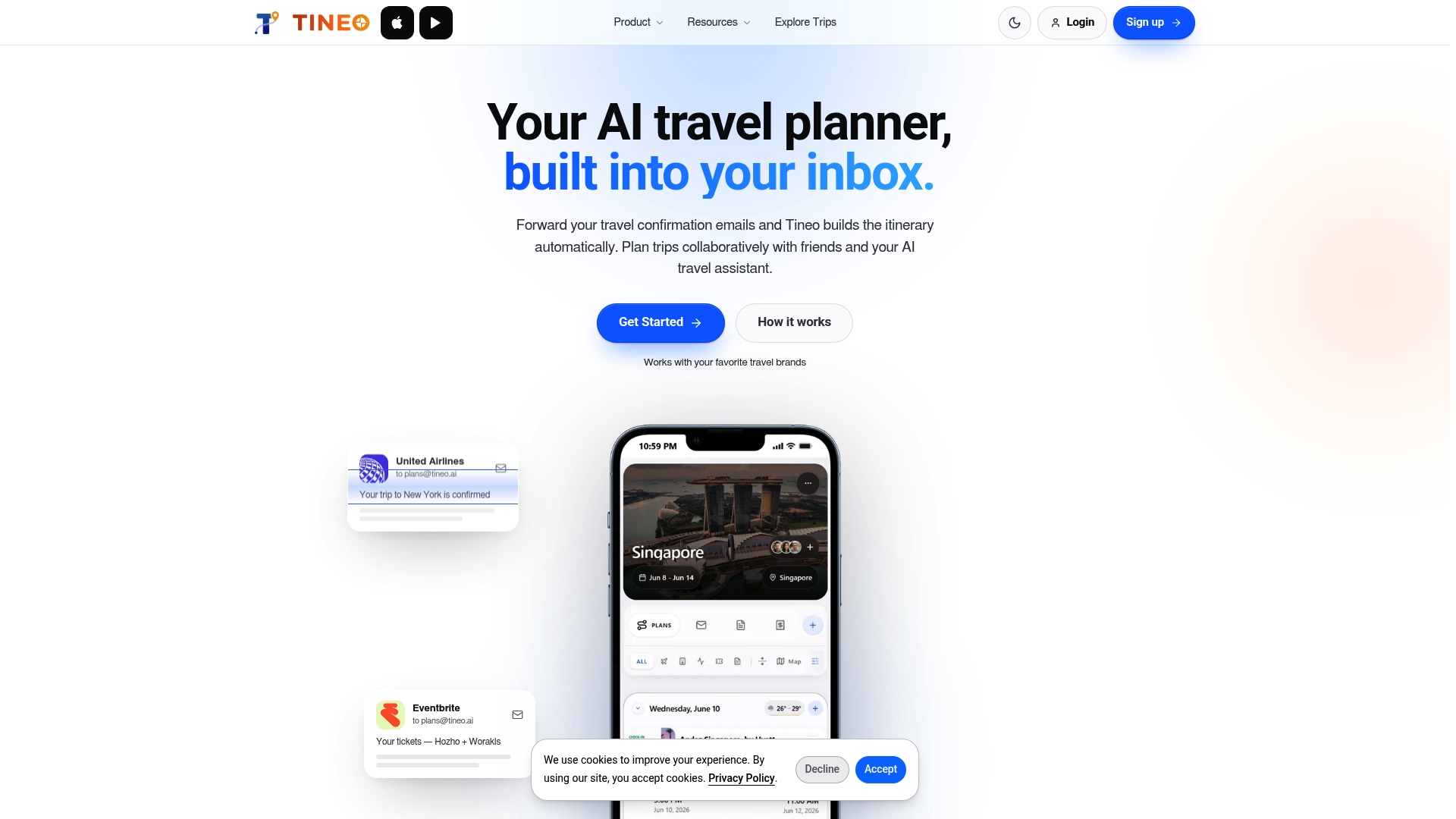
We read confirmations from a wide range of providers, including Marriott, Booking.com, Hotels.com, and Enterprise Rent-A-Car, and our email forwarding setup guide shows you how to route confirmations straight into your itinerary. We don’t book travel or guarantee any outcome with a provider; we organize what you’ve already booked.
| Plan | Price | Best for |
|---|---|---|
| Tineo Free | $0 per month | Trying out confirmation email imports |
| Tineo Ultra | $4.99 per month | Frequent travelers wanting full AI features |
| Tineo Ultra (annual) | $39.99 per year | Families and groups planning multiple trips |
You can start with Tineo Free or view full plan details to see which tier fits your travel habits.
FAQ
Can you look up flights by confirmation number?
Yes, most airlines let you look up a flight using the booking reference, also called a PNR, along with your last name on the airline’s manage booking page. If you booked through a travel agency, the carrier may need its own reference number rather than the agency’s confirmation code.
How many digits is a Hilton confirmation number?
Hilton’s reservation lookup doesn’t require a specific digit count from the guest; it asks for the confirmation number along with your last name and arrival date. You can search for your Hilton stay directly on Hilton’s find reservation page using those three fields together.
How do I check a hotel booking with a confirmation number?
Go to the hotel brand’s “find reservation” or “manage booking” page and enter your confirmation number along with your last name and arrival date. If you have a loyalty account with that hotel chain, signing in often shows the booking automatically under upcoming stays without needing the confirmation number at all.
What should I do if a hotel says it can’t find my stay?
First, double-check the spelling of your name and the exact arrival date you entered, since small mismatches are a common cause. If the issue persists, a separate loyalty account number lookup may be needed, since account number recovery is a different process from reservation lookup, and calling the hotel directly with your confirmation email in hand usually resolves it fastest.
What’s the difference between an agency reference and a carrier reference?
An agency reference is the confirmation number issued by the third-party site or travel agent you booked through, while the carrier reference is the airline, hotel, or rental company’s own internal code for that same booking. The carrier’s manage booking page often won’t recognize the agency’s number, so you may need to request the carrier reference directly from the agency if your lookup fails.
Sources
- Booking reference and where to find it, Qantas Help
- Find your reservation, Hilton
- See all reservations booked, Marriott Bonvoy Help
- Reservation, Hertz
Recommended
Keep reading
track seat assignments
How to Track Seat Assignments Across Flights and Trips
Find out where your seat assignment lives, how to confirm it, what to do when it changes, and how to keep every traveler's seat in one shared itinerary.
airport prompt chatgpt
AI Prompts for the Airport and Travel Days: 18 to Copy into ChatGPT, Claude or Gemini
Copy-and-paste AI prompts for the day you fly: leaving on time, tight connections, delays, cancellations, lost bags and arrival. Works in ChatGPT, Claude and Gemini.

best ai for travel planning
Best AI for Travel Planning: ChatGPT vs Claude vs Gemini
We gave ChatGPT and Claude the same four travel tasks through their APIs and checked Gemini against Google's help pages. What each does well, and which one can save your real bookings.