

Read a Boarding Pass Barcode or QR Code: What It Holds and How Tineo Decodes It
What a boarding pass barcode or QR code contains, which barcode types airlines use, and how Tineo decodes a pass from a screenshot or PDF into your itinerary.


On this page
A boarding pass barcode or QR code is a machine-readable copy of the pass. Tineo decodes it from a screenshot, image, or PDF you add to a trip and turns the result into itinerary details you can review.
For a long time, the missing piece in trip imports was not the confirmation email. It was the ticket itself.
Travelers often keep boarding passes as screenshots, wallet images, or PDFs. Those files carry structured data that can clarify timing, passenger details, seat information, and route segments, but most tools leave that value trapped inside the attachment.
Tineo now extracts travel details directly from boarding-pass QR codes and barcodes, so the itinerary can inherit the structured data already sitting inside the ticket.
Route map
How the boarding-pass pipeline works
The goal is simple: turn ticket artifacts into itinerary details with as little manual cleanup as possible.
-
Ingest the file
Tineo receives a screenshot, image, or PDF attachment inside the import flow.
-
Detect ticket regions
The system isolates barcode and QR-bearing regions instead of treating the whole document as generic text.
-
Decode payloads
Machine-readable ticket data gets translated into carrier, route, segment, and passenger fields.
-
Normalize into Tineo
Airport codes, times, and identifiers are mapped into the trip schema so the itinerary stays coherent.
-
Enrich the trip
Flight segments, gates, seats, and related travel metadata can update the existing itinerary.
What a boarding pass barcode or QR code contains
Airlines encode boarding passes to one shared format. IATA’s Bar Coded Boarding Pass standard, Resolution 792, describes the barcode as a structured message that carries the boarding pass data. According to IATA, paper passes use a PDF417 barcode by default, and mobile passes use Aztec, Data Matrix, or QR codes.
Because the format is shared, a decoder that follows the standard can turn the code back into fields. The ones Tineo reads are listed in the field guide below: carrier and flight number, origin and destination airports, and, when the pass carries them, passenger, seat, gate, boarding group, and ticket or booking identifiers.
To decode a pass with Tineo, open a trip, add the boarding pass image or PDF, and review the fields the import proposes. If you are deciding whether a screenshot is enough to board with, see does a screenshot of a boarding pass work.
What this feature is actually for
The practical value is not novelty. It is cleanup reduction.
A booking confirmation often gives you just enough to know a flight exists. The boarding pass usually carries the operational details that matter closest to departure: exact segment info, boarding group, seat, or other fields that make the itinerary more trustworthy.
Instead of retyping that information, Tineo can now read it from the ticket artifact itself.
Field guide
The fields that tend to matter most
Flight identity
Carrier and flight number so the segment is anchored correctly.
Route
Origin and destination airport codes plus date context.
Passenger
Traveler identity when the encoded payload exposes it.
Operations
Seat, gate, and boarding group when present on the pass.
References
Ticket and booking identifiers for quick cross-checks later.
Trip fit
Structured fields that help merge the pass into an existing itinerary.
Why this matters inside a travel app
This feature reduces three common failure modes:
- A confirmation email exists, but it was sparse.
- The traveler only saved the ticket screenshot and lost the original message.
- Multiple segments exist, but the itinerary needs one more layer of certainty before departure.
Boarding-pass extraction gives Tineo another route to the same truth, which means fewer manual corrections and a timeline that better reflects what the traveler is actually carrying.
Current file types and expectations
The release is aimed at realistic traveler behavior, not lab-perfect inputs:
- screenshots from mobile wallets or airline apps
- PNG, JPG, and WEBP ticket images
- PDFs that still retain scannable barcode or QR layers
- mixed attachment flows where the booking email and ticket artifact arrive separately
Quality still matters. Blurry photos, glare, aggressive cropping, or low-resolution exports can reduce confidence. When that happens, Tineo keeps the attachment connected and leaves space for review instead of pretending the scan was perfect.
Trust model and review behavior
The correct UX for scanning is not blind automation. It is structured assistance with clear confidence boundaries.
That means:
- high-confidence fields can enrich the itinerary quickly
- ambiguous fields can stay editable
- unsupported artifacts should fail gracefully without losing the file
This is important because travel data has real downstream consequences. An itinerary should feel easier to maintain, not more mysterious.
Good fit
Where the new extraction route shines
Day-of-travel updates
The traveler has the pass but not the full confirmation thread open anymore.
The ticket itself becomes a viable source of truth.
Agency or forwarded PDFs
Attachments arrive from agencies or airlines with machine-readable ticket layers still intact.
Useful when email copy is verbose but not structured.
Shared itineraries
One person manages the trip while others contribute the pass artifacts they actually received.
Tineo can enrich the same trip from multiple sources.
What ships now and what comes next
The current release covers the common practical formats most travelers actually keep. The next iterations are focused on widening barcode variation support and improving edge-case parsing for older or more regional ticket formats.
That matters because ticket ecosystems are messy. The right product posture is to improve coverage steadily while keeping failure states honest and reviewable.
FAQ
What information is in a boarding pass barcode?
A boarding pass barcode carries the boarding pass data in a structured message defined by IATA Resolution 792. From it, Tineo reads the carrier and flight number, the origin and destination airports, and, when the pass carries them, passenger, seat, gate, boarding group, and ticket or booking identifiers.
What type of barcode is on a boarding pass?
According to IATA, paper boarding passes use a PDF417 barcode by default, and mobile boarding passes use Aztec, Data Matrix, or QR codes.
Can I decode a boarding pass from a screenshot or PDF?
Yes. Tineo accepts screenshots from mobile wallets or airline apps, PNG, JPG, and WEBP images, and PDFs that still retain a scannable barcode or QR layer. Blurry photos, glare, tight cropping, or low resolution can reduce confidence, so those fields stay open for review.
Try it in your next trip
If you already have an active trip in Tineo, add a boarding-pass image or PDF and let the import flow inspect it. The best test is a real artifact from a real journey. When the parser can borrow truth from the ticket itself, your itinerary needs less babysitting.
Keep reading
Tineo
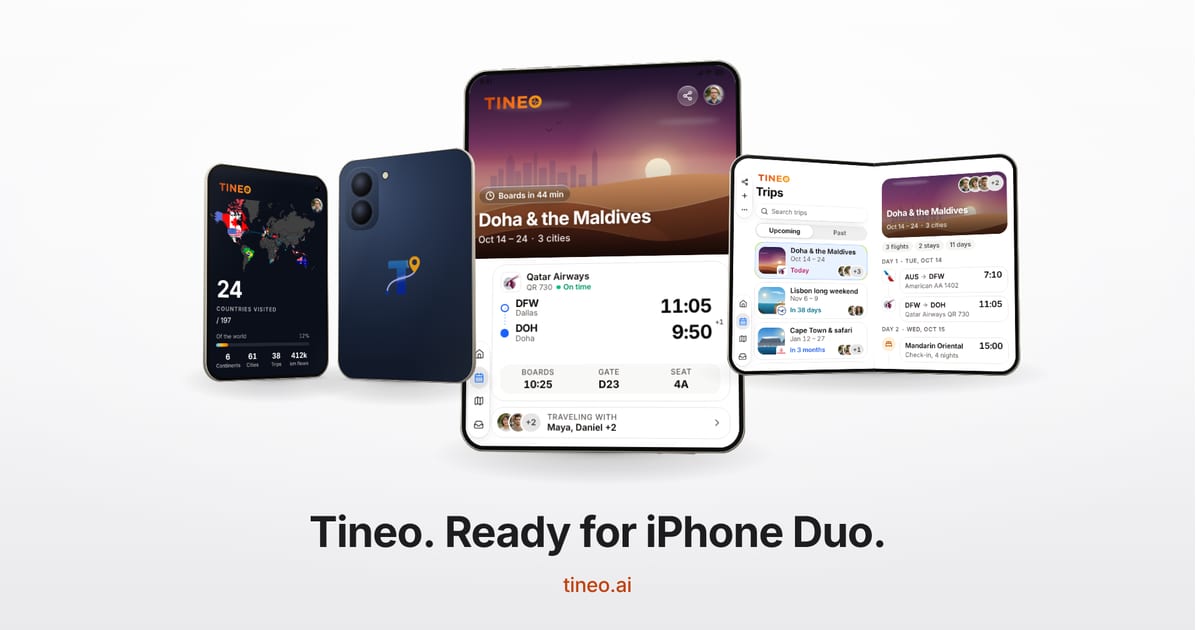
Tineo Is Ready for iPhone Duo: A Layout for Every Posture
Tineo on iPhone Duo adapts to every posture: closed, book, laptop and fully open. See how your trips, plans and map use the side strip and both pages.

Destination Guide
Bali Itinerary: 7 Days Between Beaches and Temples
A 7-day Bali itinerary covering Ubud's rice terraces, the southern beach towns, and a flexible final stretch, with driver and booking tips.
Destination Guide
Barcelona in 3 Days: Itinerary + Map
A 3-day Barcelona itinerary covering Gaudi's landmarks, the Gothic Quarter, and the beach, with practical metro and booking tips.