

Tineo: The Spiritual Successor to Google Trips
Miss Google Trips? Tineo picks up where Google left off, with AI-powered itinerary building, email forwarding, and the features Google Trips should have had.


On this page
When Google shut down Google Trips in August 2019, millions of travelers lost their favorite trip planning tool. The app that automatically organized travel confirmations from Gmail was gone, leaving a gap that no app has truly filled — until now.
Tineo is what Google Trips should have become.
The Google Trips Legacy
Google Trips was ahead of its time. Here’s what made it special:
What Google Trips Did Right
- Automatic email parsing — Scanned Gmail for travel confirmations
- Organized itineraries — Everything in one place, chronologically
- Offline access — Download trips for travel without connectivity
- Clean interface — Simple, focused, no clutter
- Free — No subscription, no premium tier
What Google Trips Lacked
- AI assistant — Couldn’t ask questions about your trip
- Real collaboration — Just view-only sharing
- Cross-platform email — Required Gmail specifically
- Active development — Google abandoned it
Why Google Killed It
Google’s official line was that they were consolidating travel features into Google Search, Maps, and the Google Travel website. In reality:
- Google Search travel features are buried and incomplete
- Google Maps doesn’t replace itinerary organization
- Google Travel website is clunky and rarely updated
- None of these replicate the Google Trips experience
Translation: Google moved on. Travelers were left behind.
How Tineo Continues the Vision
We loved Google Trips. We built Tineo to be what it should have evolved into.
Everything Google Trips Had
Scroll sideways to read every column.
| Google Trips Feature | Tineo |
|---|---|
| Email forwarding import | ✅ |
| Automatic itinerary building | ✅ |
| Chronological organization | ✅ |
| Offline access | ✅ |
| Clean interface | ✅ |
| Free to use | ✅ |
Plus Everything It Should Have Had
Scroll sideways to read every column.
| Feature | Google Trips | Tineo |
|---|---|---|
| AI-powered parsing | Basic | Advanced |
| Works with any email | Gmail only | Any email |
| AI assistant | ❌ | ✅ |
| Real-time collaboration | ❌ | ✅ |
| Permission levels | ❌ | ✅ |
| Converging flights view | ❌ | ✅ |
| Dark mode | ❌ | ✅ |
| Active development | Abandoned | Ongoing |
The Tineo Difference
1. Email Forwarding That Actually Works
Google Trips: Required Gmail. Scanning sometimes missed confirmations. No way to manually add from other email providers.
Tineo: Forward any confirmation email to [email protected]. Works with Gmail, Outlook, Yahoo, work email, anything. Our AI extracts:
- Flight details (times, terminals, confirmation numbers)
- Hotel reservations (check-in/out, addresses)
- Car rentals
- Activity bookings
- Restaurant reservations
Even better: If our AI misses something, it learns and improves.
2. AI Assistant Built In
Google Trips: Static itinerary display. Couldn’t interact with your data.
Tineo: Ask questions in natural language:
- “What time is my flight tomorrow?”
- “Where am I staying in Paris?”
- “Do I have any dinner reservations on Saturday?”
- “What’s the address of my hotel?”
The AI knows your entire trip and responds instantly.
3. Real Collaboration
Google Trips: Could share a read-only link. That’s it.
Tineo: Full collaboration with permission levels:
- View — See the itinerary
- Edit — Add and modify bookings
- Admin — Manage collaborators
Multiple people can forward their bookings to the same trip. The itinerary builds collaboratively in real-time.
4. Converging Flights View
Something Google Trips never had: seeing how multiple travelers’ flights converge at a destination.
When your group is flying from different cities, Tineo shows:
- All departure points
- Flight times and routes
- When everyone will arrive
- Who lands first and last
Perfect for group trips, weddings, or family gatherings.
5. Modern Design
Google Trips: Clean but dated. Felt like a Google product from 2016 (because it was).
Tineo: Modern interface with:
- Dark mode (finally!)
- Intuitive navigation
- Beautiful visualizations
- Mobile-first design
- Smooth animations
6. Actively Developed
Google Trips: Abandoned in 2019. No new features. No bug fixes. Eventually shut down.
Tineo: Continuous improvement:
- Regular feature releases
- Bug fixes deployed quickly
- User feedback incorporated
- Roadmap driven by real traveler needs
Migrating from Google Trips (or Its Remnants)
If you also lost TripCase, which Sabre discontinued in April 2025, our TripCase replacement guide covers that switch.
If you still use Google Travel or have old Google Trips data, here’s how to switch to Tineo:
Step 1: Sign Up for Tineo
Create your free account at tineo.ai.
Step 2: Forward New Confirmations
Start fresh by forwarding your upcoming trip confirmations to [email protected].
Step 3: Rebuild Past Trips (If Wanted)
Find old confirmation emails and forward them. Tineo will build the itinerary even for past trips.
Step 4: Invite Travel Companions
Add collaborators to shared trips. Everyone can contribute and see updates.
Step 5: Enjoy the Upgrade
You’ll wonder why you waited so long.
What Google Trips Users Say About Tineo
“Finally, something that actually replaces Google Trips. The email forwarding works perfectly.”
“I’ve tried every ‘Google Trips alternative’ since 2019. Tineo is the first one that gets it right.”
“The AI assistant is game-changing. I can just ask about my trip instead of scrolling through the itinerary.”
“Collaboration features are incredible. Planning group trips used to be a nightmare.”
Feature Comparison: Then and Now
Itinerary Organization
Google Trips (2016-2019):
- Automatically pulled from Gmail
- Organized chronologically
- Basic trip timeline view
- Simple sharing
Tineo (2025):
- Works with any email provider
- Smart chronological organization
- Rich timeline with visualizations
- Collaborative editing with permissions
- AI-powered insights
Offline Access
Google Trips:
- Download trips before traveling
- Basic offline viewing
- Manual download required
Tineo:
- Automatic offline sync
- Full itinerary access offline
- Changes sync when reconnected
- Works on all devices
Trip Discovery
Google Trips:
- Suggested things to do
- Basic destination info
- Powered by Google data
Tineo:
- AI recommendations based on your trip
- Personalized suggestions
- Real-time local insights
- Community-driven tips
The Road Not Taken
Imagine if Google had kept developing Google Trips. It might have:
- Added AI assistant features (Google has the best AI)
- Improved collaboration tools
- Expanded email provider support
- Built converging flights visualization
- Created deeper Maps integration
Instead, they abandoned it.
Tineo is building what Google should have built. And we’re not going anywhere.
Why We Built This
We were Google Trips power users. When it shut down, we tried every alternative:
- TripIt (dated, expensive for good features)
- Wanderlog (good but different focus)
- Kayak Trips (limited functionality)
- Google Travel website (disappointing replacement)
None captured what made Google Trips special while adding what it needed.
So we built Tineo.
Our mission: Be the travel organizer Google Trips should have become.
The Future of Tineo
We’re not stopping at feature parity with Google Trips. Our roadmap includes:
- Smart packing lists — AI-generated based on your destination and activities
- Travel expense tracking — Track and split costs with companions
- Calendar deep integration — Seamless sync with Google Calendar, Outlook, Apple Calendar
- Predictive rebooking — AI-suggested alternatives before you know you need them
- Community features — Learn from other travelers’ experiences
And yes, unlike Google, we’re committed to this product for the long term.
The Simple Truth
Google Trips was great for its time. Tineo is great for now — and built to keep getting better.
If you miss Google Trips, you’ll love Tineo. It’s everything that app was, plus everything it should have become.
TL;DR
Scroll sideways to read every column.
| Google Trips | Tineo | |
|---|---|---|
| Email import | ✅ Gmail only | ✅ Any email |
| Auto-organization | ✅ | ✅ |
| Offline access | ✅ | ✅ |
| AI assistant | ❌ | ✅ |
| Real collaboration | ❌ | ✅ |
| Dark mode | ❌ | ✅ |
| Still exists | ❌ | ✅ |
| Actively developed | ❌ | ✅ |
Ready to experience what Google Trips should have become?
Try Tineo free — The spiritual successor to Google Trips, with the features you’ve been waiting for since 2019.
Welcome home, Google Trips fans.
Keep reading

Travel Apps
Travel Apps That Shut Down: Dates, Data and Replacements
A sourced tracker of trip planner and itinerary apps that shut down since 2017: announcement and closing dates, what happened to user data, and official advice.
Tineo
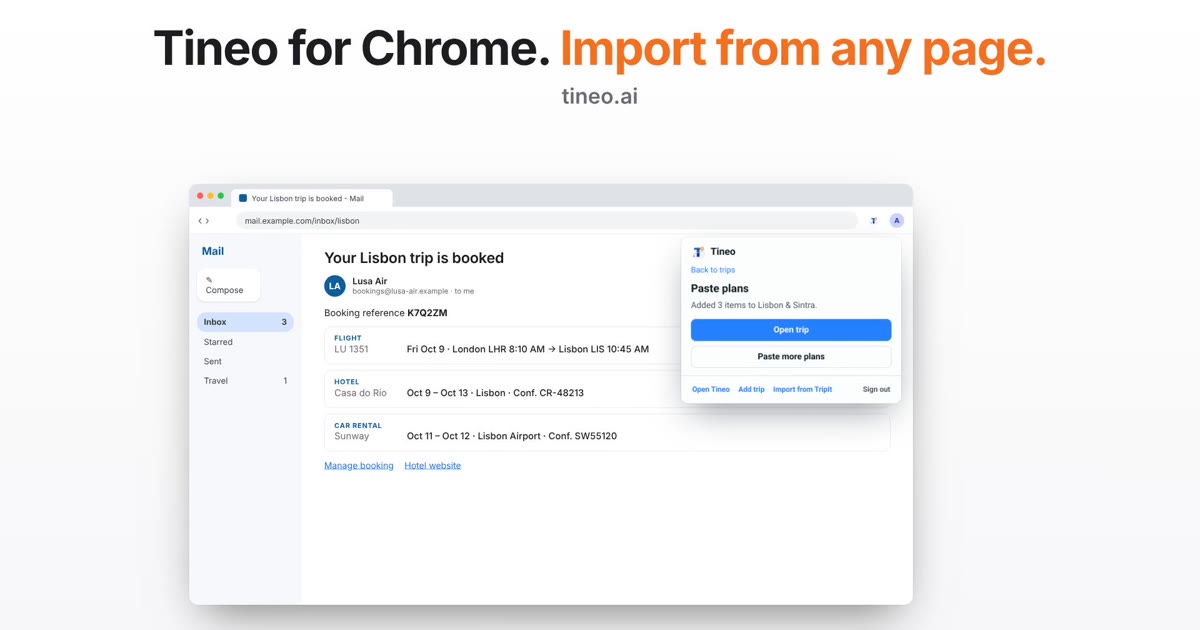
Tineo for Chrome: Import Your Booking From the Open Email
The Tineo Chrome extension can now read the booking email or page you have open and turn it into plans. Check the text, select Find plans, and choose what to add.
Tineo
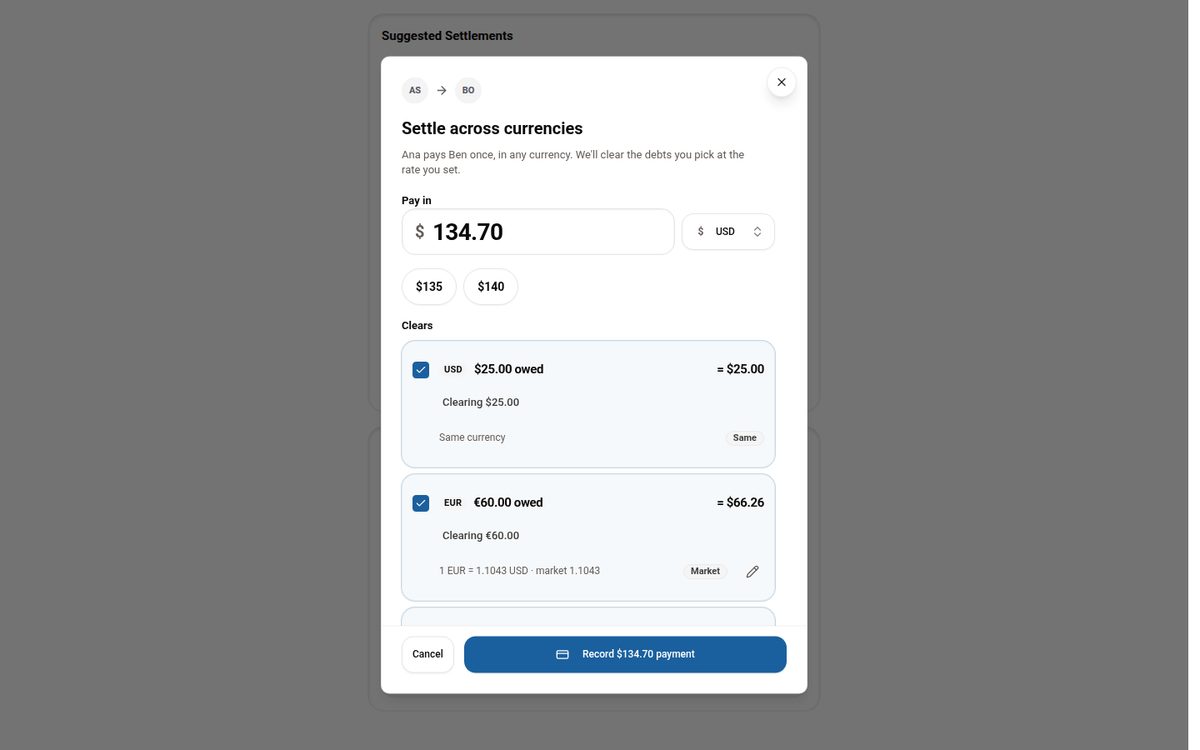
Settling Group Trip Expenses Across Multiple Currencies
Why per-currency balances make settling up on a multi-currency trip confusing, and how Tineo lets you pay once in any currency and clear the debts you choose.