

Trip Planner App: Plan Your Whole Trip in One Place (2026)
A trip planner app should turn scattered bookings into one clear itinerary. Here is what to look for, and how Tineo plans your trip from your inbox for free.


On this page
A good trip planner app answers one question fast: what is my trip, and what happens next? Instead of scrolling through confirmation emails and screenshots, you open one app and see every flight, hotel, and reservation in order. Tineo is a free trip planner app that builds that itinerary straight from your inbox.
What a trip planner app should do
The core job of a trip planner app is to turn scattered bookings into one clear plan. When you are comparing options, look for:
- Automatic import. Forward or connect booking confirmation emails and have them organized for you, instead of typing every detail by hand.
- One connected itinerary. Flights, lodging, transfers, and activities grouped into a single trip, in order, with the details attached.
- Offline access. Your plan should open at the airport or abroad even with no signal.
- Collaboration. Everyone on the trip should see the same plan.
- Help when you are stuck. An AI assistant that can answer questions and suggest what to add saves real time. If drafting the plan with AI is the main job, compare each AI trip planner by what it produces.
How Tineo plans your trip
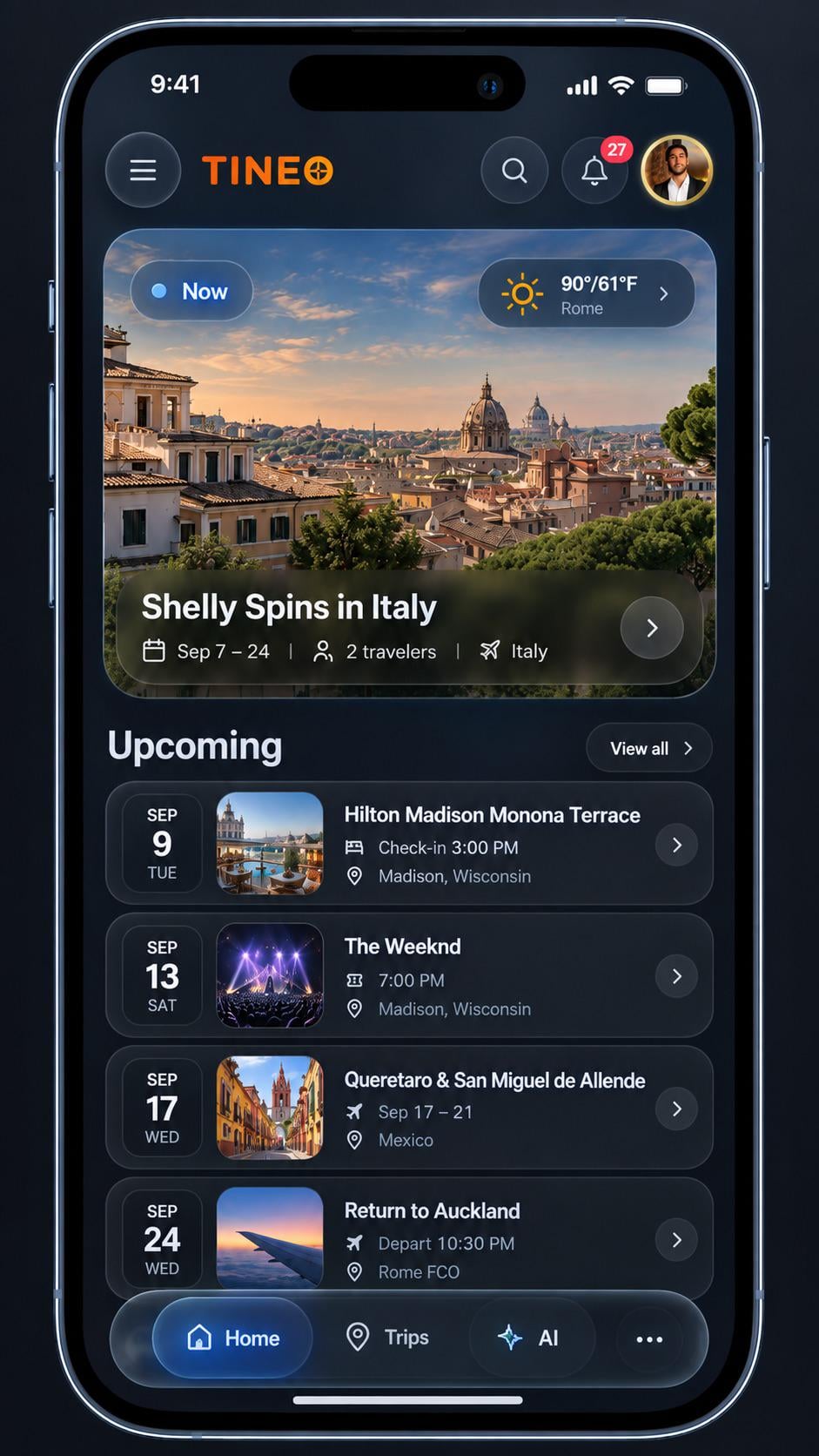
Tineo is built around the idea that your trip already lives in your inbox. You forward or connect your booking confirmation emails, and Tineo reads them into a structured, ordered itinerary: flights with times, hotels with check-in dates, and reservations in the right place. From there:
- Your trip is available offline on native iOS and Android apps.
- You can share the trip so everyone sees the same plan.
- An AI travel assistant helps refine the itinerary, fill gaps, and answer questions.
The core trip planner features are free. Tineo Ultra is optional at $4.99/month or $39.99/year for people who want more.
Trip planner app vs. calendar vs. spreadsheet
- A calendar shows dates but not a connected itinerary, and it loses the booking details.
- A spreadsheet is flexible but manual, and it does not work well offline or update itself.
- A trip planner app like Tineo groups bookings automatically, keeps the details attached, and works offline.
If you are still planning trips in a notes app, see why that breaks down.
Start with your inbox
The fastest way to plan a trip is to stop copying details by hand. Forward your next confirmation to Tineo and watch the itinerary build itself. For related reading, see how to create a travel itinerary and the best travel planning apps compared.
Keep reading
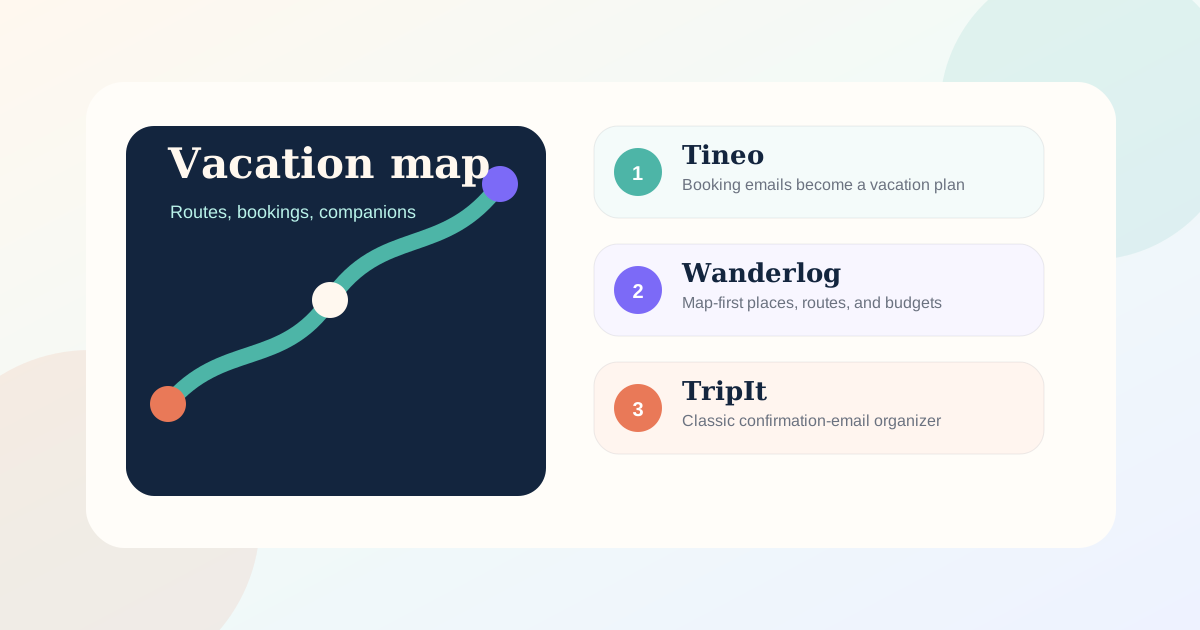
Free
Free Trip Planner App: What You Actually Get Without Paying (2026)
Looking for a genuinely free trip planner app? See what free tiers include, what is usually paywalled, which work offline, and how Tineo's free core compares.

Travel Apps
Travel Apps That Shut Down: Dates, Data and Replacements
A sourced tracker of trip planner and itinerary apps that shut down since 2017: announcement and closing dates, what happened to user data, and official advice.
Itinerary Apps
Best Itinerary Apps 2026: 5 Compared for Frequent Travelers
TripIt for flight-day tools, Tineo for confirmations with AI help, Wanderlog for map planning, Tripsy for Apple devices, Stippl for routes and shared costs. Prices checked November 2026.