

Trip Planner AI: Turn Travel Emails Into Itineraries
What trip planner AI does, how travel AI can organize booking confirmations, and when to use Tineo, ChatGPT, Layla, Mindtrip, or TripIt.


On this page
Trip planner AI is most useful when it works from the facts of a real trip. A generic travel AI prompt can suggest restaurants or draft a day-by-day plan, but a booked trip needs something more practical: flights, lodging, transfers, activities, tickets, documents, confirmation numbers, and companions in one itinerary.
This guide explains how trip planner AI works when the starting point is a travel confirmation email, not a blank prompt.
Updated June 13, 2026. Source notes checked against Tineo pricing, Google’s generative AI search guidance, Semrush AI Overview tracking docs, TripIt forwarding help, Layla, Mindtrip, Wonderplan, Tripadvisor Trips, and ChatGPT public help pages.
Quick answer: what is trip planner AI?
Trip planner AI is software that uses artificial intelligence to help build, organize, or answer questions about a trip. The strongest version is booking-aware: it can read travel confirmations, create itinerary items, store trip files, support collaboration, and answer questions about the actual plan.
For travelers, the distinction is simple:
Scroll sideways to read every column.
| Need | Better fit |
|---|---|
| “Where should I go?” | Inspiration-first travel AI such as Layla, Mindtrip, Wonderplan, Tripadvisor Trips, or ChatGPT |
| “I booked flights and hotels. Organize them.” | Booking-aware AI travel planner such as Tineo |
| “Compare travel apps before I choose one.” | Best-of and comparison guides with current pricing, platform, and import details |
Trip planner AI vs travel AI
People use trip planner AI, travel AI, AI trip planner, and AI travel planner almost interchangeably. They point at two related but different jobs.
Scroll sideways to read every column.
| Term | What users usually mean | What to check before choosing |
|---|---|---|
| Trip planner AI | AI that helps plan or organize one trip | Can it store the final itinerary after the conversation? |
| Travel AI | Broad AI for travel search, recommendations, answers, or booking help | Is it grounded in current sources and your real trip details? |
| AI trip planner | App that generates or manages an itinerary | Does it import bookings or only draft ideas? |
| AI travel planner app | Full product with itinerary, trip data, and mobile access | Does it work after plans change? |
Google’s public guidance for generative AI features still points back to foundational SEO: helpful, crawlable, indexable content with clear structure and useful source context. That same rule applies when you are choosing a product. Prefer tools that make the underlying trip facts visible and reviewable, not tools that hide the plan behind one impressive generated answer.
Can AI turn travel emails into an itinerary?
Yes, but only if the product is designed for travel confirmations. A booking confirmation can include dates, local times, airport codes, station names, hotel addresses, confirmation numbers, guest names, PDF attachments, cancellation terms, and portal links. A good importer has to identify the travel type before it can build a useful itinerary.
In Tineo, the workflow is:
- Forward original confirmations to
[email protected], paste details into an import flow, upload common travel files, or use connected import when enabled for the account. - Tineo detects whether the message looks like a flight, lodging, car rental, train, ferry, cruise, activity, ticket, parking, transfer, or document.
- The app creates or updates itinerary items when it has enough confidence.
- You review critical details before relying on the itinerary.
That review step is not a failure. Travel email is messy. The safe version of trip planner AI saves manual work while still letting the traveler verify high-risk details.
How to use trip planner AI with email confirmations
Start with confirmed travel emails
Use original booking confirmations for flights, hotels, trains, rental cars, ferries, cruises, events, parking, tours, and activities. Original messages usually contain the structured details an itinerary importer needs.
Turn confirmations into trip items
A booking-aware trip planner AI should detect the travel type, read dates and locations, attach files when useful, and place the result inside the right trip timeline for review.
Ask questions against the itinerary
After the trip is organized, travel AI is most useful when it can answer questions about the actual itinerary instead of starting from a blank destination prompt.
Review critical details before travel
AI can reduce manual entry, but travelers should still verify passenger names, dates, local times, confirmation numbers, visa details, insurance files, and cancellation status.
Where general AI assistants help
General assistants are still useful. ChatGPT can brainstorm a route, rewrite a packing list, compare neighborhoods, summarize destination constraints, or help turn raw notes into a draft itinerary. The tradeoff is that you have to supply and maintain the trip context yourself.
Use a general assistant when:
- You are still choosing a destination.
- You want a flexible planning conversation.
- You need help evaluating options rather than storing confirmed plans.
- You can manually copy the final plan into a durable place.
Use a dedicated AI travel planner when:
- Your trip already has booking confirmations.
- You need the plan on mobile during travel.
- You need offline access, sharing, files, or alerts.
- You want to ask questions about the actual itinerary later.
Trip planner AI comparison
Scroll sideways to read every column.
| Tool | Best fit | Email import signal | Itinerary storage | Collaboration | Pricing signal |
|---|---|---|---|---|---|
| Tineo | Turning real confirmations into trip plans | Core workflow via [email protected] and app import flows | Structured trips, files, timeline, mobile access | Collaboration basics | Free core; Ultra at $4.99/month or $40/year |
| ChatGPT | Flexible planning conversation | Manual copy/paste unless you build a workflow | Manual export or saved chats | Manual sharing | Free and paid plans vary by account |
| Layla | Fast destination and itinerary ideas | Not positioned as the core workflow | Generated trip plans | Not the main differentiator | Free/premium signals on official site |
| Mindtrip | Visual recommendations and group planning | Supports upload/forwarding signals | Plans, maps, saved places, recommendations | Group planning | Free app positioning on official app pages |
| Wonderplan | Lightweight generated itineraries | Not positioned as the core workflow | Editable generated plans and PDF download | Not the main differentiator | Describes itself as free, at least for now |
| TripIt | Classic confirmation email organizer | [email protected] and inbox sync | Itinerary app and calendar sync | Sharing | Free; Pro listed at $49/year |
What a good booking-aware AI planner should do
A useful trip planner AI should be able to answer these questions:
- Can it create an itinerary from original booking confirmations?
- Can it separate flights, hotels, cars, trains, events, activities, and documents?
- Can it keep attachments and trip files with the plan?
- Can companions access the same trip?
- Can the itinerary work on a phone and offline?
- Can the AI assistant answer against the current trip instead of generic web knowledge?
- Can the traveler review and correct imported details?
If the answer is no, the tool may still be a good idea generator. It is not yet a full travel organizer.
Safety and privacy checklist
Travel confirmations can include sensitive details. Before using any travel AI with email or files, check:
- Privacy policy and account controls
- Whether you can choose what to import
- Whether sensitive trip files stay attached to the correct trip
- Whether the app exposes clear pricing before signup
- Whether the app lets you review AI-created itinerary items
- Whether passport, visa, insurance, and payment details still require human verification
Tineo has a dedicated security note about Google CASA Tier 2. That does not remove the need to review critical travel documents, but it is a stronger trust signal than a generic AI planner with no travel-specific security posture.
FAQ
What is trip planner AI?
Trip planner AI is software that uses artificial intelligence to help create or organize a trip. The useful version can turn booking confirmations into itinerary items, answer trip-specific questions, and keep flights, lodging, activities, files, and companions in one plan.
Can travel AI read my booking confirmations?
Some travel AI tools can work from booking confirmations when you forward, paste, connect, or upload the source information. Tineo is built around email-to-itinerary import, while general assistants such as ChatGPT usually require manual copy and review.
Is trip planner AI the same as an AI travel planner?
The terms overlap. Trip planner AI often describes the underlying assistant capability, while an AI travel planner usually means the full app or workflow that stores itineraries, bookings, documents, collaboration, and mobile access.
What is the best trip planner AI for email import?
Tineo is the clearest fit when the job is turning travel confirmation emails into an organized itinerary. ChatGPT, Layla, Mindtrip, Wonderplan, and Tripadvisor Trips can help with ideas and planning, but they are not all built around email import as the primary workflow.
Bottom line
Use trip planner AI for the work that is hard to maintain manually: turning real confirmations into a current itinerary, keeping trip files nearby, and answering questions against the plan. Use general travel AI for brainstorming. The best travel setup can include both, but the itinerary of record should live somewhere structured and reviewable.
Keep reading
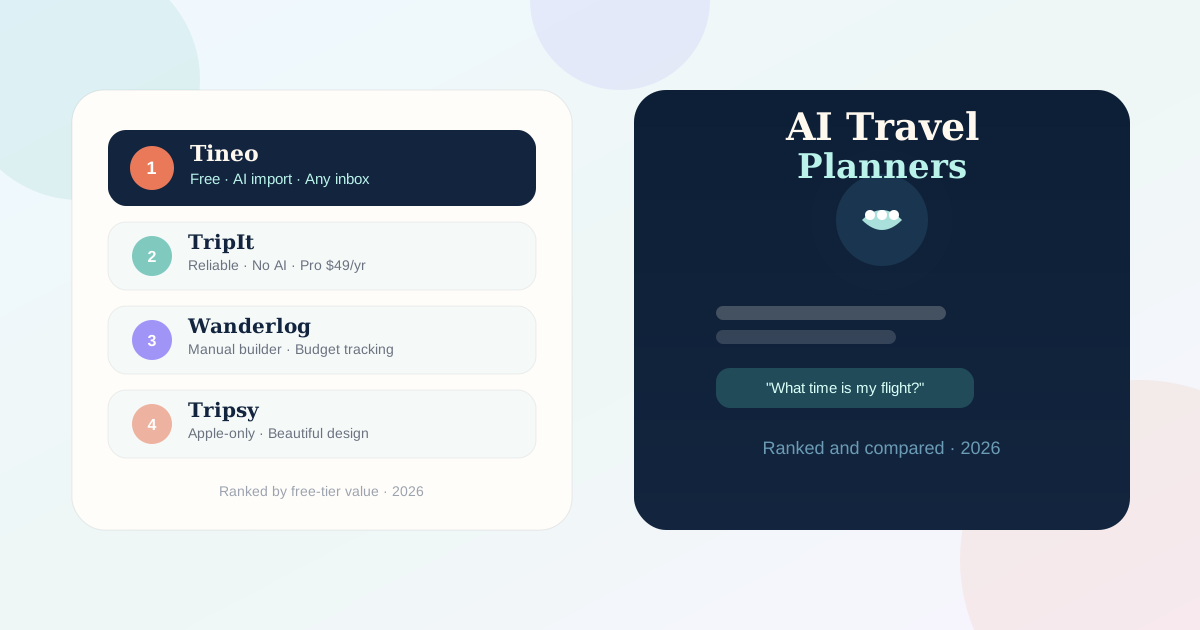
AI Travel
Best AI travel planner apps: September 2026 comparison
Compare Tineo, Mindtrip, Layla, Wonderplan, Tripadvisor Trips and ChatGPT by planning task. Learn how to check an AI itinerary before booking.
Comparison
Wanderlog vs Tineo: Which Planner Saves More Time?
Compare Wanderlog and Tineo across manual itinerary building, budget splitting, AI email import, and conversational trip planning.
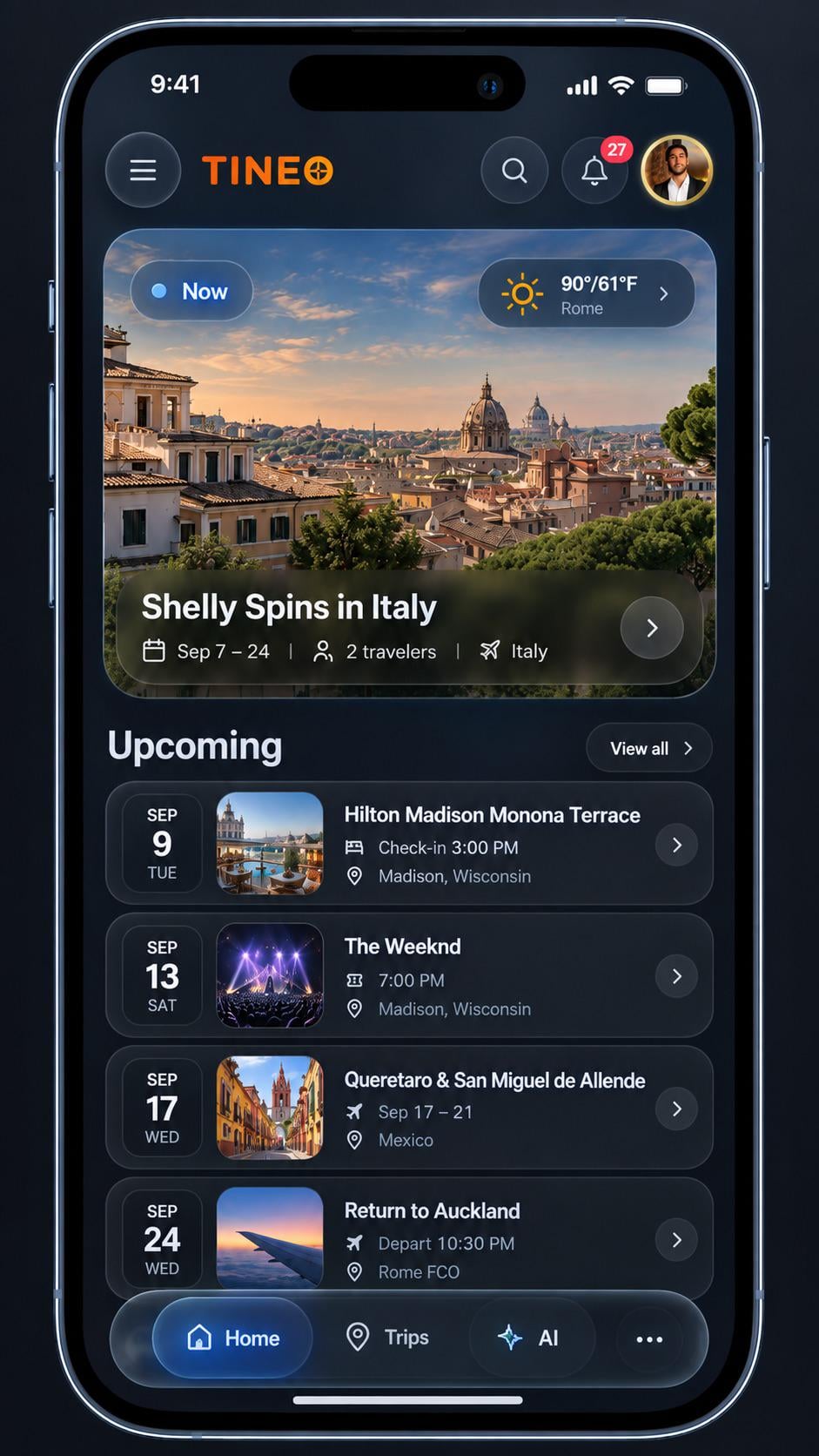
Itinerary Apps
Best itinerary apps for frequent travelers: September 2026
Compare TripIt, Tineo, Wanderlog, Tripsy and Stippl by booking import, planning style and device fit. Use a practical checklist to choose your next app.