

Lead, Verifier, Backup: Collect Traveler Details for Organizers
Practical playbook for group organizers: secure traveler data collection with a three role workflow, a one afternoon setup, and Tineo integration.

On this page

The fastest way to collect traveler details is to standardize a short list of fields, gather documents through a secure upload rather than email, put one person in charge of verifying what comes in, and pull everything into a single shared itinerary. A dedicated itinerary app like Tineo can absorb booking confirmations automatically, but the method matters more than the tool. Whatever you use, skip public links and shared spreadsheets for anything sensitive.
TL;DR:
- Collect only essential traveler information, such as full legal name, contact details, and reservation codes, with sensitive identity data uploaded privately.
- Use secure upload forms or encrypted cloud folders with named permissions to handle sensitive documents, avoiding open links or shared spreadsheets.
- Designate a lead, verifier, and backup owner to coordinate data collection, verification, and backups, with clear milestones before departure.
- Centralize all bookings, documents, and notes in a structured shared itinerary that tags items and tracks updates to streamline coordination.
- Implement a three-copy backup system: printed master, encrypted online storage, and a limited device copy, with expiration controls on shared links.
Table of Contents
- What Traveler Information Should You Actually Collect?
- What’s the Safest Way to Collect Travel Documents?
- Who Should Own Traveler Data Collection in a Group?
- How Do You Organize Everything Into One Shared Itinerary?
- How Should You Back Up Travel Documents for Emergencies?
- Quick-Start Checklist: Get This Done in One Afternoon
- How Tineo Fits Into This Process
- Sources
- FAQ
What Traveler Information Should You Actually Collect?
Most organizers ask for too much or too little. The fix is a standardized traveler information form that separates mandatory booking data from optional preferences, so nobody uploads a passport scan into a group chat by accident.
Here’s the checklist we’d build a form around:
- Flights: flight number, PNR/confirmation code, airline, departure and arrival times
- Lodging: hotel name, reservation code, check-in and check-out dates
- Ground transportation: car rental confirmation number and pickup location
- Activities: booking reference and voucher number for tours or excursions
- Contact fields: full legal name (as it appears on ID), mobile phone, email, emergency contact name and phone
- Identity fields (only if required): passport number and expiry date, collected through a private channel, never a shared document
- Special notes: medical conditions, dietary restrictions, rooming preferences, mobility needs
- Attachments: passport scans, visas, and travel insurance documents
Mark identity fields and medical notes as sensitive from the start. Those belong in a private submission, not a group-wide traveler details form that everyone can see.
What’s the Safest Way to Collect Travel Documents?
Where you put sensitive files matters as much as what you collect. Security guidance is blunt on this point: passport numbers and identity data don’t belong in a shared spreadsheet, because copy history, screenshots, and open sharing links all create exposure you can’t fully control.
Use these methods instead:
- Secure upload forms with named access — Each traveler uploads their own files under their own login, so nothing sits in one open folder.
- Encrypted cloud folders with individual permissions — Grant access by name, not by link, and revoke it after the trip.
- A dedicated itinerary app that accepts attachments — This keeps documents tied to the traveler’s profile instead of floating in an inbox.
Avoid open email threads where documents get forwarded and re-forwarded, public “anyone with the link” folders, and spreadsheets that list passport numbers next to seat preferences.
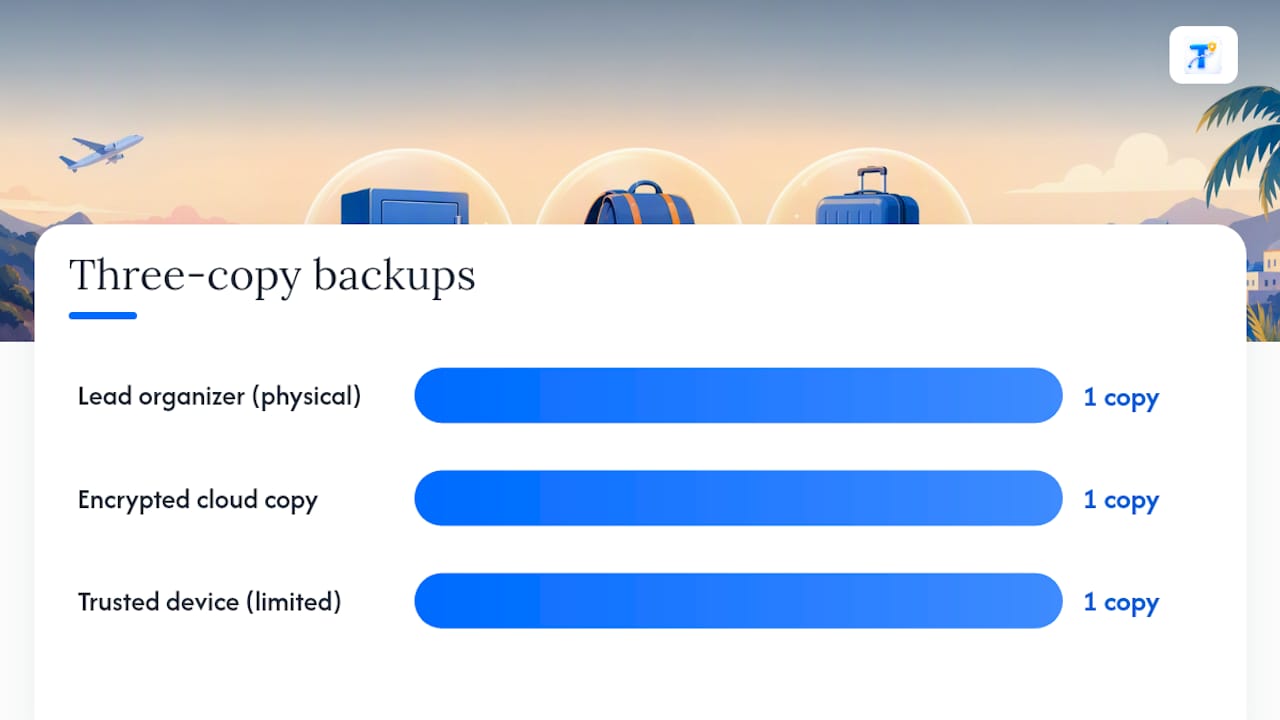
The three-copy backup rule solves the “what if” problem: a physical master packet for the lead organizer, an encrypted cloud copy for remote access, and a limited-access copy on one trusted device. Each covers a different failure mode. If a phone gets stolen, the cloud copy still works. If Wi-Fi is unreliable, the physical packet doesn’t care.
Pro Tip: Set link expirations on any shared folder before the trip, and require two-person verification before anyone downloads a passport scan.
Who Should Own Traveler Data Collection in a Group?
Group-travel operations guidance built for corporate trips applies just as well to a family reunion or a school trip: define who’s coordinating before you start collecting anything.
Three roles keep the process from collapsing into chaos:
- Lead — sends invites, sets the deadline, owns the master itinerary
- Verifier — checks that every document is complete, correctly formatted, and matches the name on the booking
- Backup owner — maintains the secondary copy and can step in if the lead is unreachable
Set milestones early: invite and deadline, verifier review, a short correction window for anyone with mismatched documents, and final packet confirmation 48 to 72 hours before departure.
The single most important rule is that only the master itinerary is authoritative. Every update gets a date and author stamp, and a short change log tracks major edits. If a flight time changes, the lead notifies affected travelers directly rather than letting them discover it by accident.
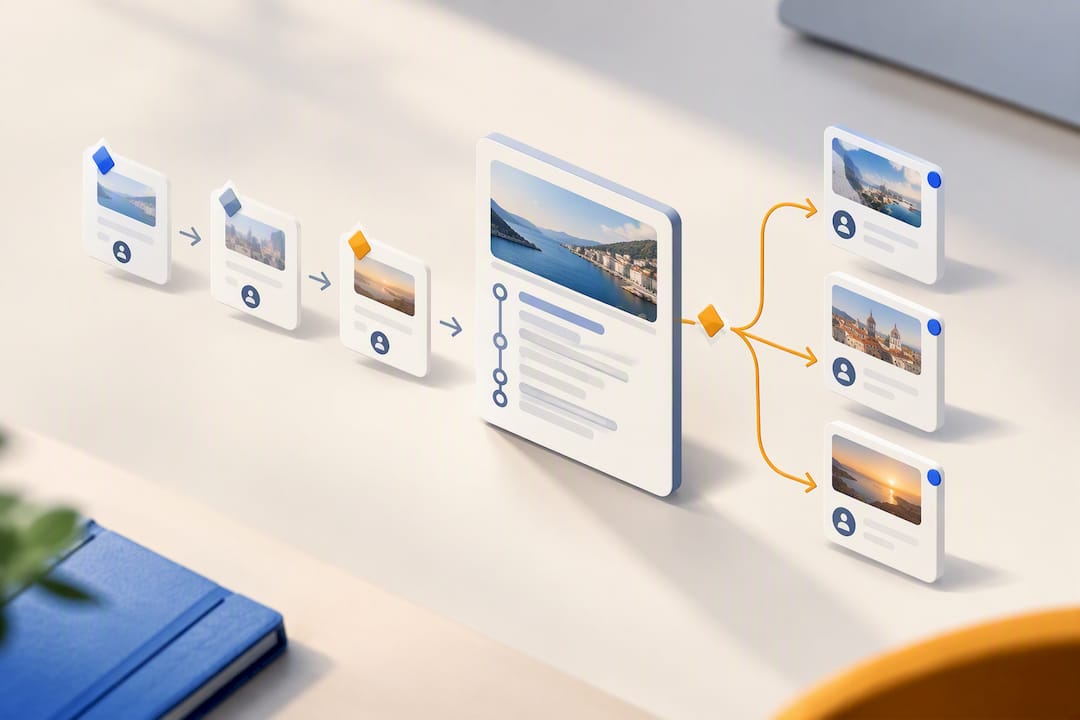
For larger groups, decide up front whether travelers self-book within a set policy or the organizer books for everyone. Self-booking within a defined policy often improves the traveler experience while still keeping records centralized, but it only works if the policy is clear and the itinerary stays the single source of truth.
How Do You Organize Everything Into One Shared Itinerary?
Scattered information creates what amounts to a coordination tax. Centralized platforms that unify bookings, documents, and payments cut down on the inbox-chasing that eats up an organizer’s week.
Structure the itinerary around a simple data model:
- Traveler profile — name, contact info, emergency contact
- Reservations timeline — flights, hotels, cars, and activities in chronological order
- Per-traveler document folder — passport scan, visa, insurance policy
- Rooming list — who’s sharing which room or unit
- Emergency contacts — one sheet, updated whenever anyone’s info changes
- Special notes — dietary, medical, mobility
Tag each item (flight, hotel, visa, passport scan) so you can filter and export by category instantly. Stamp every update with a date and author, and keep a short change log for anything major, like a canceled flight or a new rooming assignment.
For small trips, a structured spreadsheet paired with a secure folder can work. For anything with more than a handful of travelers or moving pieces, a dedicated itinerary app that imports confirmation emails automatically cuts out the manual reconciliation that spreadsheets require every time a booking changes.
How Should You Back Up Travel Documents for Emergencies?
The three-copy rule needs specifics to actually work when someone’s phone dies at the airport.
- Physical master packet: printed itinerary, passport copies, insurance policy numbers, emergency contact sheet
- Encrypted cloud copy: the same documents, accessible from any device with the right login
- Limited-access device copy: stored on one trusted phone or tablet, not synced to everyone’s device
Use a password manager for any shared logins, apply folder-level encryption where your storage provider offers it, and set expiration dates on shared links. Official travel guidance recommends keeping documents accessible online as backup while still carrying printed copies, since a secure online copy is the thing that saves you if your phone goes missing.
Your emergency sheet should include nearby embassy or consulate contacts for the destination. Minimize what you store. If you don’t need a full passport number for a given booking, don’t collect it.
Quick-Start Checklist: Get This Done in One Afternoon
You can build a working system in a few hours if you follow this order.
- Create the collection form using the traveler information form fields above, split into mandatory and optional sections.
- Invite travelers with a clear deadline and specific upload instructions. A short note like “Please upload your passport scan and emergency contact by [date] using this secure link” works better than a vague reminder.
- Collect files and run verifier checks — confirm names match bookings, passports aren’t expiring mid-trip, and visas are valid for the travel dates.
- Assemble the itinerary and set sharing permissions by name, not by open link.
- Run a final audit 48 to 72 hours before departure, checking names against bookings, passport validity, visa status, and insurance coverage.
For late responders, send one personal follow-up instead of a group-wide reminder. It gets a faster response and doesn’t nag the people who already submitted everything.
How Tineo Fits Into This Process
Tineo is built for exactly the moment this article describes: booking confirmations from three different airlines, a hotel, and a rental car company, all sitting in someone’s inbox instead of one place. It reads those confirmation emails and turns them into a single trip timeline, so you’re not manually retyping flight numbers into a spreadsheet.

For groups, the collaborative planning features let everyone see the same itinerary across web, iOS, and Android instead of forwarding updates around a group text. If you’re managing a family trip or a group with multiple travelers, that shared access solves the versioning problem this article has been circling: one itinerary, one source of truth, no “wait, which version is current” confusion. Document storage inside the app also gives you a place for travel files that isn’t a shared spreadsheet.
Tineo offers a free tier and a paid premium plan with additional AI capabilities and document management features; current prices are available on the pricing page. Check current pricing and start with the free tier to see whether it fits your next trip.
Sources
- Gov
- Corporate group travel — AltexSoft
- Visa
- The ultimate guide to managing group travel bookings — Routespring
- Advice on safe handling of passports and backups — WalesOnline
FAQ
What’s the Minimum Information You Need From Each Traveler?
At minimum, collect full legal name, mobile phone, email, emergency contact, and the confirmation codes for their flight, hotel, and any other reservations. Passport and visa details only apply when the trip requires them, and those should go through a private upload rather than a shared form.
Is It Safe to Collect Passport Numbers in a Shared Spreadsheet?
No. Security guidance specifically warns against storing passport numbers in shared spreadsheets because of exposure risks from copying, screenshots, and open access. Use a secure, private upload form or an app with named access controls instead.
How Many People Should Manage Traveler Data for a Group?
Three roles work well for most groups: a lead who collects data and sends invites, a verifier who checks documents for completeness and accuracy, and a backup owner who holds a secondary copy in case the lead is unavailable. This mirrors the structure recommended in group visa and document management guidance.
Can Tineo Collect and Store Traveler Documents?
Tineo imports booking confirmation emails into a shared itinerary and offers document storage within the app, accessible across web, iOS, and Android. Pricing starts with a free tier, and Tineo Ultra adds features for $4.99 per month or $39.99 per year, listed on the pricing page.
What’s the Three-Copy Backup Rule?
It means keeping a physical master packet, an encrypted cloud copy, and a limited-access device copy of key travel documents. Each covers a different failure point, whether that’s a lost phone, no internet access, or a stolen device, and official travel guidance recommends the online backup specifically for situations where your phone is gone.