Tineo how-to guide
How to share a trip in Tineo
Send a view link so someone can see your trip itinerary.
Steps
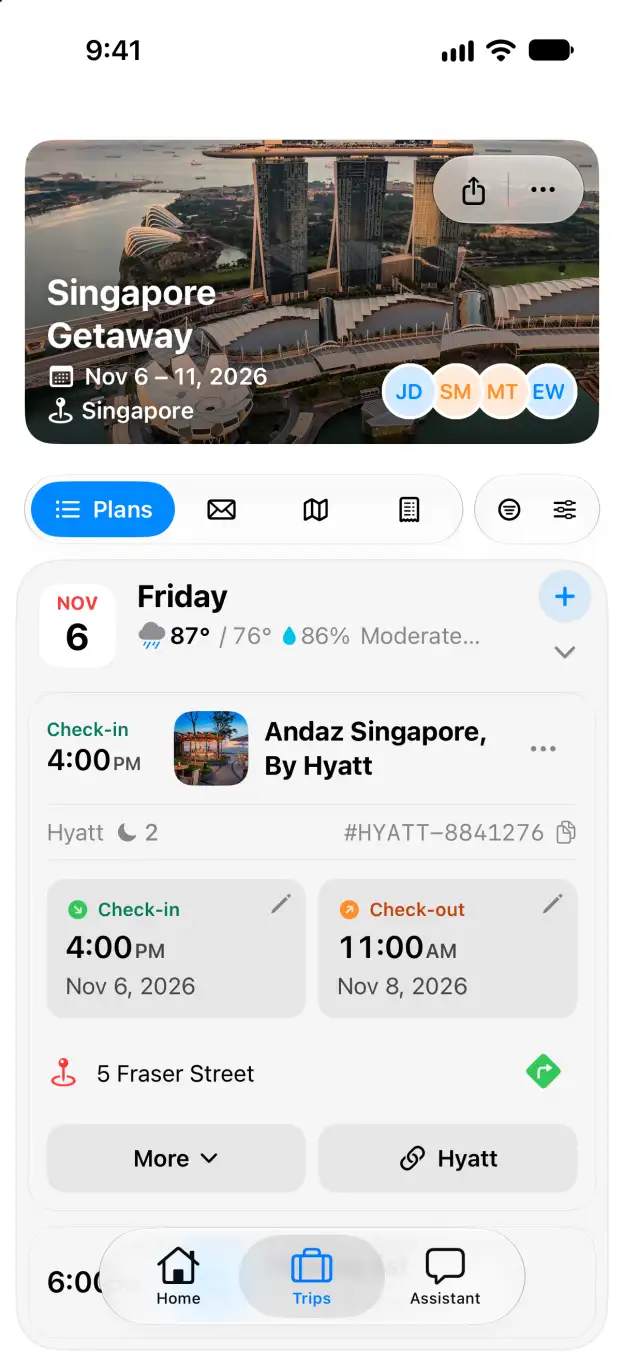
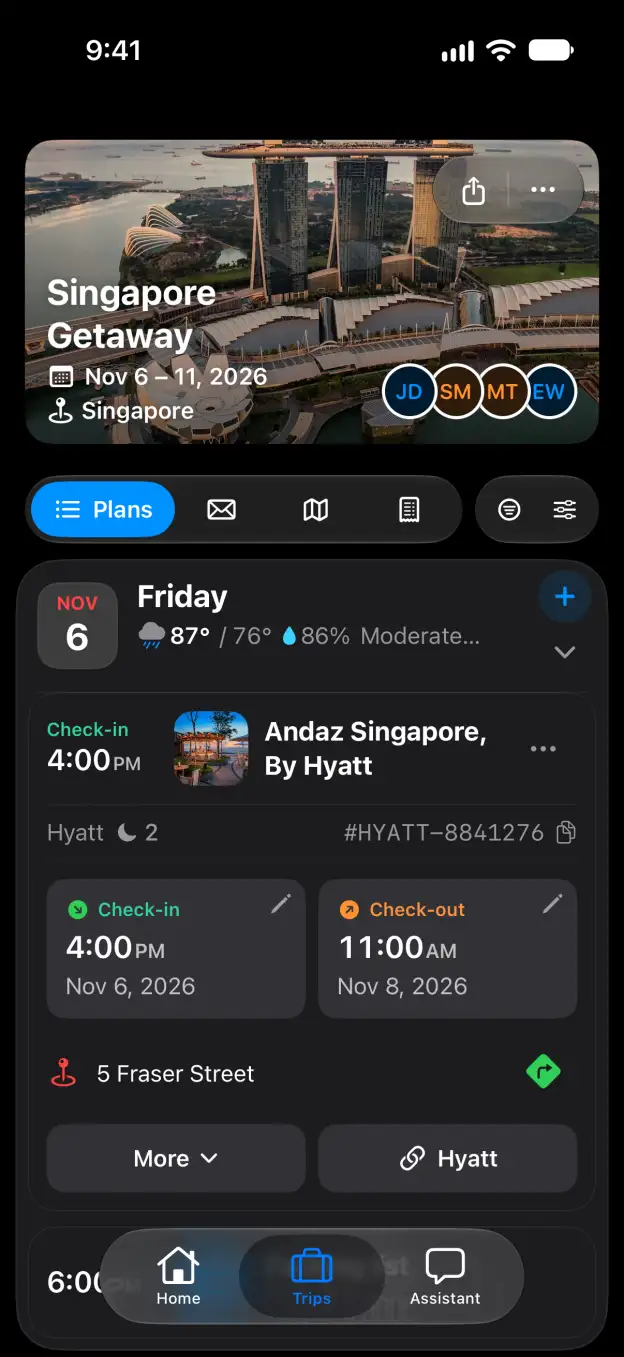
- Open your trip and click Share beside the trip name.
- Under General access, choose Link access. Anyone with the link can view your trip.
- Click Copy link and paste the link into a message to the person you want to share with.
What you get
Your trip has an active view link, ready to send.
Good to know
- A view link lets someone read the itinerary. It does not give them permission to edit it.
- To stop access through the link, return to Share and choose Only those invited.
- Want to send just a few plans? Use Share details from a plan menu instead.
Related
Start planning with Tineo More Trip guides