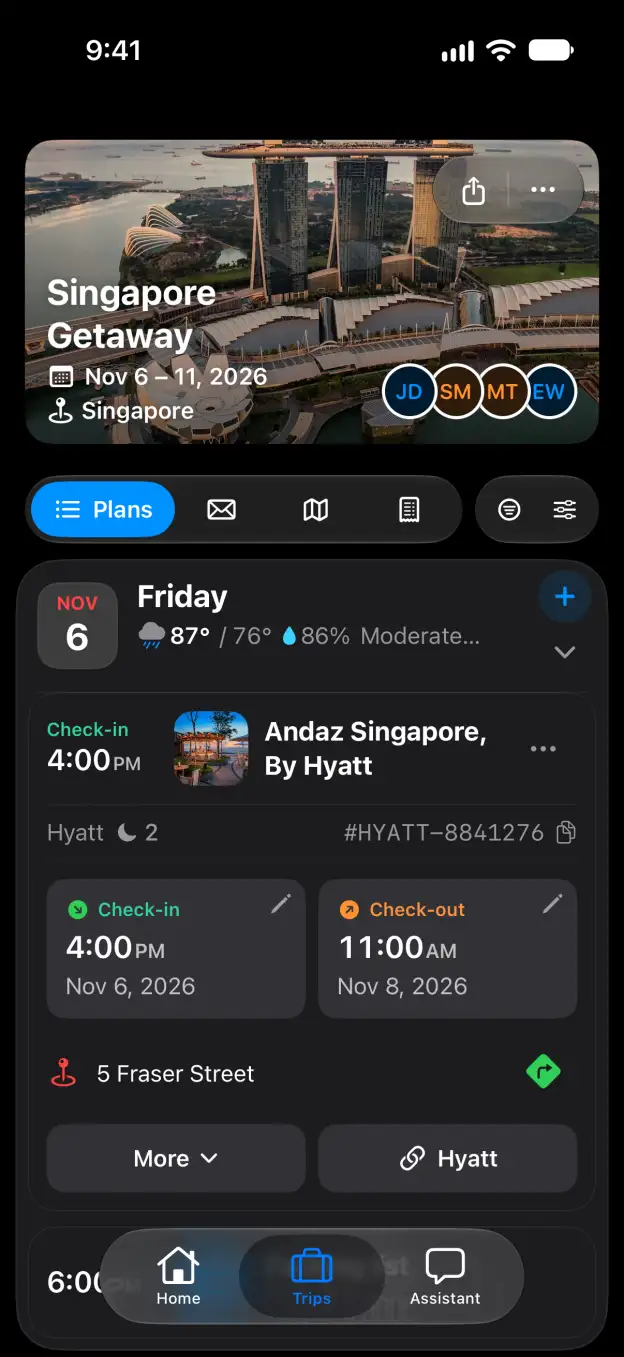

Tineo how-to guide

How to print or save a trip as PDF in Tineo

Choose your plans and level of detail, then print your itinerary or download a PDF.

Steps

  1. Open the three-dot menu beside the trip name and choose Print Itinerary.
  2. Under Format, choose Detailed itinerary, Minimal text itinerary or Timeline.
  3. Under What to print, choose All trip, All flights, Specific days or Specific plans. Select the days or plans you want.
  4. Open More settings. Choose Paper size and Time format, and turn off Include sensitive data like record locators if you want to leave out booking details.
  5. Click Preview to check the itinerary with your choices.
  6. Click Print to open your browser’s print dialog, or Download PDF to save a file.

Good to know

Related

Start planning with Tineo More Print itinerary guides

Loading…

⚠️

Unable to Load

The app couldn't start. Please check your connection and try again.

Your AI travel planner, 
built into your inbox. 

Forward your travel confirmation emails and Tineo builds the itinerary automatically. Plan trips collaboratively with friends and your AI travel assistant.

Works with your favorite travel brands
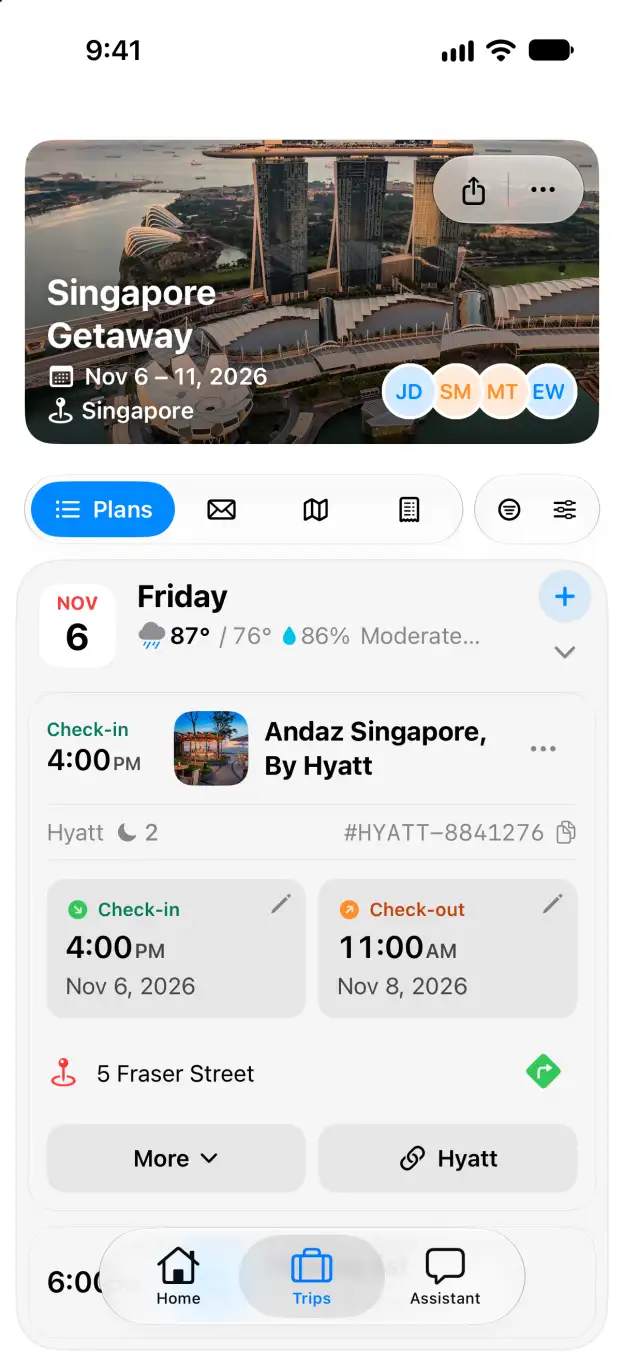
Tineo native iOS Singapore Getaway itinerary with expanded Andaz Singapore stay