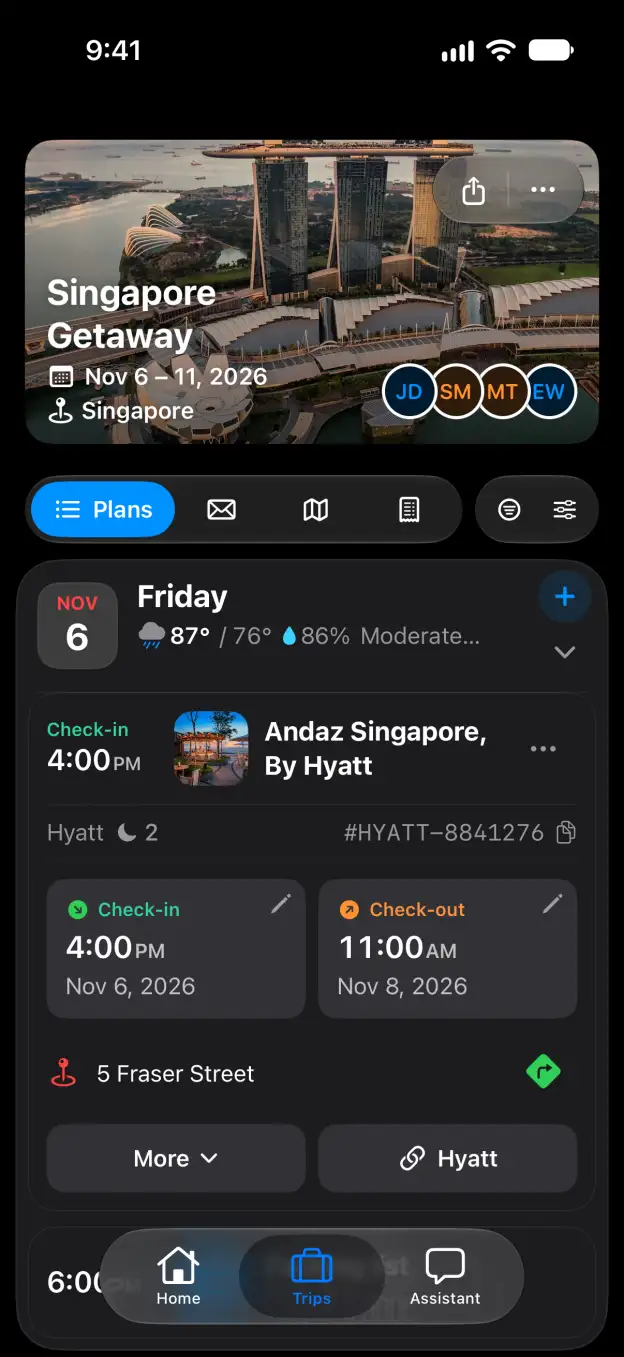

Tineo how-to guide

How to import your TripIt trips in Tineo

Bring your TripIt trips and plans into Tineo with the Chrome extension.

Steps

  1. On the TripIt import page, choose Chrome extension, then Install Tineo for Chrome on your computer.
  2. Open the extension and sign in to Tineo. Choose Import from TripIt. Sign in to TripIt in the tab that opens and keep it open while the extension reads your trips.
  3. When Tineo opens the review, check the trip totals. Keep Include past trips checked to bring your travel history too, or clear it for upcoming trips only.
  4. Click Start import when you are ready to bring the detected trips and plans into Tineo.

Good to know

Related

Start planning with Tineo More Import from other apps guides

Loading…

⚠️

Unable to Load

The app couldn't start. Please check your connection and try again.

Your AI travel planner, 
built into your inbox. 

Forward your travel confirmation emails and Tineo builds the itinerary automatically. Plan trips collaboratively with friends and your AI travel assistant.

Works with your favorite travel brands
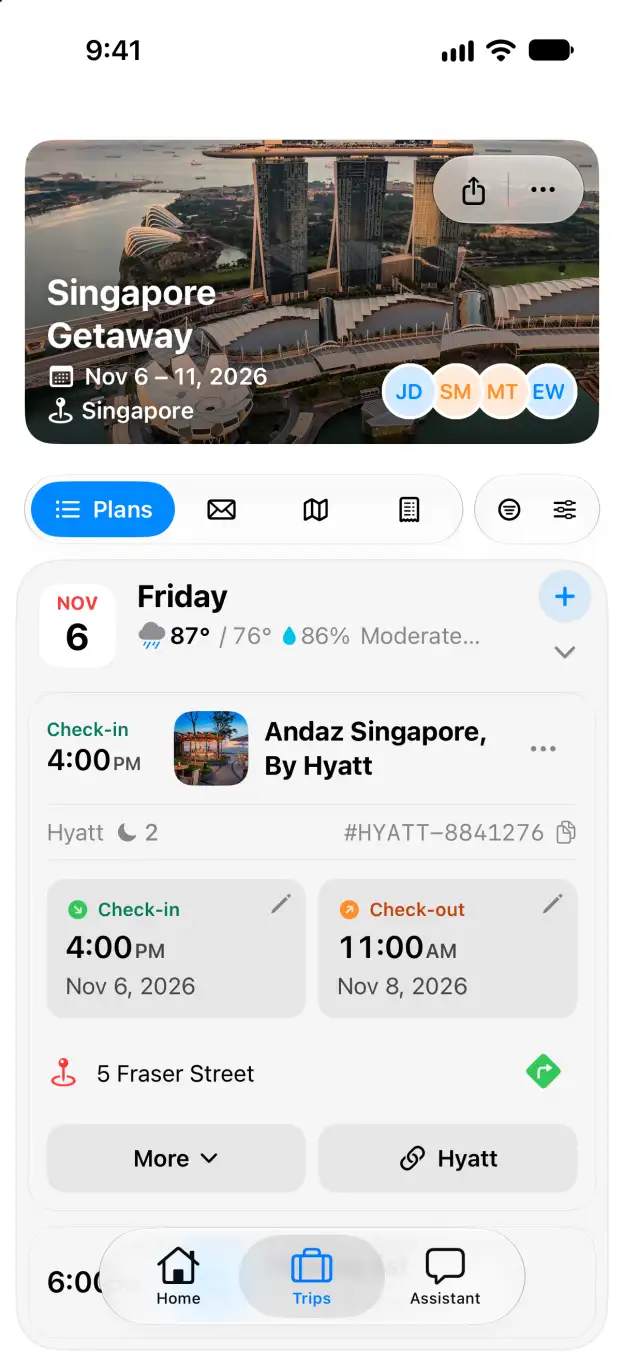
Tineo native iOS Singapore Getaway itinerary with expanded Andaz Singapore stay