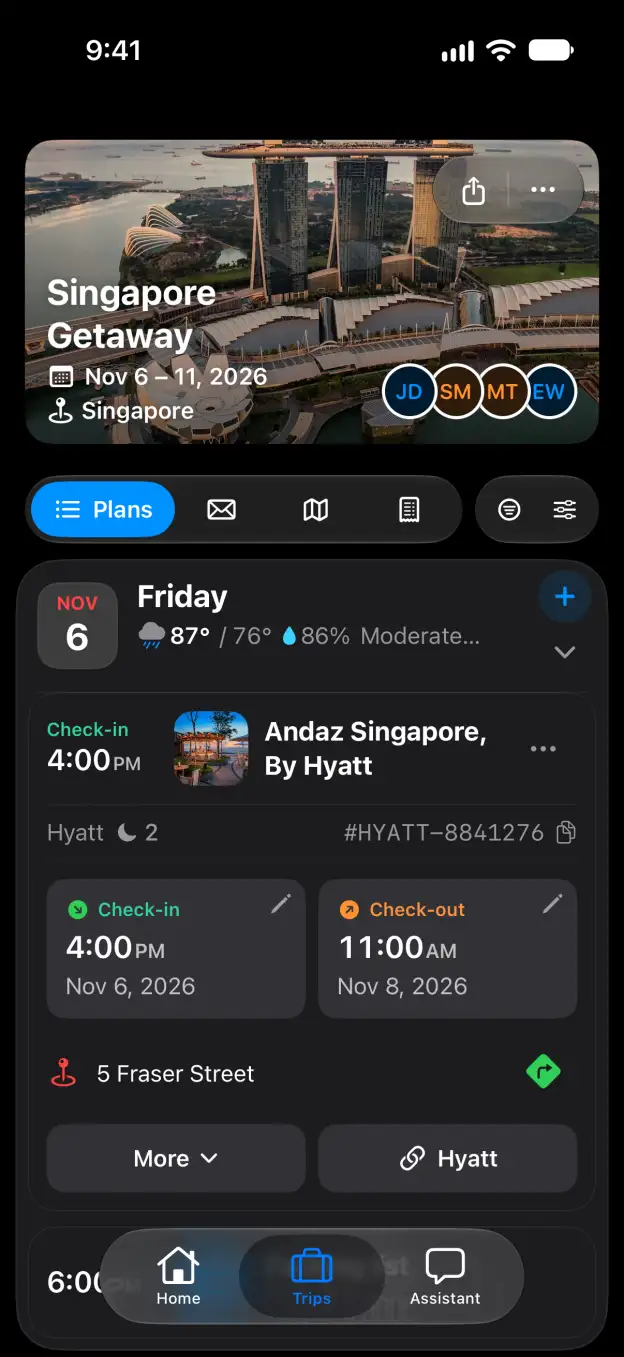

Tineo how-to guide

How to import your Flighty flight history in Tineo

Bring a Flighty CSV export into Tineo from your browser.

Steps

  1. In Flighty, go to Account Data and choose Export Your Flights. Save the CSV where you can open it from your browser.
  2. On Tineo’s Flighty import page, click Drag and drop your CSV file here, or click to browse, or drop your CSV onto that area. Choosing a file starts the import.

Good to know

Related

Start planning with Tineo More Import from other apps guides

Loading…

⚠️

Unable to Load

The app couldn't start. Please check your connection and try again.

Your AI travel planner, 
built into your inbox. 

Forward your travel confirmation emails and Tineo builds the itinerary automatically. Plan trips collaboratively with friends and your AI travel assistant.

Works with your favorite travel brands
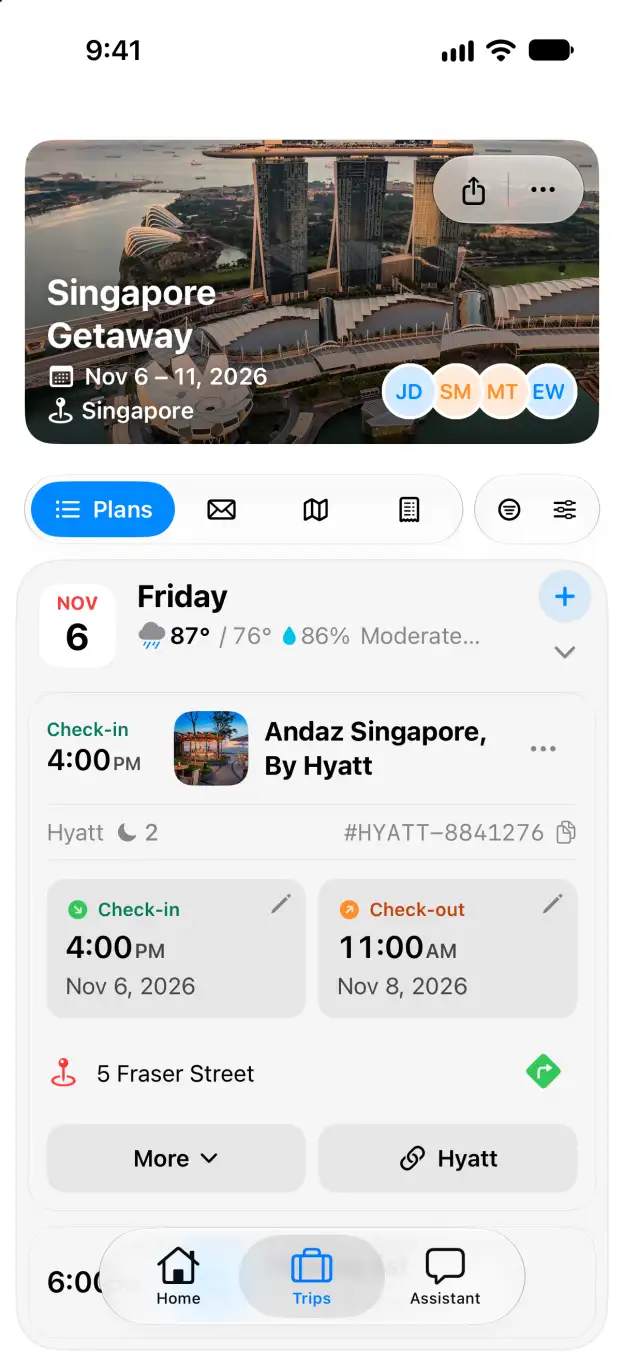
Tineo native iOS Singapore Getaway itinerary with expanded Andaz Singapore stay