Tineo help
My Trips
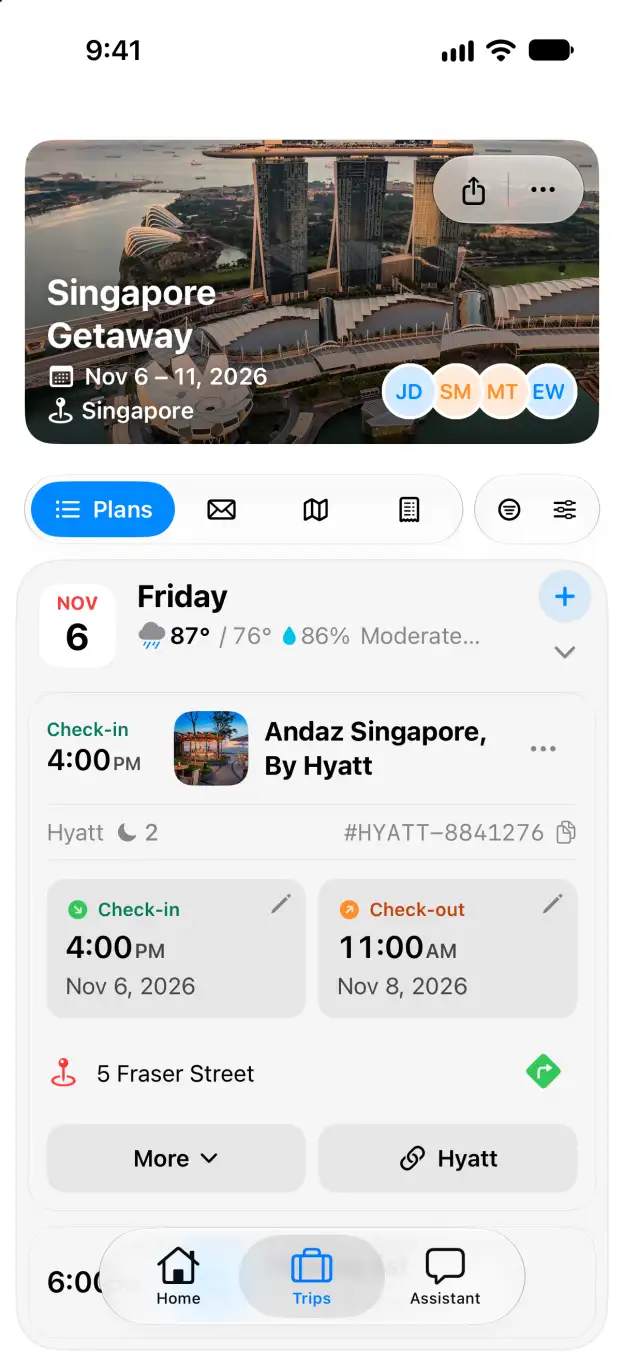
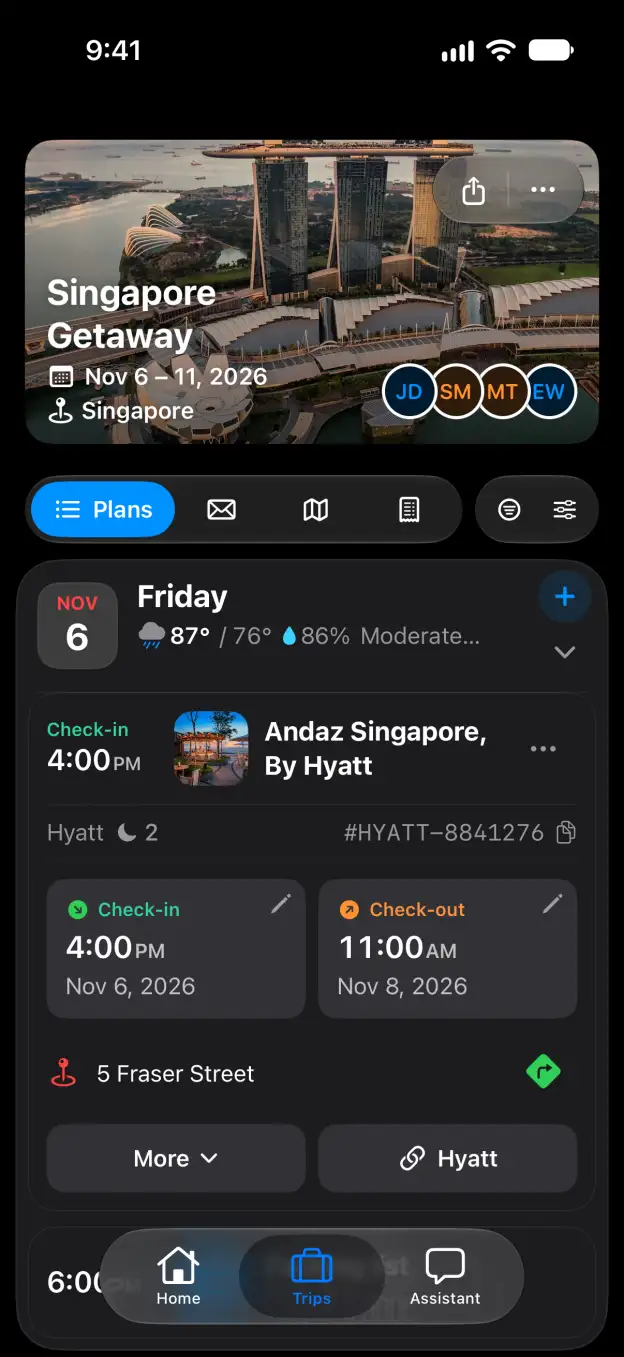
My Trips lists every trip you plan, share or have taken. Trips are sorted by what is happening now and next, with a calendar and a timeline beside them.
On this screen
- Next/Now shows trips in progress and coming up; the history and shared tabs beside it show past trips and trips others shared with you.
- Each trip card shows its dates, nights, places and who is going. The ⋯ button on a card holds more actions for that trip.
- New Trip in the top-right corner starts a trip from scratch or from pasted plans.
- The calendar and timeline on the right show all your trips over the month and the year.
How do I…
Start planning with Tineo All guides