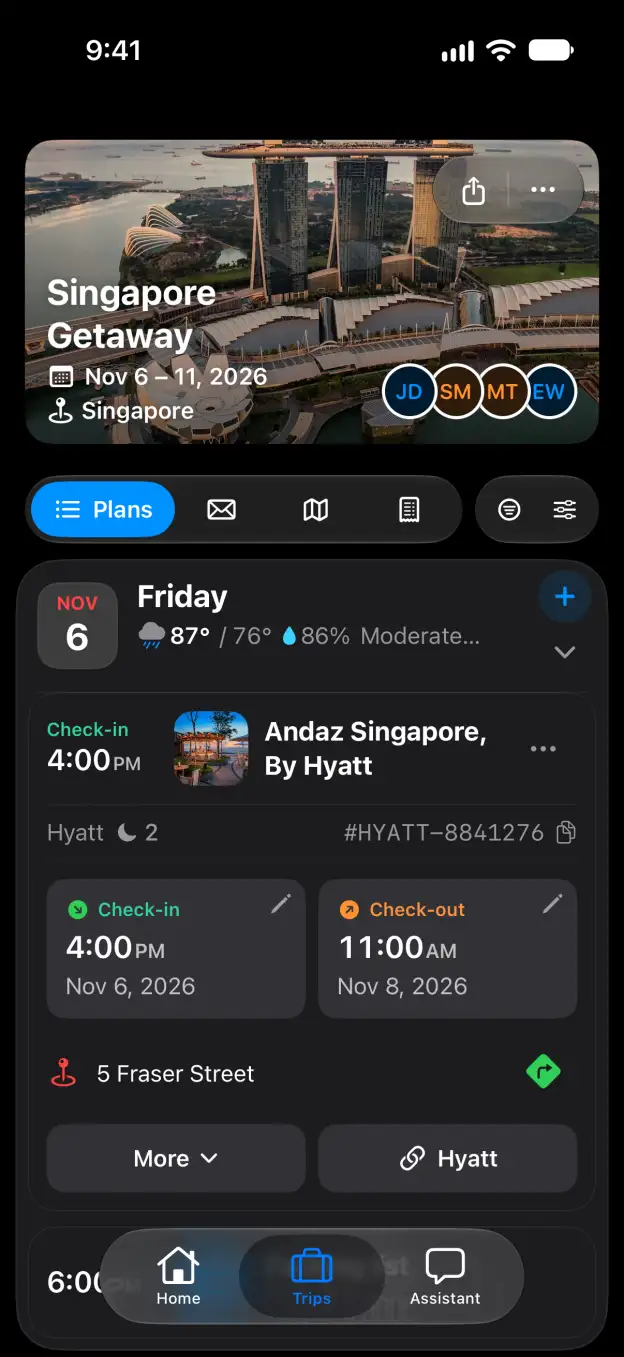

Tineo how-to guide

How to split trip expenses in Tineo

Add a shared expense and keep track of payments between travelers.

Steps

  1. Open your trip and select Expenses.
  2. Click Add.
  3. Enter the Amount, Currency, Date and Description.
  4. Open Split. Choose who paid, how to split the expense and the travelers under Split with.
  5. Click Add to save the expense.
  6. Open Settle Up to see who owes whom. When someone pays, click Record payment, enter the payment details and save it.

Good to know

Related

Start planning with Tineo More Trip guides

Loading…

⚠️

Unable to Load

The app couldn't start. Please check your connection and try again.

Your AI travel planner, 
built into your inbox. 

Forward your travel confirmation emails and Tineo builds the itinerary automatically. Plan trips collaboratively with friends and your AI travel assistant.

Works with your favorite travel brands
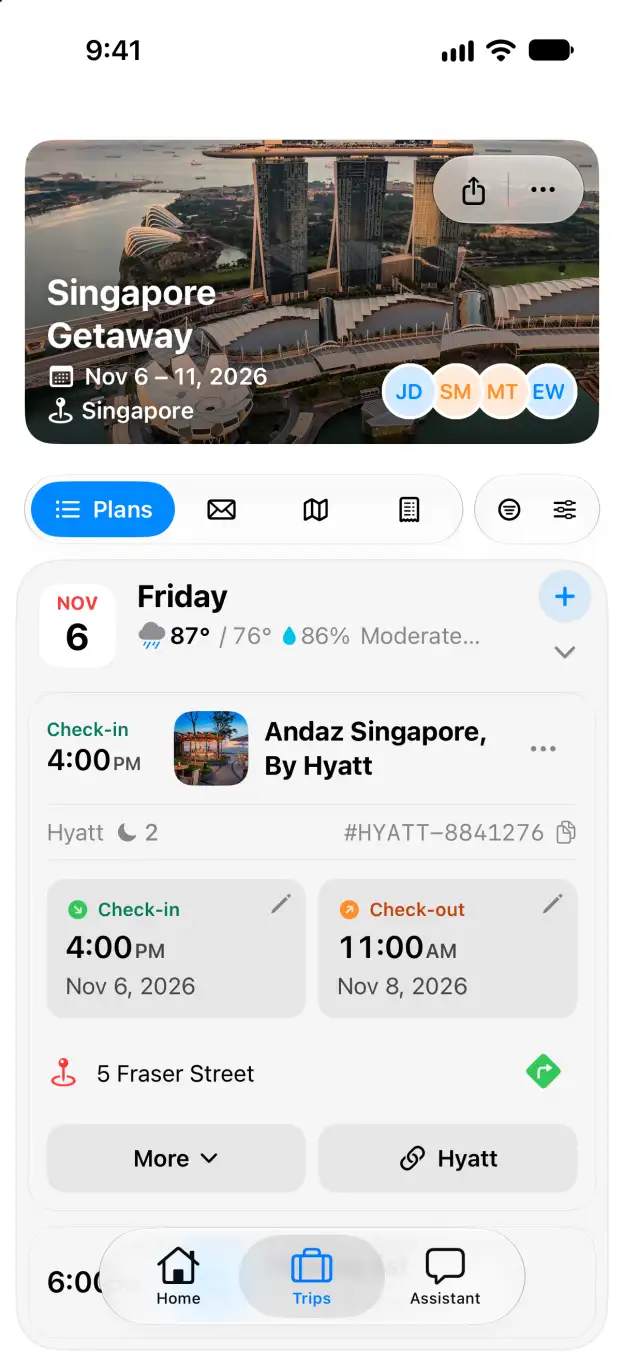
Tineo native iOS Singapore Getaway itinerary with expanded Andaz Singapore stay