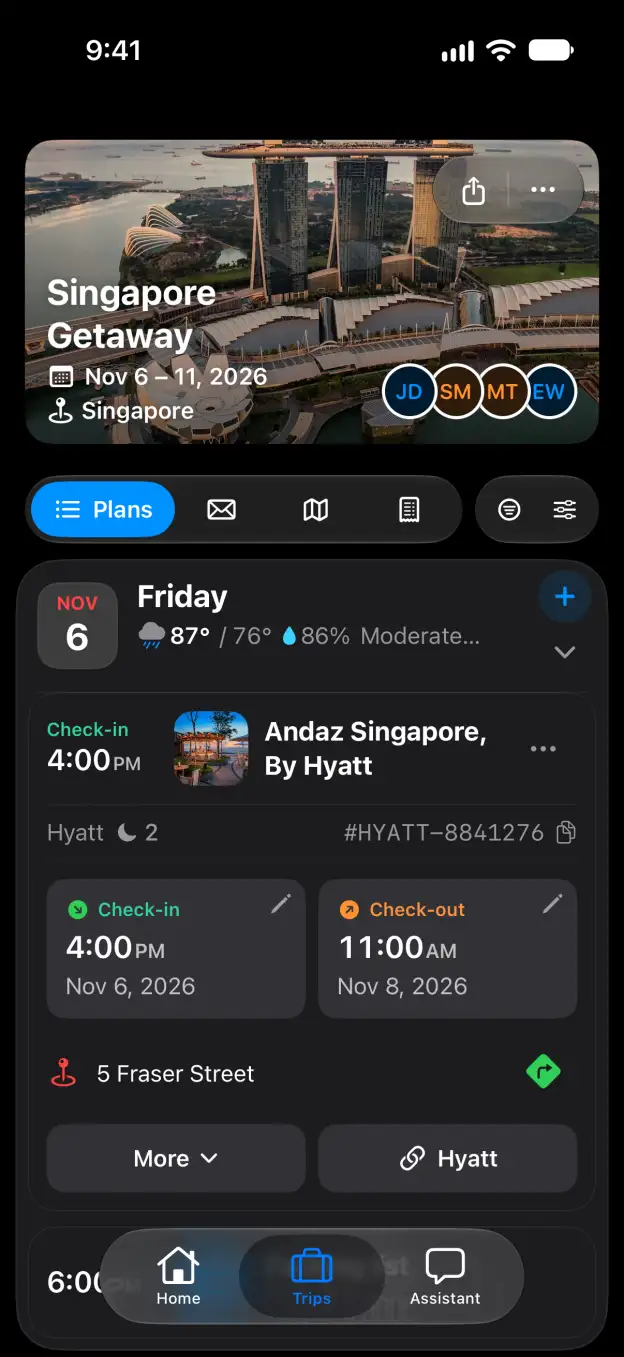

Tineo how-to guide

How to set default stay times in Tineo

Choose the check-in and check-out times used when a stay has no time.

Steps

  1. In Preferences, find Plan defaults and turn on Custom stay times.
  2. Choose a time under Check-in. Select Custom… to enter a different time.
  3. Choose a time under Check-out. Select Custom… to enter a different time.

Good to know

Start planning with Tineo More Settings guides

Loading…

⚠️

Unable to Load

The app couldn't start. Please check your connection and try again.

Your AI travel planner, 
built into your inbox. 

Forward your travel confirmation emails and Tineo builds the itinerary automatically. Plan trips collaboratively with friends and your AI travel assistant.

Works with your favorite travel brands
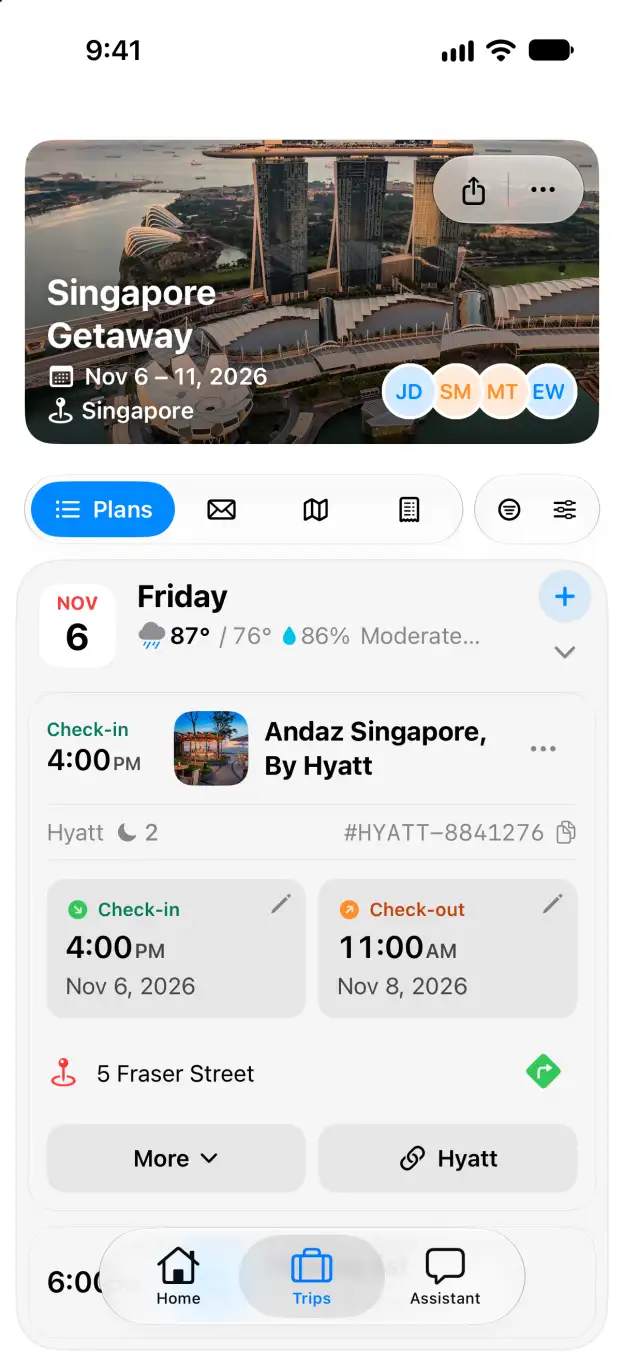
Tineo native iOS Singapore Getaway itinerary with expanded Andaz Singapore stay