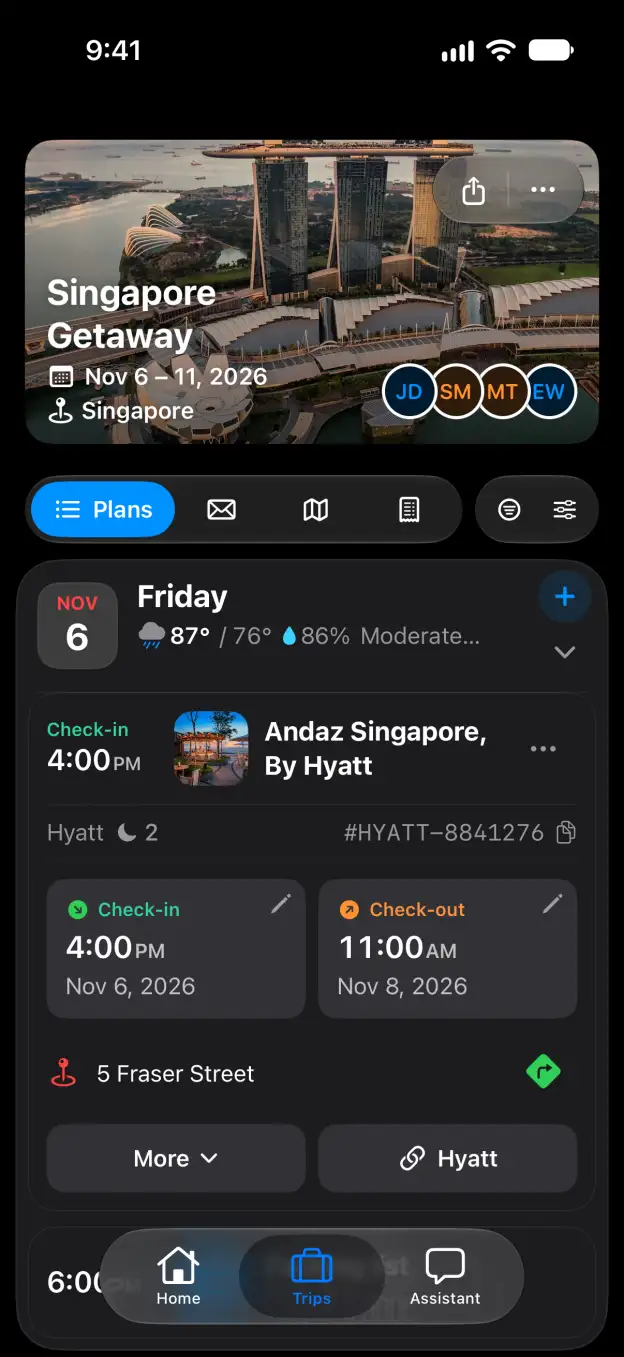

Tineo how-to guide

How to manage flight alerts in Tineo

Choose whether Tineo monitors your flights and emails you about changes.

Steps

  1. Under Flight alerts, turn Monitor my flights on or off.
  2. Use Email me about changes to choose whether to receive emails about monitored flight changes.
  3. Under Allow notifications, make sure Email notifications is on if you want email alerts.

Good to know

Start planning with Tineo More Notifications guides

Loading…

⚠️

Unable to Load

The app couldn't start. Please check your connection and try again.

Your AI travel planner, 
built into your inbox. 

Forward your travel confirmation emails and Tineo builds the itinerary automatically. Plan trips collaboratively with friends and your AI travel assistant.

Works with your favorite travel brands
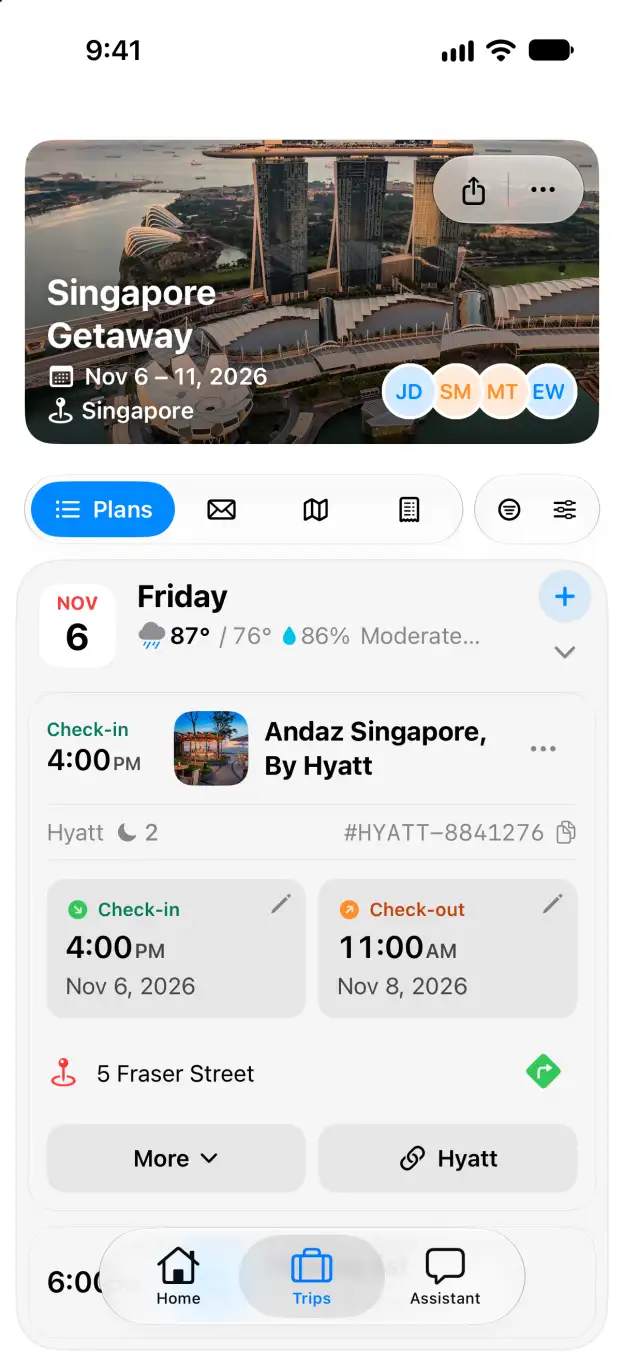
Tineo native iOS Singapore Getaway itinerary with expanded Andaz Singapore stay