Tineo how-to guide
How to start from a sample trip in Tineo
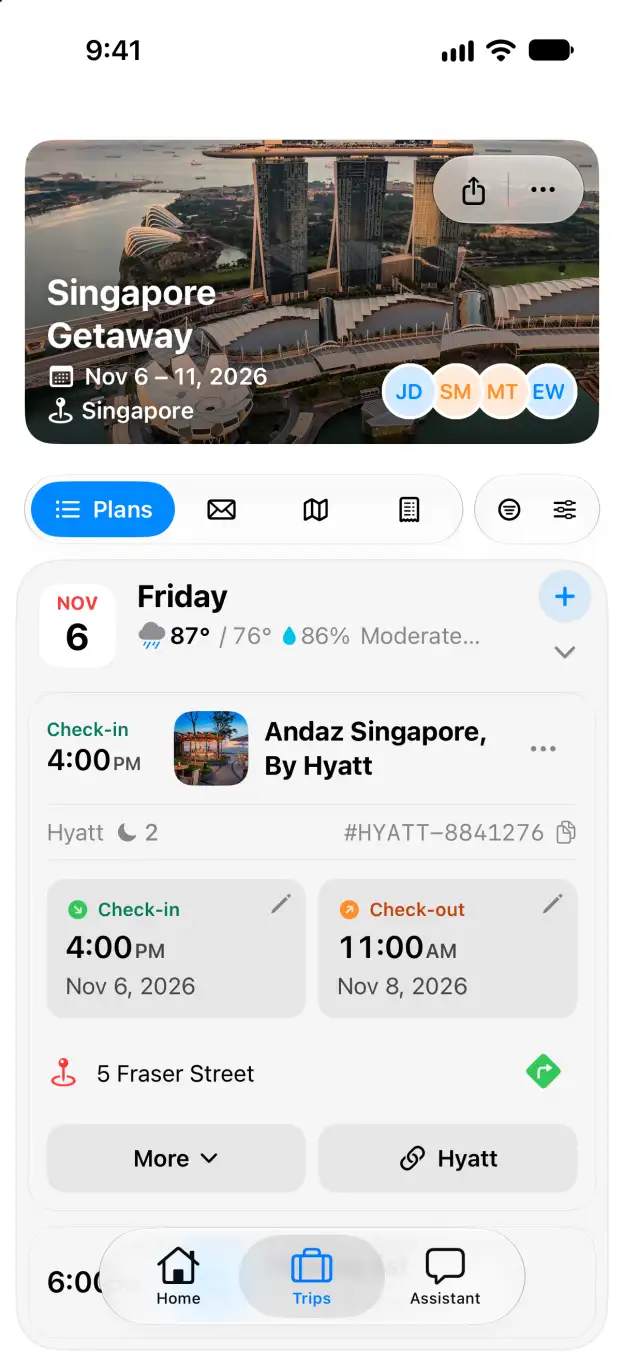
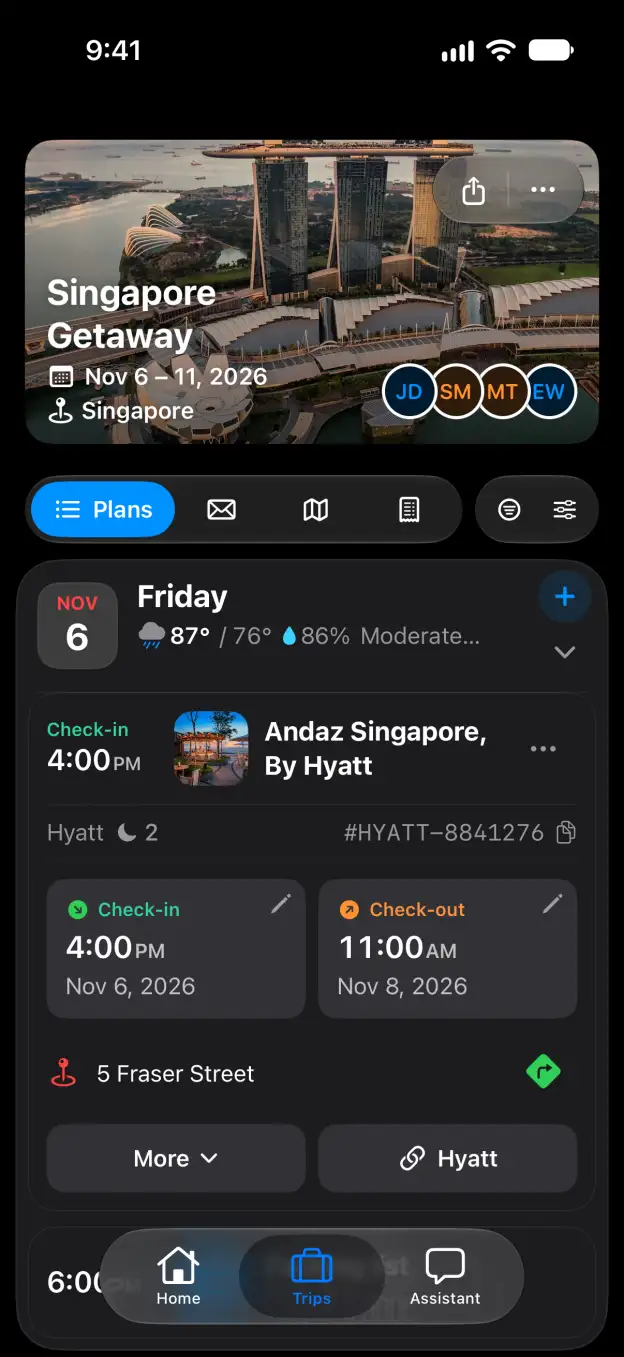
Copy a ready-made itinerary into your trips and make it your own.
Steps
- Open Explore Trips and search by city, theme or trip style, or narrow the list with the filters.
- Click a trip to read its itinerary day by day.
- Under Make this trip yours, click Import trip template.
- Check the trip name, pick a start date if you have one, then click Create my trip.
What you get
A private copy of the itinerary is added to My Trips. Every plan in it can be changed or removed.
Good to know
- Sample dates and reservations are illustrative: nothing is booked for you.
- Importing the same template twice opens the copy you already have instead of making another one.
Related
Start planning with Tineo More Explore Trips guides